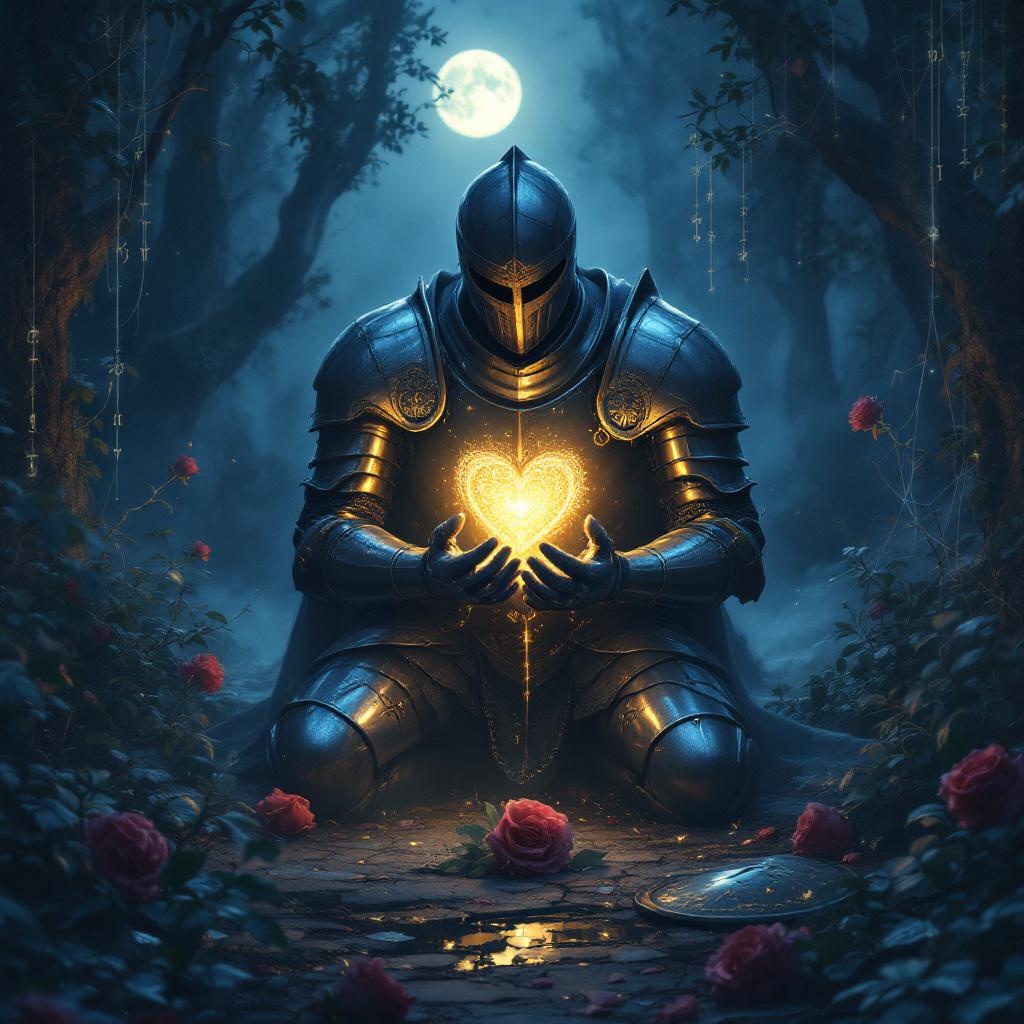
Guard your heart above all else. - Flux.1.1 pro
Eingabe
**Prompt:** "A solemn knight in gleaming armor kneels in a misty, moonlit glade, cradling a glowing heart-shaped locket in their gauntleted hands. The intricate locket pulses with a soft golden light, symbolizing the proverb 'Guard your heart above all else.' Ethereal runes float around it, forming a protective barrier. The scene evokes a Pre-Raphaelite painting—rich in detail, with deep emerald foliage and delicate silver cobwebs. The mood is reverent yet melancholic, bathed in cool blue twilight with warm highlights from the heart's radiance. Symbols of vulnerability (broken shields, wilted roses) lie discarded at the knight’s feet, contrasting the steadfast devotion to the guarded heart." (Characters used: 700)
Detaillierte Analyse des Flux KI Image Prompt
Analysiere den detaillierten Prompt, der zur Erstellung des Bildes mit dem Flux KI Image Generator verwendet wurde.
Flux-Prompts für den KI-Bildgenerator erkunden
Wie man ein Bild generiert von Flux.1.1 pro
Folge diesen vier einfachen Schritten, um das gewünschte Bild zu erstellen.
Schritt 1: Gib deinen Text ein (Fühle dich frei, deinen Prompt für bessere Ergebnisse zu verfeinern)
Schritt 2: Wähle das Bildseitenverhältnis
Schritt 3: Wähle dein Flux-Modell:
Schritt 4: Klicke auf die Generieren-Schaltfläche und warte ein paar Sekunden auf dein Bild
Verwandte Flux KI Tools für Prompts über Flux.1.1 pro
Entdecke fortschrittliche Tools von Flux KI, um deinen kreativen Workflow zu verbessern.