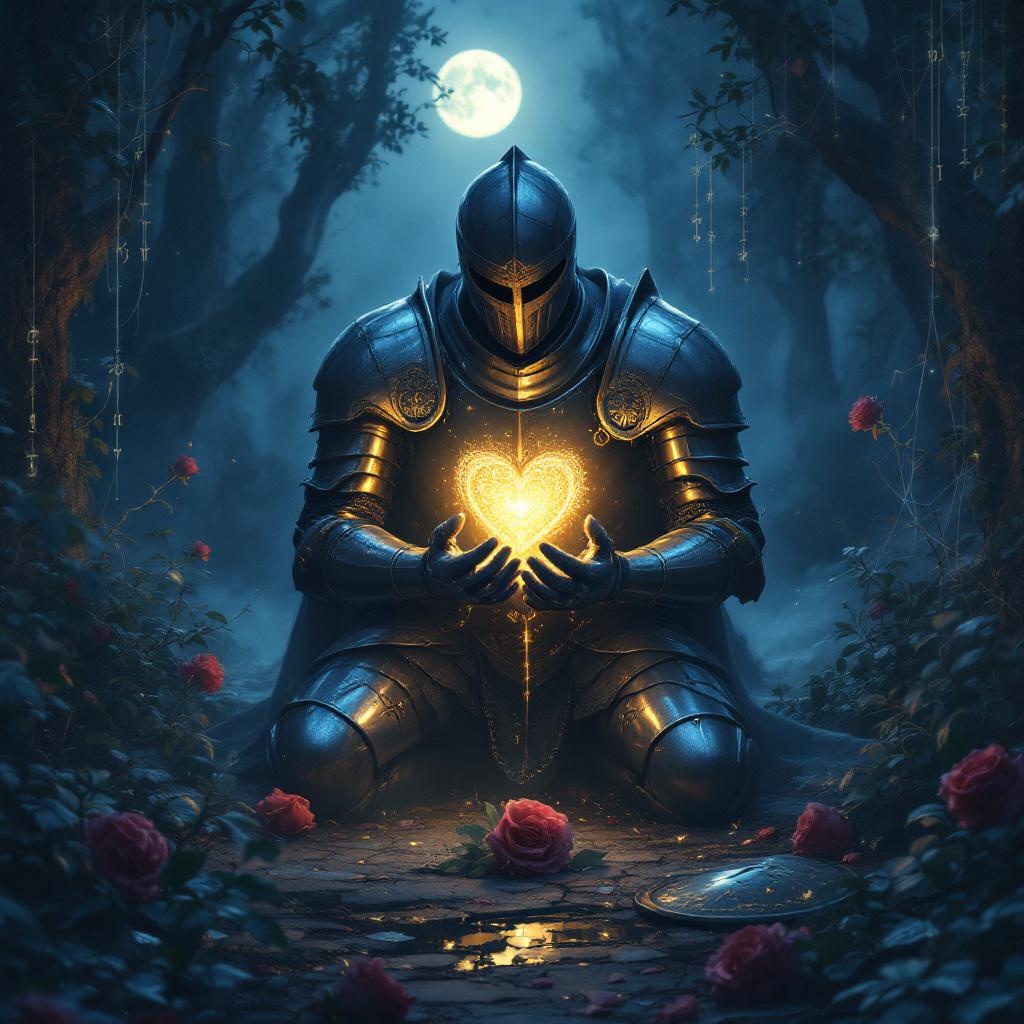
Guard your heart above all else. - Flux.1.1 pro
Invite
**Prompt:** "A solemn knight in gleaming armor kneels in a misty, moonlit glade, cradling a glowing heart-shaped locket in their gauntleted hands. The intricate locket pulses with a soft golden light, symbolizing the proverb 'Guard your heart above all else.' Ethereal runes float around it, forming a protective barrier. The scene evokes a Pre-Raphaelite painting—rich in detail, with deep emerald foliage and delicate silver cobwebs. The mood is reverent yet melancholic, bathed in cool blue twilight with warm highlights from the heart's radiance. Symbols of vulnerability (broken shields, wilted roses) lie discarded at the knight’s feet, contrasting the steadfast devotion to the guarded heart." (Characters used: 700)
Analyse Détaillée du Prompt d'Image Flux IA
Analysez le prompt détaillé utilisé pour générer l'image avec Flux IA Image Generator.
Explorez les invites Flux IA
Comment générer une image par Flux.1.1 pro
Suivez ces quatre étapes simples pour créer l'image désirée.
Étape 1 : Entrez votre texte (N'hésitez pas à affiner votre prompt pour de meilleurs résultats)
Étape 2 : Choisissez le ratio d'aspect de l'image
Étape 3 : Sélectionnez votre modèle Flux :
Étape 4 : Cliquez sur le bouton Générer et attendez quelques secondes pour votre image
Outils Flux IA liés aux prompts sur Flux.1.1 pro
Découvrez des outils avancés de Flux IA pour booster votre flux de travail créatif.