Eiffel Tower - Flux.1.1 pro
Eingabe
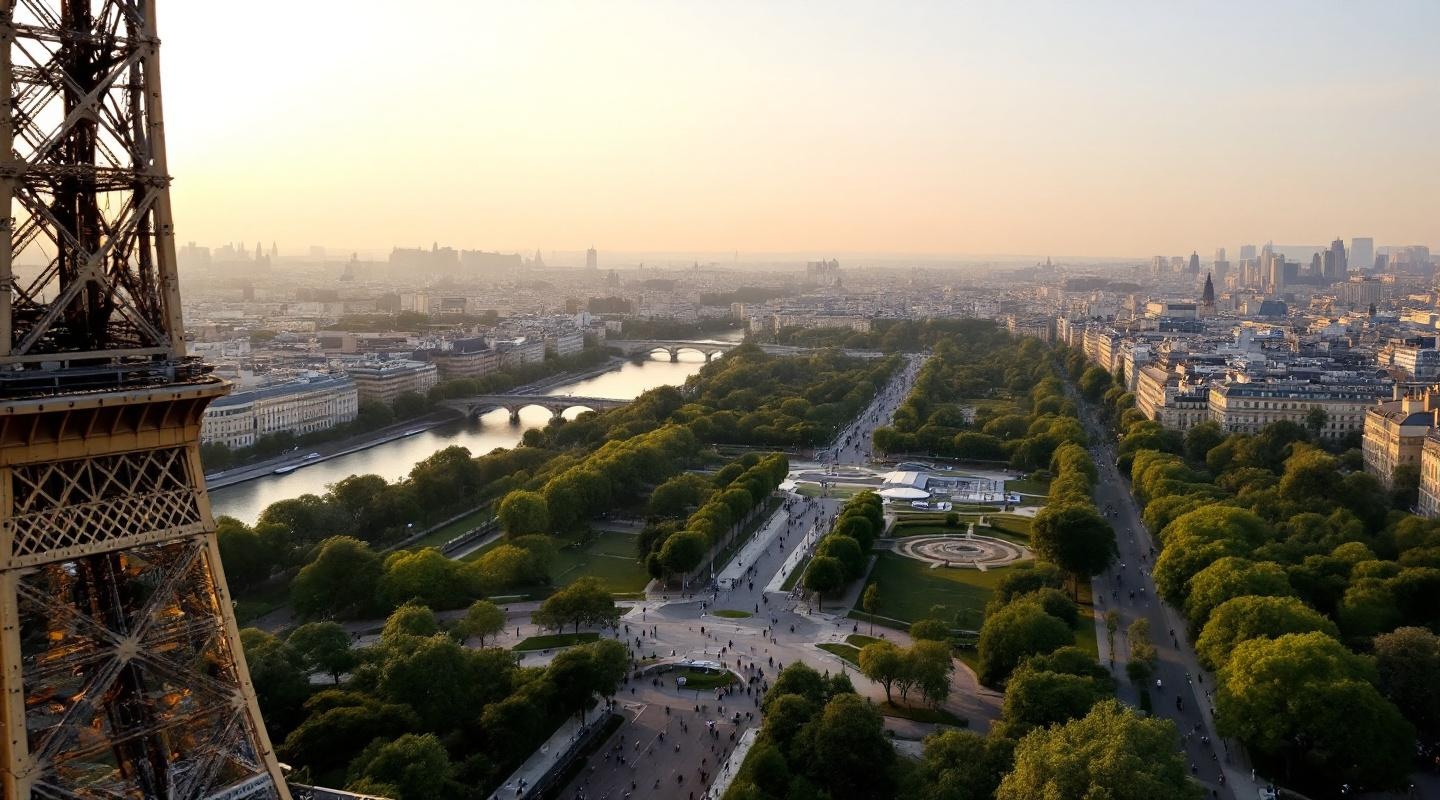
**Prompt:** *"A breathtaking view of the Eiffel Tower at golden hour, its intricate iron lattice structure glowing warm against a soft pastel sky. The tower's graceful curves and towering height dominate the scene, with sunlight reflecting off its weathered iron beams, highlighting the rivets and geometric patterns. The Champ de Mars stretches below, dotted with lush greenery and visitors strolling along tree-lined paths. The Seine River glimmers in the distance, with Haussmann-style buildings framing the horizon. A faint haze adds a dreamy quality, enhancing the romantic Parisian atmosphere. Shot in a cinematic style with a slightly elevated perspective, emphasizing the tower's grandeur against the cityscape."* (Characters: 598)
Detaillierte Analyse des Flux KI Image Prompt
Analysiere den detaillierten Prompt, der zur Erstellung des Bildes mit dem Flux KI Image Generator verwendet wurde.
Flux-Prompts für den KI-Bildgenerator erkunden
Wie man ein Bild generiert von Flux.1.1 pro
Folge diesen vier einfachen Schritten, um das gewünschte Bild zu erstellen.
Schritt 1: Gib deinen Text ein (Fühle dich frei, deinen Prompt für bessere Ergebnisse zu verfeinern)
Schritt 2: Wähle das Bildseitenverhältnis
Schritt 3: Wähle dein Flux-Modell:
Schritt 4: Klicke auf die Generieren-Schaltfläche und warte ein paar Sekunden auf dein Bild
Verwandte Flux KI Tools für Prompts über Flux.1.1 pro
Entdecke fortschrittliche Tools von Flux KI, um deinen kreativen Workflow zu verbessern.