Eiffel Tower - Flux.1.1 pro
prompt
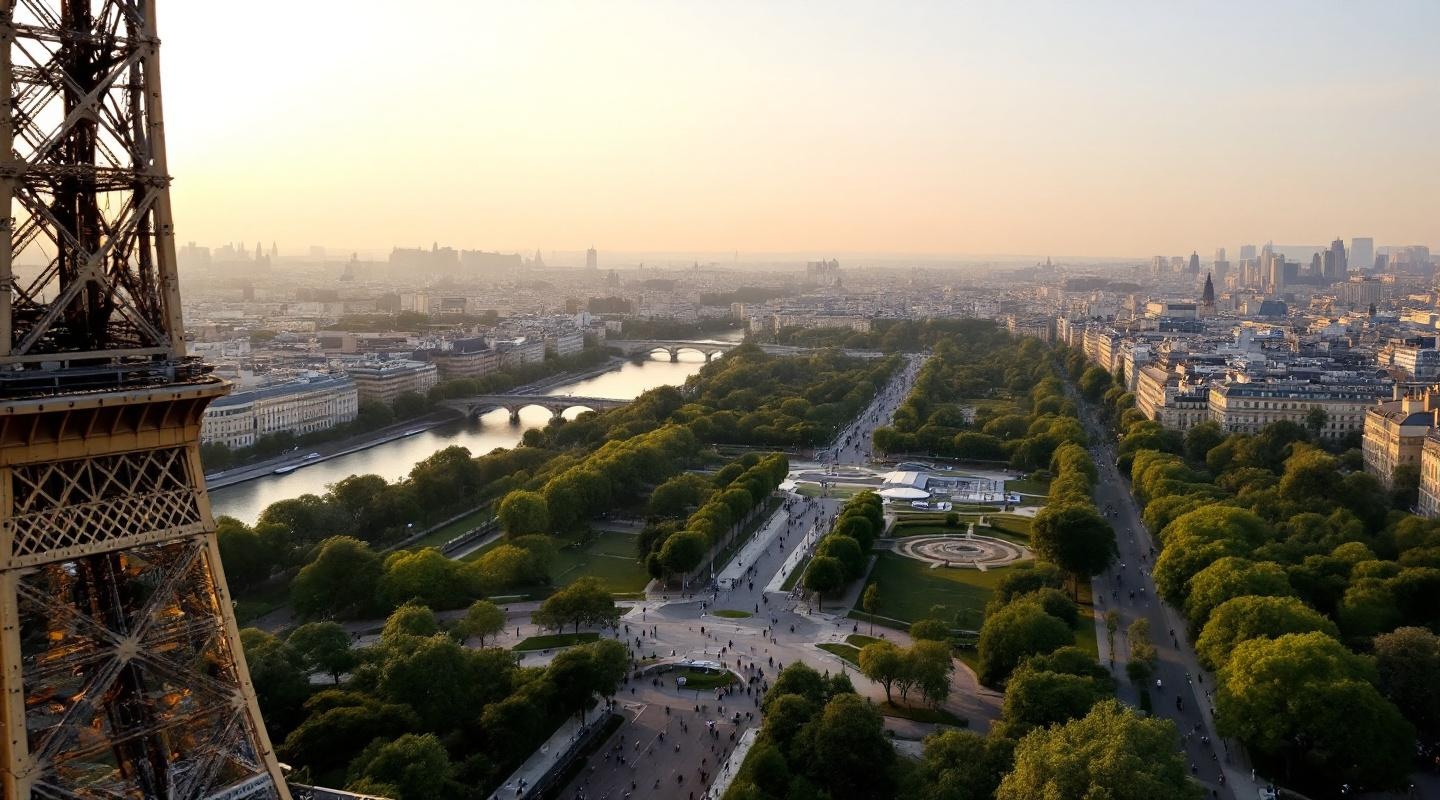
**Prompt:** *"A breathtaking view of the Eiffel Tower at golden hour, its intricate iron lattice structure glowing warm against a soft pastel sky. The tower's graceful curves and towering height dominate the scene, with sunlight reflecting off its weathered iron beams, highlighting the rivets and geometric patterns. The Champ de Mars stretches below, dotted with lush greenery and visitors strolling along tree-lined paths. The Seine River glimmers in the distance, with Haussmann-style buildings framing the horizon. A faint haze adds a dreamy quality, enhancing the romantic Parisian atmosphere. Shot in a cinematic style with a slightly elevated perspective, emphasizing the tower's grandeur against the cityscape."* (Characters: 598)
Analisis Terperinci Prompt Gambar Flux AI
Analisis prompt terperinci yang digunakan untuk menghasilkan gambar dengan Generator Gambar Flux AI.
Jelajahi Prompt Flux untuk Generator Gambar AI Flux
Cara menghasilkan gambar dengan Flux.1.1 pro
Ikuti empat langkah sederhana ini untuk membuat gambar yang Anda inginkan.
Langkah 1: Masukkan Teks Anda (Silakan sempurnakan prompt untuk hasil yang lebih baik)
Langkah 2: Pilih Rasio Aspek Gambar
Langkah 3: Pilih Model Flux Anda:
Langkah 4: Klik Tombol Buat dan Tunggu Beberapa Detik untuk Gambar Anda
Alat Flux AI terkait untuk prompt tentang Flux.1.1 pro
Temukan alat-alat canggih dari Flux AI untuk meningkatkan alur kerja kreatif Anda.