Bootleg translation implants buzz in night markets - Flux.1 schnell
Eingabe
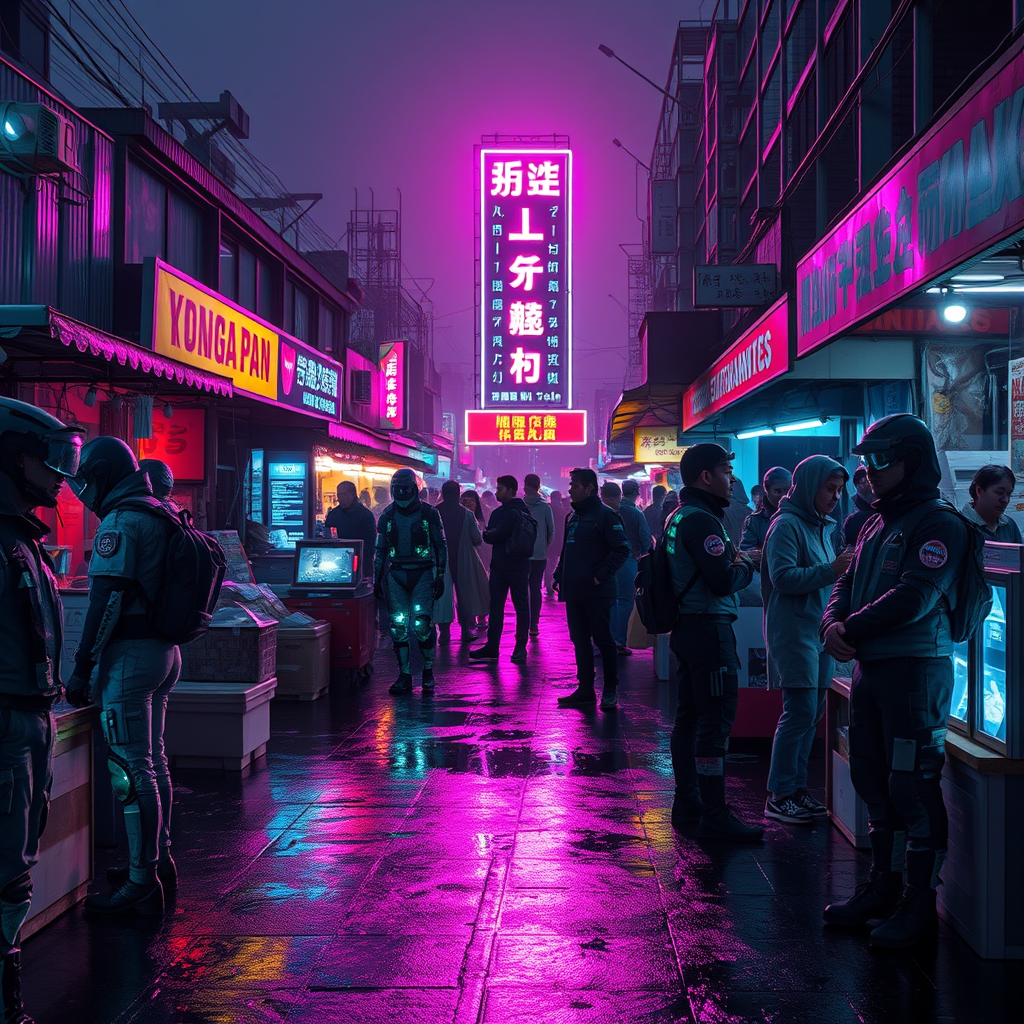
A neon-drenched night market pulses with chaotic energy under a smog-choked sky, where flickering holograms and grimy LED signs cast jagged reflections on rain-slicked asphalt. Stalls overflow with bootleg translation implants—jagged cyberware glinting under ultraviolet strip lights, their exposed circuitry buzzing with erratic glyphs that dance like fireflies. Vendors in patched-up exo-suits hawk their wares, faces obscured by flickering AR masks, while customers with mismatched ocular mods inspect the tech, their fingers trailing static over cracked display screens. The air hums with the scent of ozone and fried street food, mingling with the low-frequency drone of a dozen overlapping languages spat out by glitching speakers. At the center, a towering digital totem broadcasts garbled translations in fractured neon kanji, its distorted glow painting the crowd in hues of electric cyan and sickly magenta. Shadows stretch long and jagged, pierced by the occasional flare of a malfunctioning neural-link sparking in the dark.
Detaillierte Analyse des Flux KI Image Prompt
Analysiere den detaillierten Prompt, der zur Erstellung des Bildes mit dem Flux KI Image Generator verwendet wurde.
Flux-Prompts für den KI-Bildgenerator erkunden
Wie man ein Bild generiert von Flux.1 schnell
Folge diesen vier einfachen Schritten, um das gewünschte Bild zu erstellen.
Schritt 1: Gib deinen Text ein (Fühle dich frei, deinen Prompt für bessere Ergebnisse zu verfeinern)
Schritt 2: Wähle das Bildseitenverhältnis
Schritt 3: Wähle dein Flux-Modell:
Schritt 4: Klicke auf die Generieren-Schaltfläche und warte ein paar Sekunden auf dein Bild
Verwandte Flux KI Tools für Prompts über Flux.1 schnell
Entdecke fortschrittliche Tools von Flux KI, um deinen kreativen Workflow zu verbessern.