Shoveler - Flux.1 dev
Eingabe
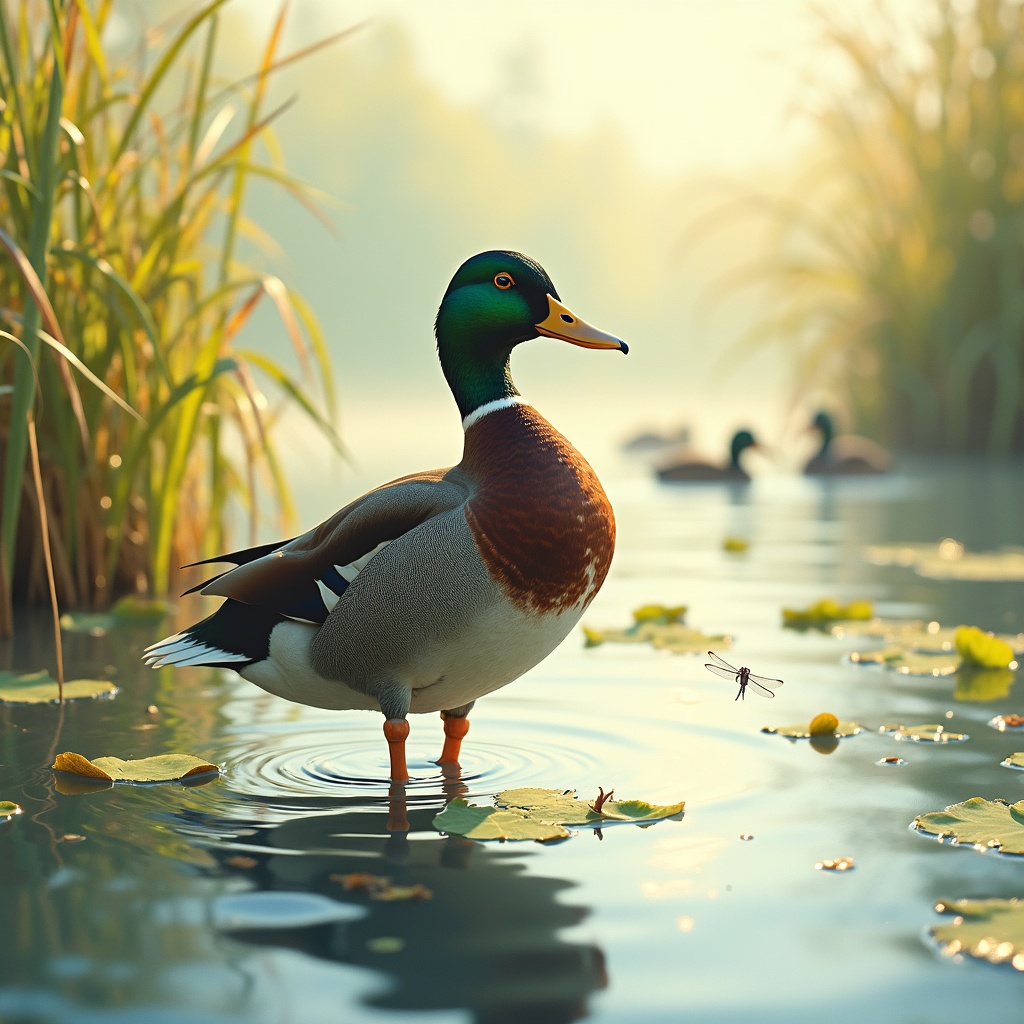
**Image Prompt:** A majestic *Northern Shoveler* duck stands proudly in a sunlit marsh, its iridescent green head and chestnut-brown sides gleaming under the golden morning light. Its distinctive shovel-shaped bill is slightly raised, as if pausing mid-forage in the shallow water. Lush reeds and lily pads frame the scene, with delicate ripples radiating from its webbed feet. The background blurs into a soft watercolor wash of blues and greens, evoking tranquility. **Art Style:** Realistic yet painterly, with subtle impressionistic brushstrokes. **Lighting:** Warm, diffused sunlight casting gentle reflections on the water. **Color Palette:** Earthy tones—ochres, emeralds, and muted blues—with pops of the duck’s vibrant plumage. **Mood:** Serene, alive with quiet energy. **Camera Angle:** Low-angle, slightly off-center, emphasizing the duck’s stature and the wetland’s depth. **Extras:** A dragonfly hovers near the reeds, and distant ducks blur into the horizon, adding movement and scale.
Detaillierte Analyse des Flux KI Image Prompt
Analysiere den detaillierten Prompt, der zur Erstellung des Bildes mit dem Flux KI Image Generator verwendet wurde.
Flux-Prompts für den KI-Bildgenerator erkunden
Wie man ein Bild generiert von Flux.1 dev
Folge diesen vier einfachen Schritten, um das gewünschte Bild zu erstellen.
Schritt 1: Gib deinen Text ein (Fühle dich frei, deinen Prompt für bessere Ergebnisse zu verfeinern)
Schritt 2: Wähle das Bildseitenverhältnis
Schritt 3: Wähle dein Flux-Modell:
Schritt 4: Klicke auf die Generieren-Schaltfläche und warte ein paar Sekunden auf dein Bild
Verwandte Flux KI Tools für Prompts über Flux.1 dev
Entdecke fortschrittliche Tools von Flux KI, um deinen kreativen Workflow zu verbessern.