Wrist-Coordinate Points - Flux.1 schnell
Eingabe
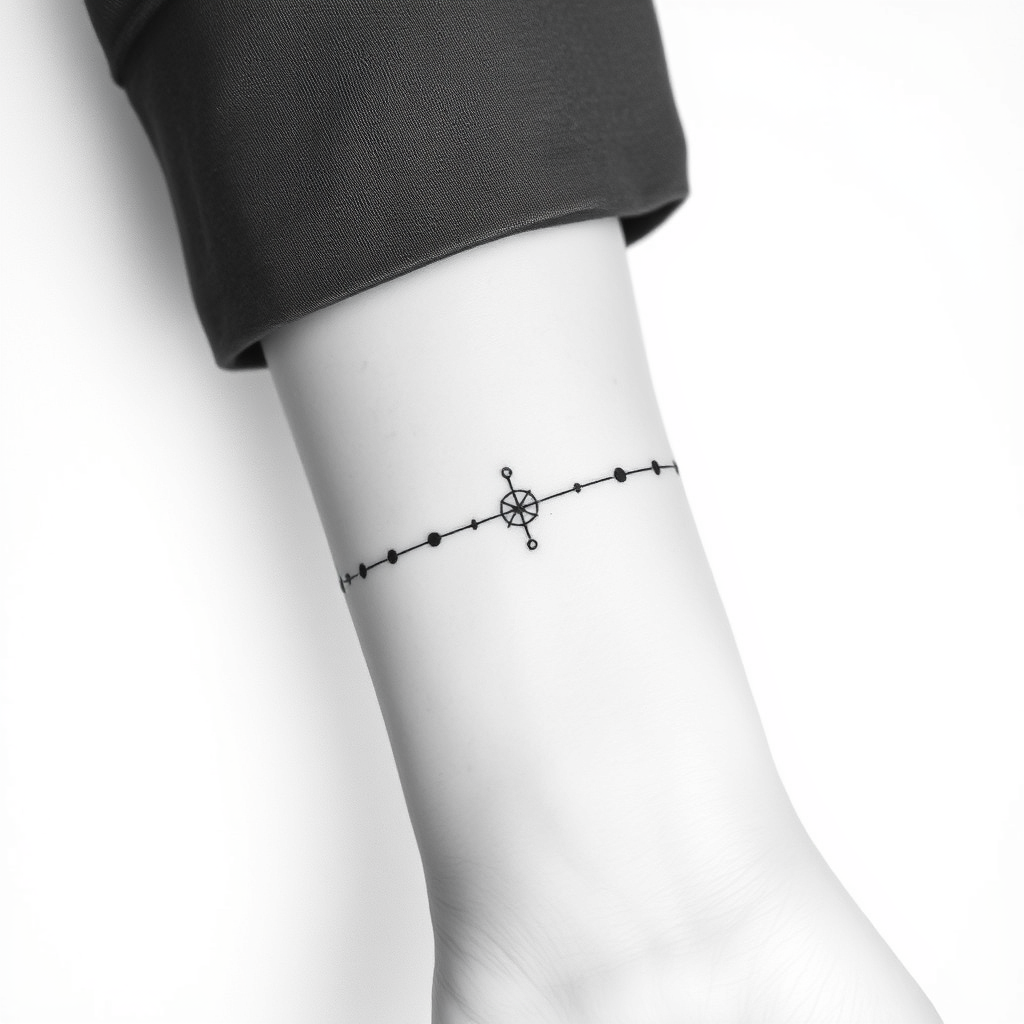
**Prompt:** A minimalist black-and-white tattoo design featuring precise coordinate points along the inner wrist, styled with delicate dotwork and fine line geometry. The coordinates form a subtle, interconnected web, resembling celestial navigation or a personal locational marker. Clean, crisp lines with subtle shading for depth, sized to wrap elegantly around the wrist (approx. 2-3 inches long). Monochromatic palette for a timeless look, with optional micro-details like tiny constellation dots or a minimalist compass rose. The aesthetic is sleek, modern, and meaningful—evoking wanderlust, precision, or a hidden personal story. Placement follows the natural curve of the wrist for seamless integration.
Detaillierte Analyse des Flux KI Image Prompt
Analysiere den detaillierten Prompt, der zur Erstellung des Bildes mit dem Flux KI Image Generator verwendet wurde.
Flux-Prompts für den KI-Bildgenerator erkunden
Wie man ein Bild generiert von Flux.1 schnell
Folge diesen vier einfachen Schritten, um das gewünschte Bild zu erstellen.
Schritt 1: Gib deinen Text ein (Fühle dich frei, deinen Prompt für bessere Ergebnisse zu verfeinern)
Schritt 2: Wähle das Bildseitenverhältnis
Schritt 3: Wähle dein Flux-Modell:
Schritt 4: Klicke auf die Generieren-Schaltfläche und warte ein paar Sekunden auf dein Bild
Verwandte Flux KI Tools für Prompts über Flux.1 schnell
Entdecke fortschrittliche Tools von Flux KI, um deinen kreativen Workflow zu verbessern.