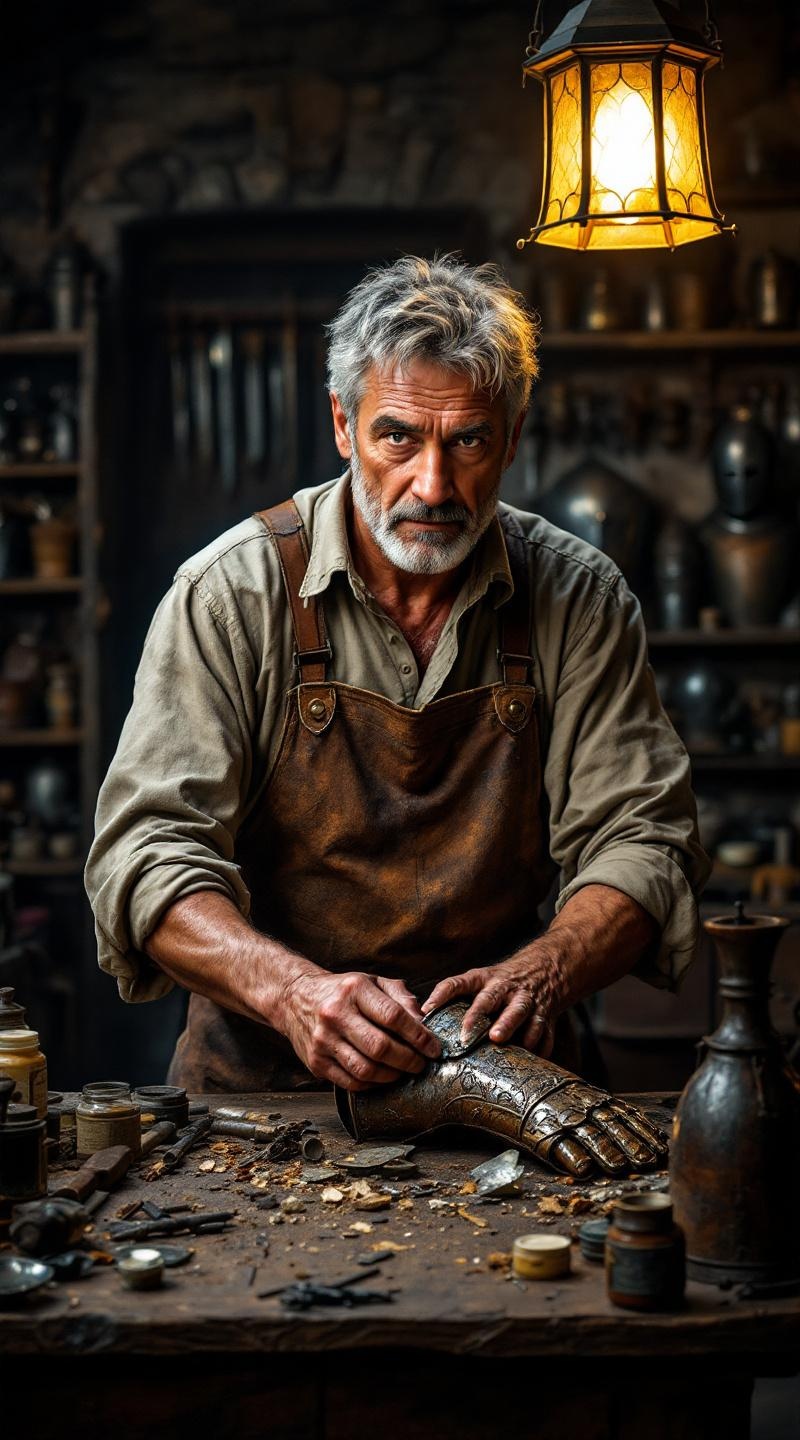
Antique armor conservator - Flux.1.1 pro
Eingabe
**Prompt:** A middle-aged antique armor conservator with a weathered face, deep-set brown eyes, and short, salt-and-pepper hair. His olive skin is slightly lined with age, and he has a sturdy, muscular build from years of manual work. He wears a fitted, long-sleeved linen shirt in muted beige, rolled up to the elbows, and a leather apron streaked with polish stains. His hands, rough and calloused, carefully cradle a rusted medieval gauntlet, fingers tracing its intricate engravings with precision. His expression is focused yet serene, lips slightly pursed in concentration. Behind him, a cluttered wooden workbench holds scattered tools, jars of polish, and fragments of aged metal under the warm glow of an overhead lantern. The setting is a dimly lit restoration workshop, with shelves of antique armor lining the stone walls.
Detaillierte Analyse des Flux KI Image Prompt
Analysiere den detaillierten Prompt, der zur Erstellung des Bildes mit dem Flux KI Image Generator verwendet wurde.
Flux-Prompts für den KI-Bildgenerator erkunden
Wie man ein Bild generiert von Flux.1.1 pro
Folge diesen vier einfachen Schritten, um das gewünschte Bild zu erstellen.
Schritt 1: Gib deinen Text ein (Fühle dich frei, deinen Prompt für bessere Ergebnisse zu verfeinern)
Schritt 2: Wähle das Bildseitenverhältnis
Schritt 3: Wähle dein Flux-Modell:
Schritt 4: Klicke auf die Generieren-Schaltfläche und warte ein paar Sekunden auf dein Bild
Verwandte Flux KI Tools für Prompts über Flux.1.1 pro
Entdecke fortschrittliche Tools von Flux KI, um deinen kreativen Workflow zu verbessern.