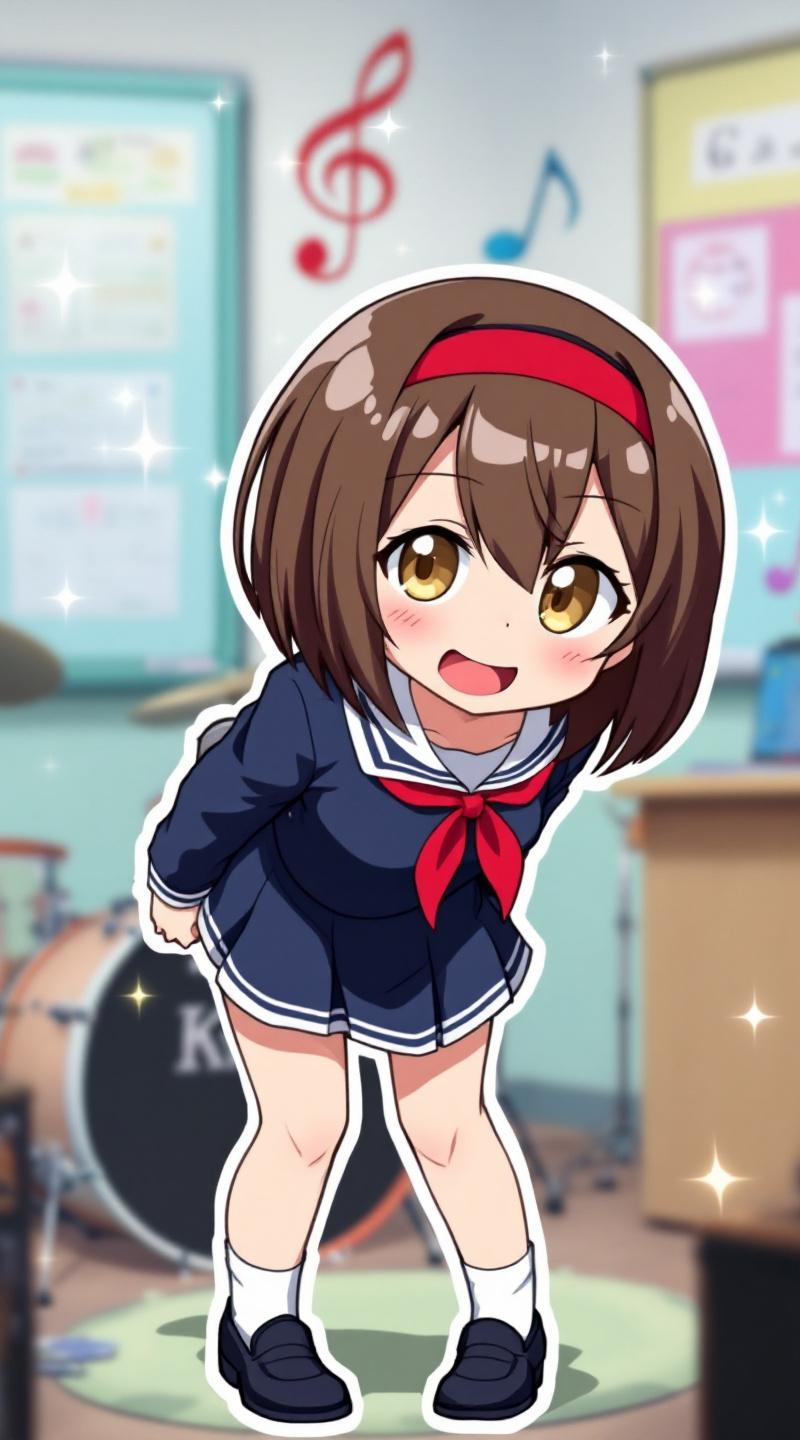
《K-On!》-Ritsu Tainaka - Flux.1.1 pro
Eingabe
**Prompt:** *"Ritsu Tainaka from 《K-On!》 in a lively anime sticker style, featuring her signature short brown hair with a red hairband, expressive amber eyes, and a playful smirk. She wears her classic school uniform—a dark blue sailor dress with white accents, red ribbon tie, and black loafers. Dynamic pose: leaning forward with drumsticks in hand, mid-laugh, as if reacting to a joke. Background: a bright, pastel-colored classroom with musical notes and sparkles for a cheerful vibe. Sticker-style emphasis: bold outlines, vibrant colors, and exaggerated expressions. Include her drum set in the corner for context. Art style: crisp, chibi-inspired proportions with soft shading and glossy highlights to enhance the sticker-like appeal."* (Characters: 798)
Detaillierte Analyse des Flux KI Image Prompt
Analysiere den detaillierten Prompt, der zur Erstellung des Bildes mit dem Flux KI Image Generator verwendet wurde.
Flux-Prompts für den KI-Bildgenerator erkunden
Wie man ein Bild generiert von Flux.1.1 pro
Folge diesen vier einfachen Schritten, um das gewünschte Bild zu erstellen.
Schritt 1: Gib deinen Text ein (Fühle dich frei, deinen Prompt für bessere Ergebnisse zu verfeinern)
Schritt 2: Wähle das Bildseitenverhältnis
Schritt 3: Wähle dein Flux-Modell:
Schritt 4: Klicke auf die Generieren-Schaltfläche und warte ein paar Sekunden auf dein Bild
Verwandte Flux KI Tools für Prompts über Flux.1.1 pro
Entdecke fortschrittliche Tools von Flux KI, um deinen kreativen Workflow zu verbessern.