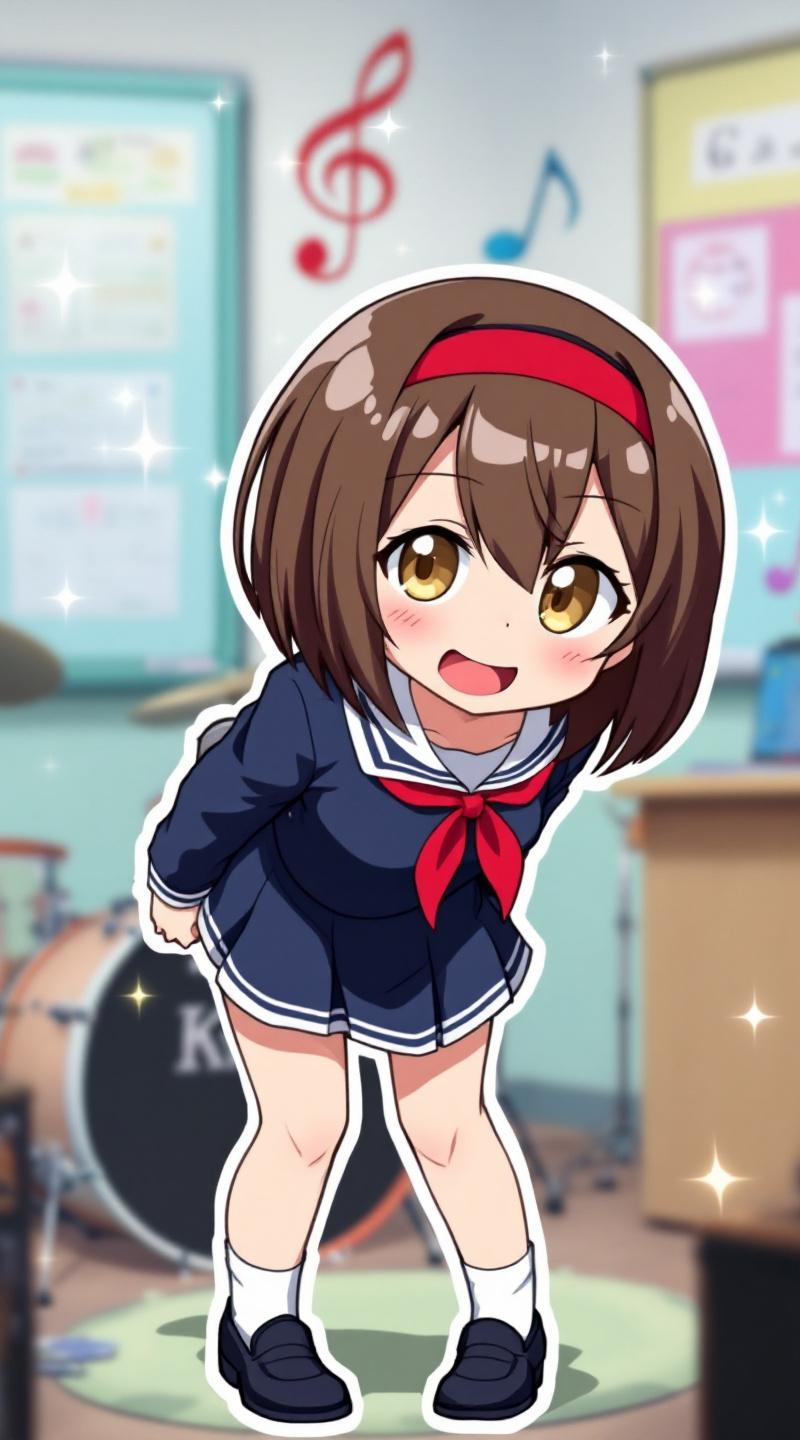
《K-On!》-Ritsu Tainaka - Flux.1.1 pro
prompt
**Prompt:** *"Ritsu Tainaka from 《K-On!》 in a lively anime sticker style, featuring her signature short brown hair with a red hairband, expressive amber eyes, and a playful smirk. She wears her classic school uniform—a dark blue sailor dress with white accents, red ribbon tie, and black loafers. Dynamic pose: leaning forward with drumsticks in hand, mid-laugh, as if reacting to a joke. Background: a bright, pastel-colored classroom with musical notes and sparkles for a cheerful vibe. Sticker-style emphasis: bold outlines, vibrant colors, and exaggerated expressions. Include her drum set in the corner for context. Art style: crisp, chibi-inspired proportions with soft shading and glossy highlights to enhance the sticker-like appeal."* (Characters: 798)
Analisi Dettagliata del Prompt Immagine Flux AI
Analizza il prompt dettagliato utilizzato per generare l'immagine con il Generatore Immagini Flux AI.
Esplora i Prompt Flux per il Generatore Immagini Flux AI
Come generare immagini con Flux.1.1 pro
Segui questi quattro semplici passaggi per creare l'immagine desiderata.
Passaggio 1: Inserisci il Tuo Testo (Sentiti libero di perfezionare il prompt per risultati migliori)
Passaggio 2: Scegli le Proporzioni dell'Immagine
Passaggio 3: Seleziona il Tuo Modello Flux:
Passaggio 4: Clicca il Pulsante Genera e Attendi Alcuni Secondi per la Tua Immagine
Strumenti Flux AI correlati per prompt su Flux.1.1 pro
Scopri strumenti avanzati di Flux AI per potenziare il tuo flusso di lavoro creativo.