Tiger - Flux.1 pro
Indicador
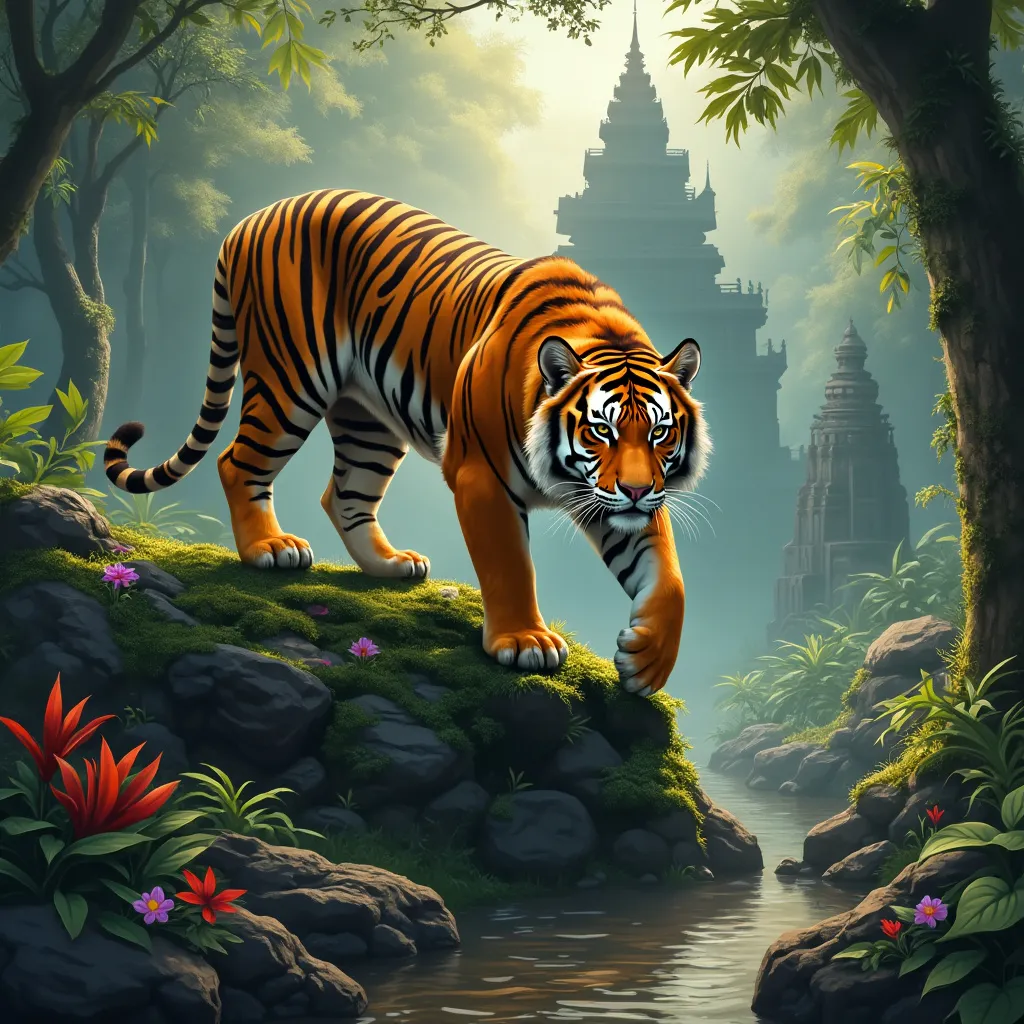
A majestic Bengal tiger stands atop a moss-covered ancient stone temple in a misty jungle. The tiger's muscular body is tense, ready to pounce, with its tail curved upward. Its vibrant orange fur with black stripes glistens in the dappled sunlight filtering through the canopy. The tiger's piercing amber eyes gaze directly at the viewer. Lush green foliage surrounds the scene, with colorful tropical flowers adding pops of red and purple. A shallow stream flows nearby, reflecting the golden hour light. The art style is hyper-realistic digital painting, with meticulous attention to detail in the tiger's fur and the temple's weathered stonework. The lighting is warm and atmospheric, creating a golden glow that contrasts with cool blue shadows. The color palette focuses on rich greens, oranges, and earth tones. The composition is a low-angle shot, emphasizing the tiger's power and the temple's grandeur. In the background, barely visible through the mist, the silhouettes of other ruins hint at a lost civilization.
Análisis Detallado del Prompt de Imagen de Flux IA
Analiza el prompt detallado utilizado para generar la imagen con Flux IA Image Generator.
Explorar Mensajes para Flux IA
Cómo generar una imagen por Flux.1 pro
Sigue estos cuatro sencillos pasos para crear la imagen que deseas.
Paso 1: Ingresa tu texto (No dudes en refinar tu prompt para mejores resultados)
Paso 2: Elige la relación de aspecto de la imagen
Paso 3: Selecciona tu modelo Flux:
Paso 4: Haz clic en el botón Generar y espera unos segundos para tu imagen
Herramientas Flux IA relacionadas para prompts sobre Flux.1 pro
Descubre herramientas avanzadas de Flux IA para potenciar tu flujo de trabajo creativo.