Tiger - Flux.1 pro
Invite
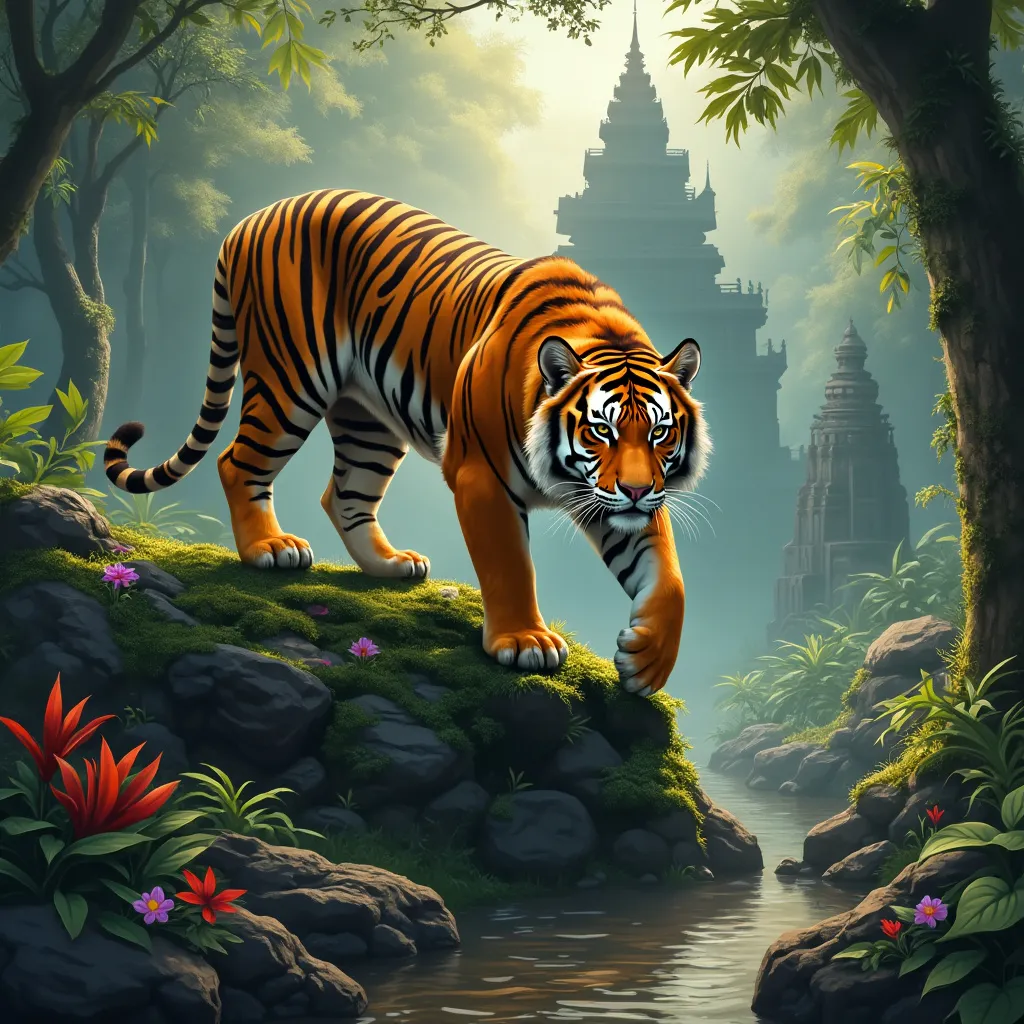
A majestic Bengal tiger stands atop a moss-covered ancient stone temple in a misty jungle. The tiger's muscular body is tense, ready to pounce, with its tail curved upward. Its vibrant orange fur with black stripes glistens in the dappled sunlight filtering through the canopy. The tiger's piercing amber eyes gaze directly at the viewer. Lush green foliage surrounds the scene, with colorful tropical flowers adding pops of red and purple. A shallow stream flows nearby, reflecting the golden hour light. The art style is hyper-realistic digital painting, with meticulous attention to detail in the tiger's fur and the temple's weathered stonework. The lighting is warm and atmospheric, creating a golden glow that contrasts with cool blue shadows. The color palette focuses on rich greens, oranges, and earth tones. The composition is a low-angle shot, emphasizing the tiger's power and the temple's grandeur. In the background, barely visible through the mist, the silhouettes of other ruins hint at a lost civilization.
Analyse Détaillée du Prompt d'Image Flux IA
Analysez le prompt détaillé utilisé pour générer l'image avec Flux IA Image Generator.
Explorez les invites Flux IA
Comment générer une image par Flux.1 pro
Suivez ces quatre étapes simples pour créer l'image désirée.
Étape 1 : Entrez votre texte (N'hésitez pas à affiner votre prompt pour de meilleurs résultats)
Étape 2 : Choisissez le ratio d'aspect de l'image
Étape 3 : Sélectionnez votre modèle Flux :
Étape 4 : Cliquez sur le bouton Générer et attendez quelques secondes pour votre image
Outils Flux IA liés aux prompts sur Flux.1 pro
Découvrez des outils avancés de Flux IA pour booster votre flux de travail créatif.