Neon Shadows: The Cyber Bazaar - Flux.1 pro
Indicador
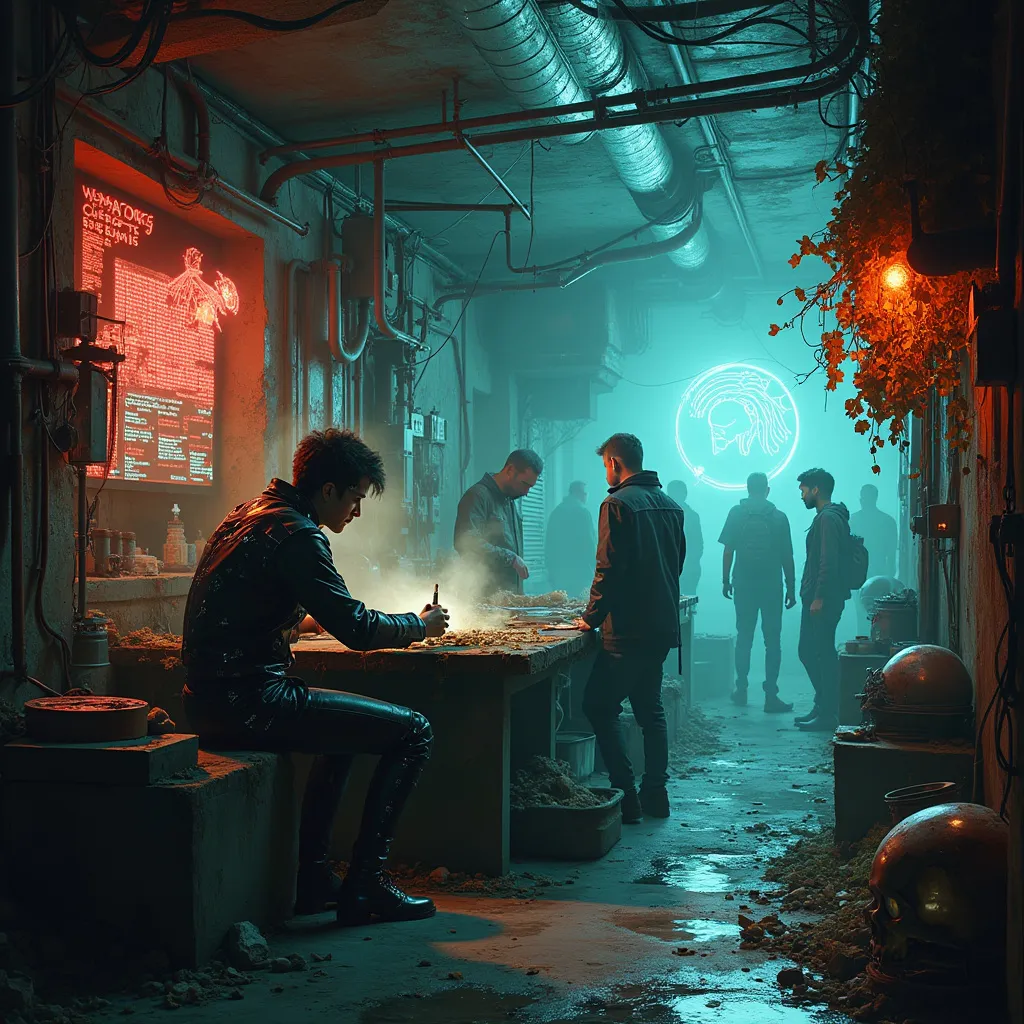
In a dimly-lit subterranean bazaar, a rogue bio-hacker crouches over a makeshift workbench, deftly manipulating glowing circuit-laced organs. Bioluminescent fungi cling to corroded pipes overhead, casting an eerie blue-green glow across the scene. Nearby, a wall of salvaged screens flickers with fragmented code, reflected in pools of oily water on the grime-encrusted floor. Augmented market-goers with chrome limbs and data-port studded skulls weave through narrow aisles, bartering for black-market cybernetics and designer pharmaceuticals. Tendrils of steam rise from vents, mingling with wisps of incense from a nearby stall selling digital prayer wheels. In the background, a towering holographic advertisement for neural upgrades bathes the area in a pulsating red light, its ghostly pixels occasionally glitching and distorting. The air is thick with the scent of ozone and synthetic spices, while the constant hum of hidden machinery underlies the cacophony of multilingual haggling and digital chatter.
Análisis Detallado del Prompt de Imagen de Flux IA
Analiza el prompt detallado utilizado para generar la imagen con Flux IA Image Generator.
Explorar Mensajes para Flux IA
Cómo generar una imagen por Flux.1 pro
Sigue estos cuatro sencillos pasos para crear la imagen que deseas.
Paso 1: Ingresa tu texto (No dudes en refinar tu prompt para mejores resultados)
Paso 2: Elige la relación de aspecto de la imagen
Paso 3: Selecciona tu modelo Flux:
Paso 4: Haz clic en el botón Generar y espera unos segundos para tu imagen
Herramientas Flux IA relacionadas para prompts sobre Flux.1 pro
Descubre herramientas avanzadas de Flux IA para potenciar tu flujo de trabajo creativo.