Neon Shadows: The Cyber Bazaar - Flux.1 pro
Prompt
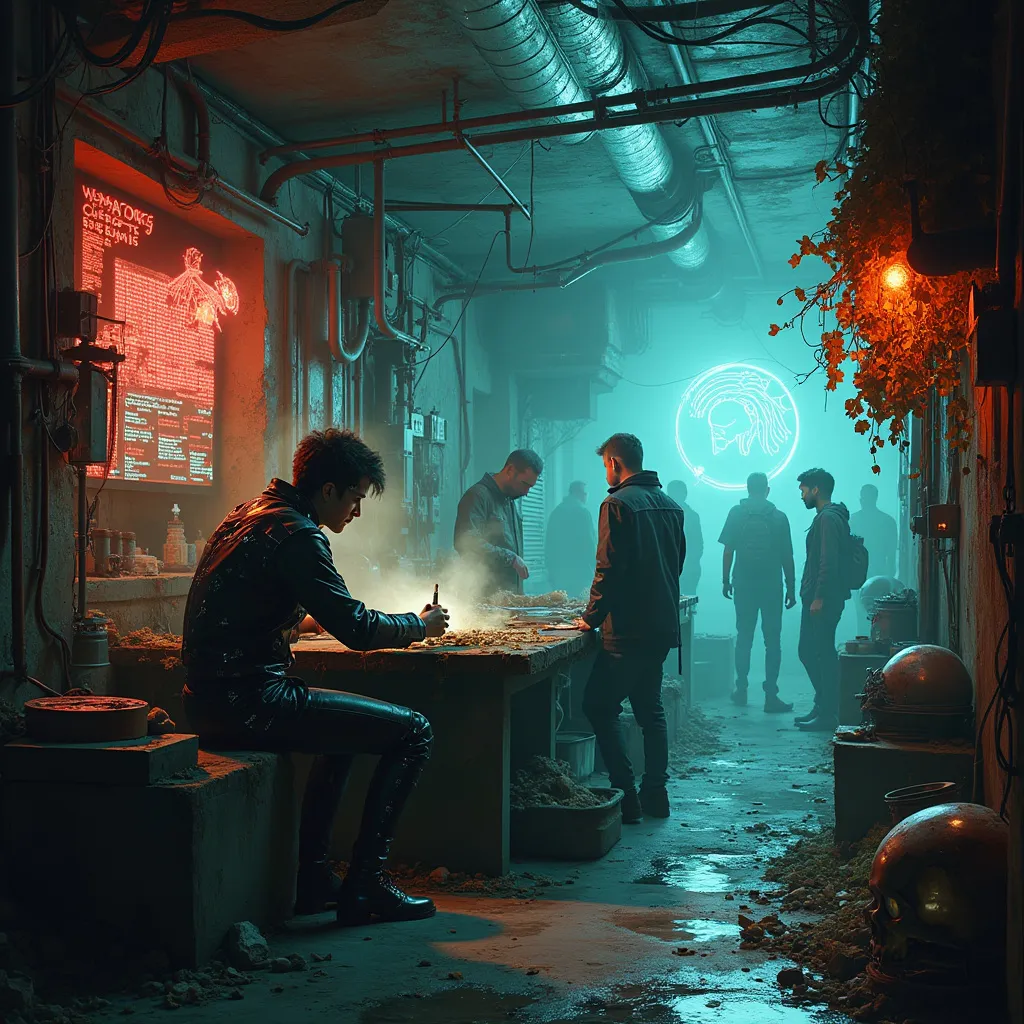
In a dimly-lit subterranean bazaar, a rogue bio-hacker crouches over a makeshift workbench, deftly manipulating glowing circuit-laced organs. Bioluminescent fungi cling to corroded pipes overhead, casting an eerie blue-green glow across the scene. Nearby, a wall of salvaged screens flickers with fragmented code, reflected in pools of oily water on the grime-encrusted floor. Augmented market-goers with chrome limbs and data-port studded skulls weave through narrow aisles, bartering for black-market cybernetics and designer pharmaceuticals. Tendrils of steam rise from vents, mingling with wisps of incense from a nearby stall selling digital prayer wheels. In the background, a towering holographic advertisement for neural upgrades bathes the area in a pulsating red light, its ghostly pixels occasionally glitching and distorting. The air is thick with the scent of ozone and synthetic spices, while the constant hum of hidden machinery underlies the cacophony of multilingual haggling and digital chatter.
Análise Detalhada do Prompt de Imagem Flux IA
Analise o prompt detalhado usado para gerar a imagem com o Flux IA Image Generator.
Explore Prompts Flux para o Gerador de Imagens
Como gerar uma imagem por Flux.1 pro
Siga estes quatro passos simples para criar a imagem desejada.
Passo 1: Insira seu texto (Sinta-se à vontade para refinar seu prompt para melhores resultados)
Passo 2: Escolha a proporção da imagem
Passo 3: Selecione seu modelo Flux:
Passo 4: Clique no botão Gerar e aguarde alguns segundos para sua imagem
Ferramentas Flux IA relacionadas a prompts sobre Flux.1 pro
Descubra ferramentas avançadas da Flux IA para melhorar seu fluxo de trabalho criativo.