World Surfing Games - Flux.1 dev
Indicador
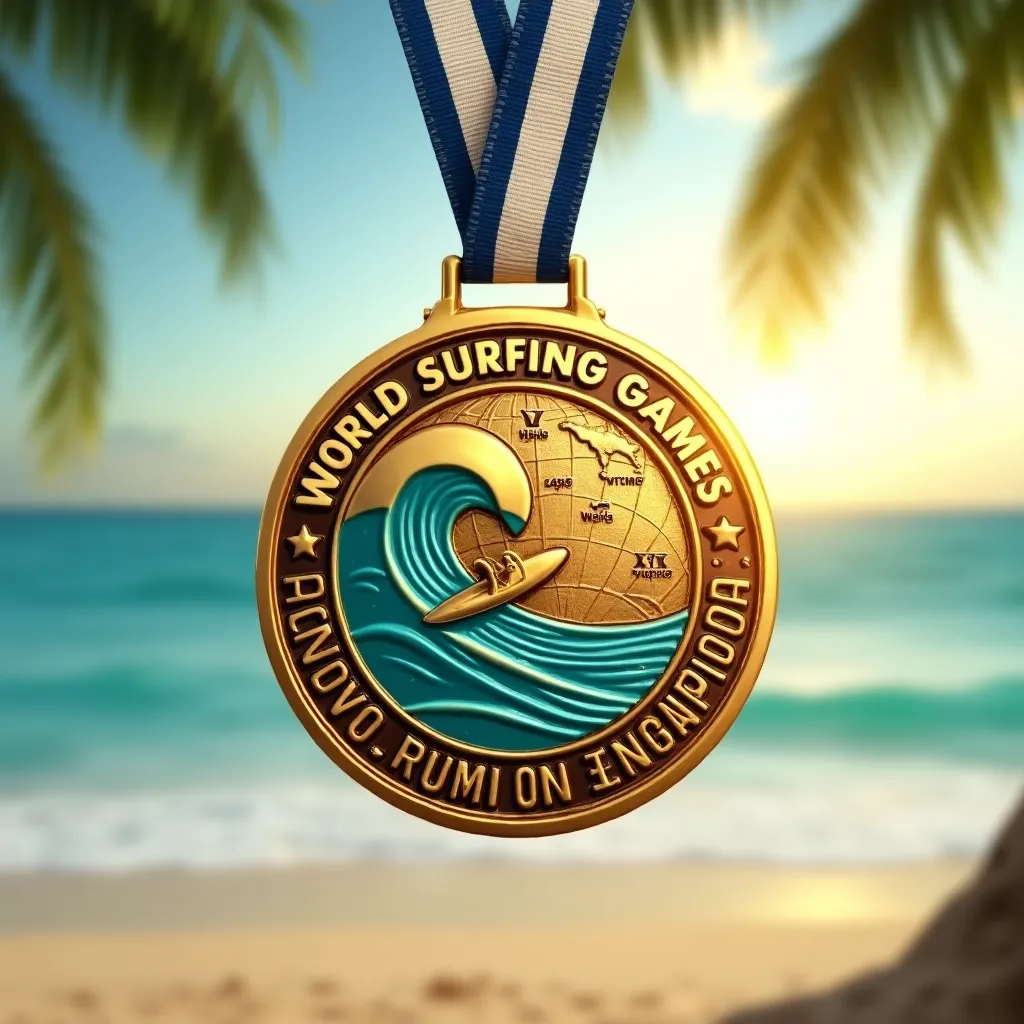
Photorealistic close-up of a circular gold medal for World Surfing Games, 3 inches diameter, polished metal with subtle wave-like texture. Blue and white striped ribbon attached. Medal face features embossed surfboard crossing a curling wave, surrounded by engraved text "World Surfing Games Champion". Reverse side shows embossed globe with surfing locations highlighted. Vibrant teal and gold color scheme. Medal hangs at slight angle, catching sunlight, creating gleaming reflections. Blurred beach background with palm trees and ocean. Shallow depth of field emphasizing medal details. Composition: medal centered, filling 2/3 of frame, ribbon draped artistically. 4K resolution, studio lighting with warm sunset glow.
Análisis Detallado del Prompt de Imagen de Flux IA
Analiza el prompt detallado utilizado para generar la imagen con Flux IA Image Generator.
Explorar Mensajes para Flux IA
Cómo generar una imagen por Flux.1 dev
Sigue estos cuatro sencillos pasos para crear la imagen que deseas.
Paso 1: Ingresa tu texto (No dudes en refinar tu prompt para mejores resultados)
Paso 2: Elige la relación de aspecto de la imagen
Paso 3: Selecciona tu modelo Flux:
Paso 4: Haz clic en el botón Generar y espera unos segundos para tu imagen
Herramientas Flux IA relacionadas para prompts sobre Flux.1 dev
Descubre herramientas avanzadas de Flux IA para potenciar tu flujo de trabajo creativo.