World Surfing Games - Flux.1 dev
Invite
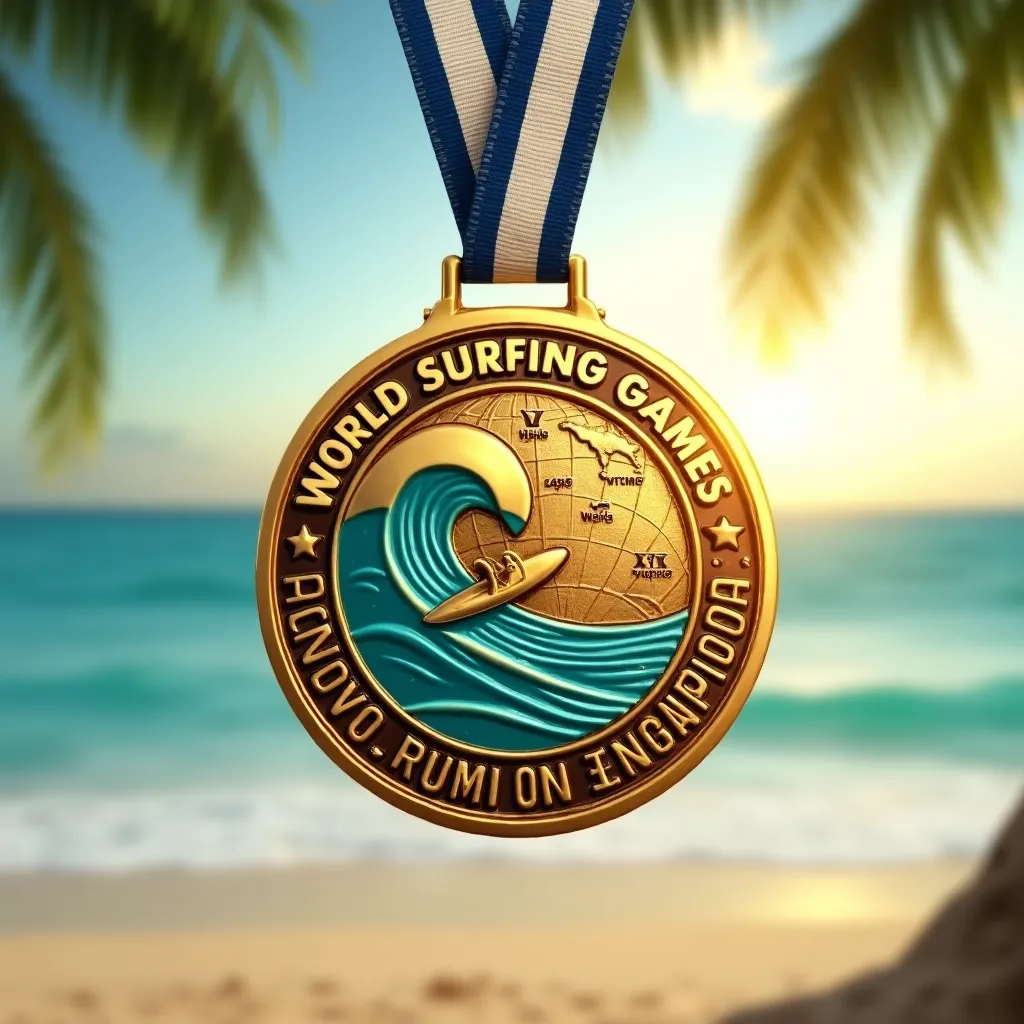
Photorealistic close-up of a circular gold medal for World Surfing Games, 3 inches diameter, polished metal with subtle wave-like texture. Blue and white striped ribbon attached. Medal face features embossed surfboard crossing a curling wave, surrounded by engraved text "World Surfing Games Champion". Reverse side shows embossed globe with surfing locations highlighted. Vibrant teal and gold color scheme. Medal hangs at slight angle, catching sunlight, creating gleaming reflections. Blurred beach background with palm trees and ocean. Shallow depth of field emphasizing medal details. Composition: medal centered, filling 2/3 of frame, ribbon draped artistically. 4K resolution, studio lighting with warm sunset glow.
Analyse Détaillée du Prompt d'Image Flux IA
Analysez le prompt détaillé utilisé pour générer l'image avec Flux IA Image Generator.
Explorez les invites Flux IA
Comment générer une image par Flux.1 dev
Suivez ces quatre étapes simples pour créer l'image désirée.
Étape 1 : Entrez votre texte (N'hésitez pas à affiner votre prompt pour de meilleurs résultats)
Étape 2 : Choisissez le ratio d'aspect de l'image
Étape 3 : Sélectionnez votre modèle Flux :
Étape 4 : Cliquez sur le bouton Générer et attendez quelques secondes pour votre image
Outils Flux IA liés aux prompts sur Flux.1 dev
Découvrez des outils avancés de Flux IA pour booster votre flux de travail créatif.