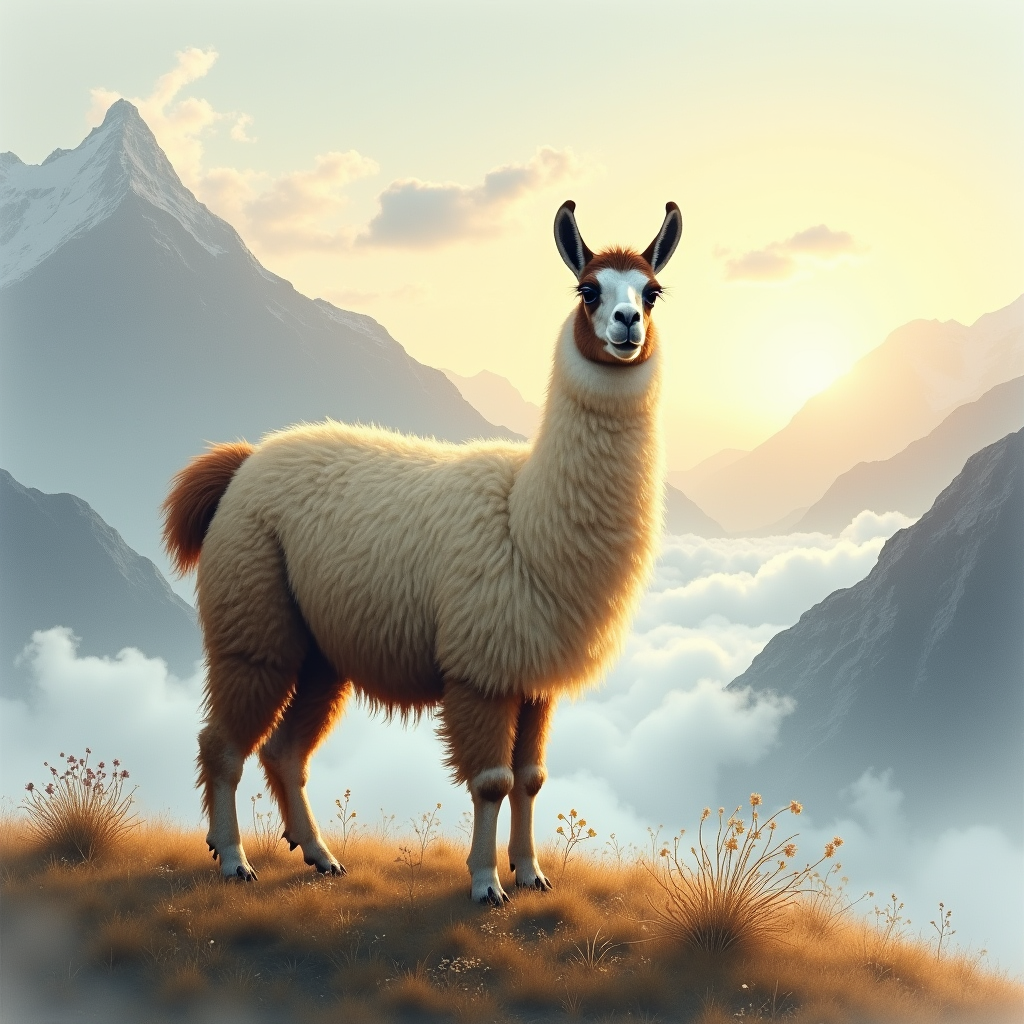
Llama - Flux.1 dev
Indicador
"Majestic llama stands atop a misty Andean mountain, gazing serenely into the distance. Soft, golden light of dawn casts a warm glow on its thick, woolly coat, with hints of creamy white and dark brown. Delicate, lace-like clouds swirl around its ears and neck. Artistic style: dreamy, ethereal watercolor. Color palette: muted earth tones, sky blues, and wispy grays. Moody atmosphere: tranquil, mystical. Camera angle: slightly above, with the llama's gentle eyes meeting the viewer's gaze. Composition: llama centered, surrounded by swirling clouds and majestic mountain peaks. Additional elements: a sprinkling of wildflowers and a few strands of woolly fleece carried away by the breeze.
Análisis Detallado del Prompt de Imagen de Flux IA
Analiza el prompt detallado utilizado para generar la imagen con Flux IA Image Generator.
Explorar Mensajes para Flux IA
Cómo generar una imagen por Flux.1 dev
Sigue estos cuatro sencillos pasos para crear la imagen que deseas.
Paso 1: Ingresa tu texto (No dudes en refinar tu prompt para mejores resultados)
Paso 2: Elige la relación de aspecto de la imagen
Paso 3: Selecciona tu modelo Flux:
Paso 4: Haz clic en el botón Generar y espera unos segundos para tu imagen
Herramientas Flux IA relacionadas para prompts sobre Flux.1 dev
Descubre herramientas avanzadas de Flux IA para potenciar tu flujo de trabajo creativo.