Llama - Flux.1 dev
Invite
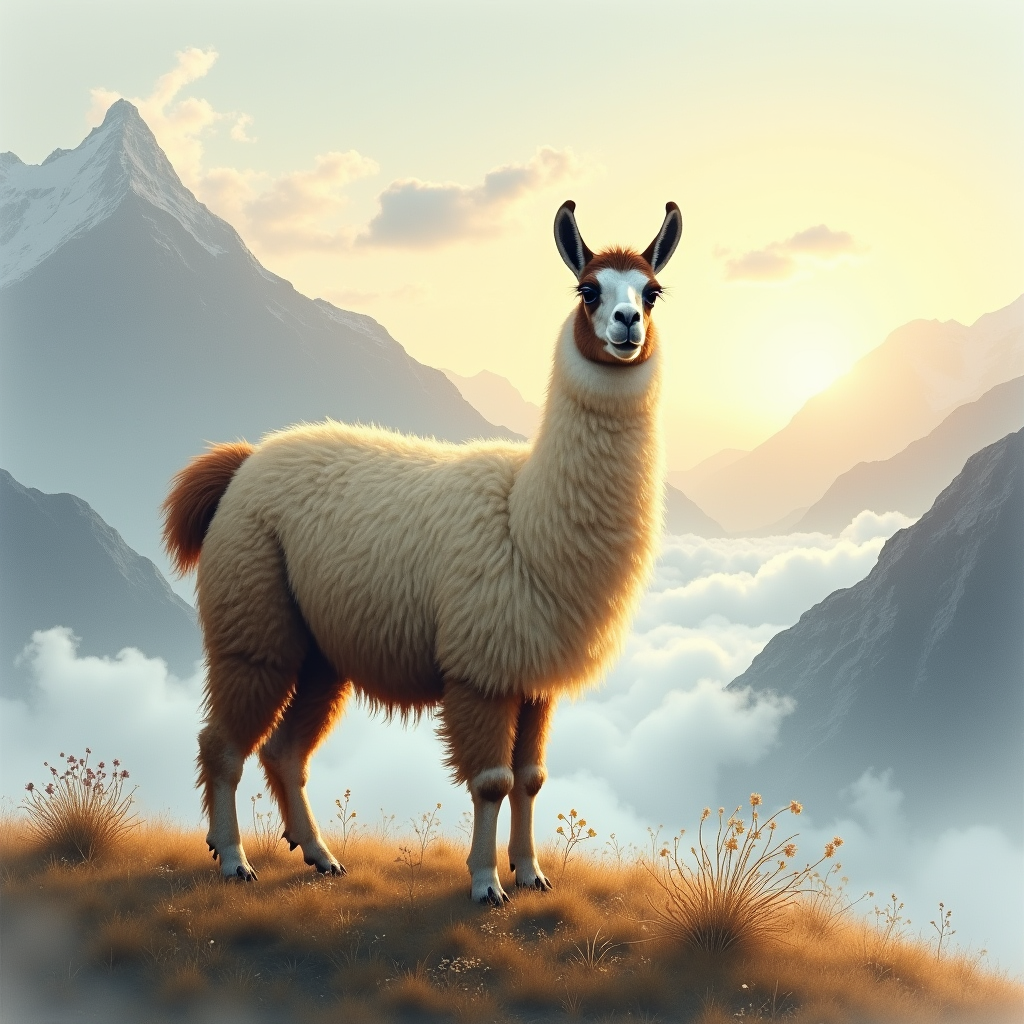
"Majestic llama stands atop a misty Andean mountain, gazing serenely into the distance. Soft, golden light of dawn casts a warm glow on its thick, woolly coat, with hints of creamy white and dark brown. Delicate, lace-like clouds swirl around its ears and neck. Artistic style: dreamy, ethereal watercolor. Color palette: muted earth tones, sky blues, and wispy grays. Moody atmosphere: tranquil, mystical. Camera angle: slightly above, with the llama's gentle eyes meeting the viewer's gaze. Composition: llama centered, surrounded by swirling clouds and majestic mountain peaks. Additional elements: a sprinkling of wildflowers and a few strands of woolly fleece carried away by the breeze.
Analyse Détaillée du Prompt d'Image Flux IA
Analysez le prompt détaillé utilisé pour générer l'image avec Flux IA Image Generator.
Explorez les invites Flux IA
Comment générer une image par Flux.1 dev
Suivez ces quatre étapes simples pour créer l'image désirée.
Étape 1 : Entrez votre texte (N'hésitez pas à affiner votre prompt pour de meilleurs résultats)
Étape 2 : Choisissez le ratio d'aspect de l'image
Étape 3 : Sélectionnez votre modèle Flux :
Étape 4 : Cliquez sur le bouton Générer et attendez quelques secondes pour votre image
Outils Flux IA liés aux prompts sur Flux.1 dev
Découvrez des outils avancés de Flux IA pour booster votre flux de travail créatif.