Neon Shadows: Secrets of the Rogue Engineer - Flux.1 schnell
Indicador
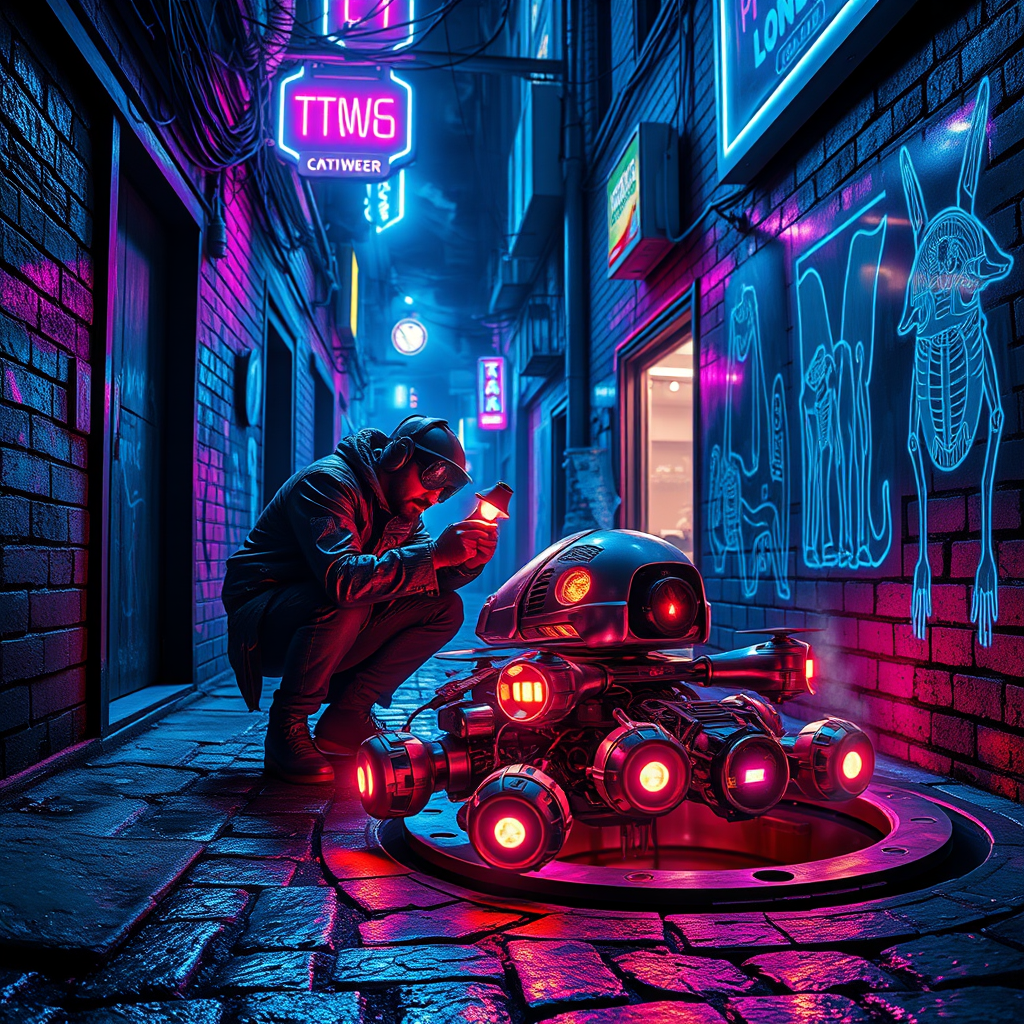
In a dimly lit neon alleyway, vibrant hues of electric blue and pulsating magenta dance across damp cobblestones, reflecting the glimmering glow of flickering holographic advertisements. Shadows twist and curl around the edges, concealing a rogue engineer hunched over a cluster of sentient drones, their metallic bodies glinting under the harsh light of a handheld lamp. The engineer, clad in a tattered leather jacket adorned with glowing circuit patterns, meticulously repairs a drone with intricate, luminous circuitry visible beneath its translucent shell. Wisps of steam rise from a nearby manhole, merging with the ambient hum of the city, while graffiti art featuring surreal, cybernetic creatures adorns the brick walls, adding an urban edge. Above, a tangle of wires and neon signs buzz softly, creating an electrifying atmosphere that pulses with life, hinting at secrets waiting to be uncovered in this gritty, futuristic underworld.
Análisis Detallado del Prompt de Imagen de Flux IA
Analiza el prompt detallado utilizado para generar la imagen con Flux IA Image Generator.
Explorar Mensajes para Flux IA
Cómo generar una imagen por Flux.1 schnell
Sigue estos cuatro sencillos pasos para crear la imagen que deseas.
Paso 1: Ingresa tu texto (No dudes en refinar tu prompt para mejores resultados)
Paso 2: Elige la relación de aspecto de la imagen
Paso 3: Selecciona tu modelo Flux:
Paso 4: Haz clic en el botón Generar y espera unos segundos para tu imagen
Herramientas Flux IA relacionadas para prompts sobre Flux.1 schnell
Descubre herramientas avanzadas de Flux IA para potenciar tu flujo de trabajo creativo.