Neon Shadows: A Cyberpunk Odyssey - Flux.1 dev
Indicador
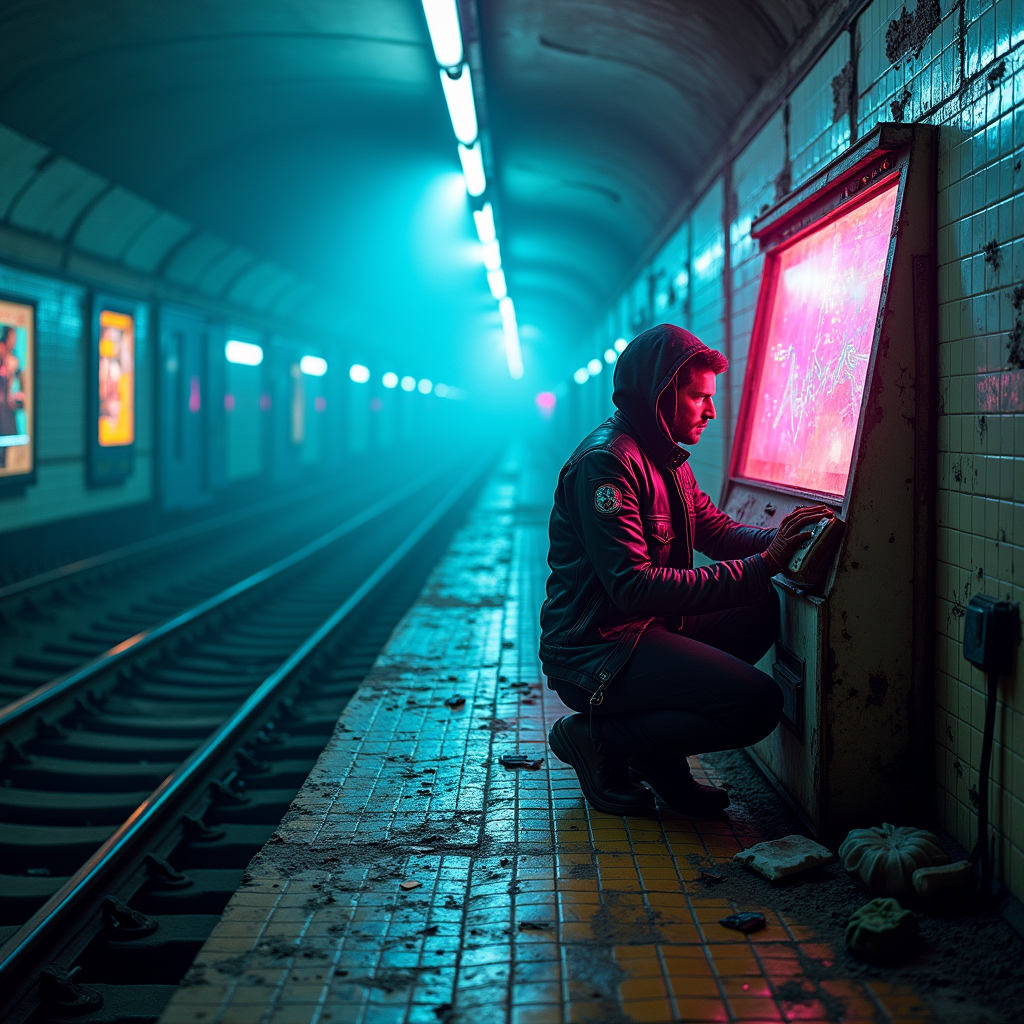
In a sprawling, abandoned subway station, neon-tinted fog swirls through the air, casting an ethereal glow on the cracked tiles and rusting train tracks. The atmosphere is thick with mystery, illuminated by flickering fluorescent lights that cast an otherworldly blue and pink hue, creating stark contrasts against the shadows. A rogue archivist, clad in a tattered leather jacket adorned with digital patches, kneels beside a weathered terminal, fingers deftly sifting through holographic data streams that pulse with vibrant colors. Around them, remnants of a forgotten era—old posters peeling off the walls, a broken vending machine glowing faintly with neon green, and scattered digital relics—tell tales of a once-bustling underground world. The air is heavy with the scent of damp concrete and the faint hum of technology, as the archivist's determined gaze reflects the flickering lights, embodying the spirit of a cyberpunk hero in this hauntingly beautiful dystopia.
Análisis Detallado del Prompt de Imagen de Flux IA
Analiza el prompt detallado utilizado para generar la imagen con Flux IA Image Generator.
Explorar Mensajes para Flux IA
Cómo generar una imagen por Flux.1 dev
Sigue estos cuatro sencillos pasos para crear la imagen que deseas.
Paso 1: Ingresa tu texto (No dudes en refinar tu prompt para mejores resultados)
Paso 2: Elige la relación de aspecto de la imagen
Paso 3: Selecciona tu modelo Flux:
Paso 4: Haz clic en el botón Generar y espera unos segundos para tu imagen
Herramientas Flux IA relacionadas para prompts sobre Flux.1 dev
Descubre herramientas avanzadas de Flux IA para potenciar tu flujo de trabajo creativo.