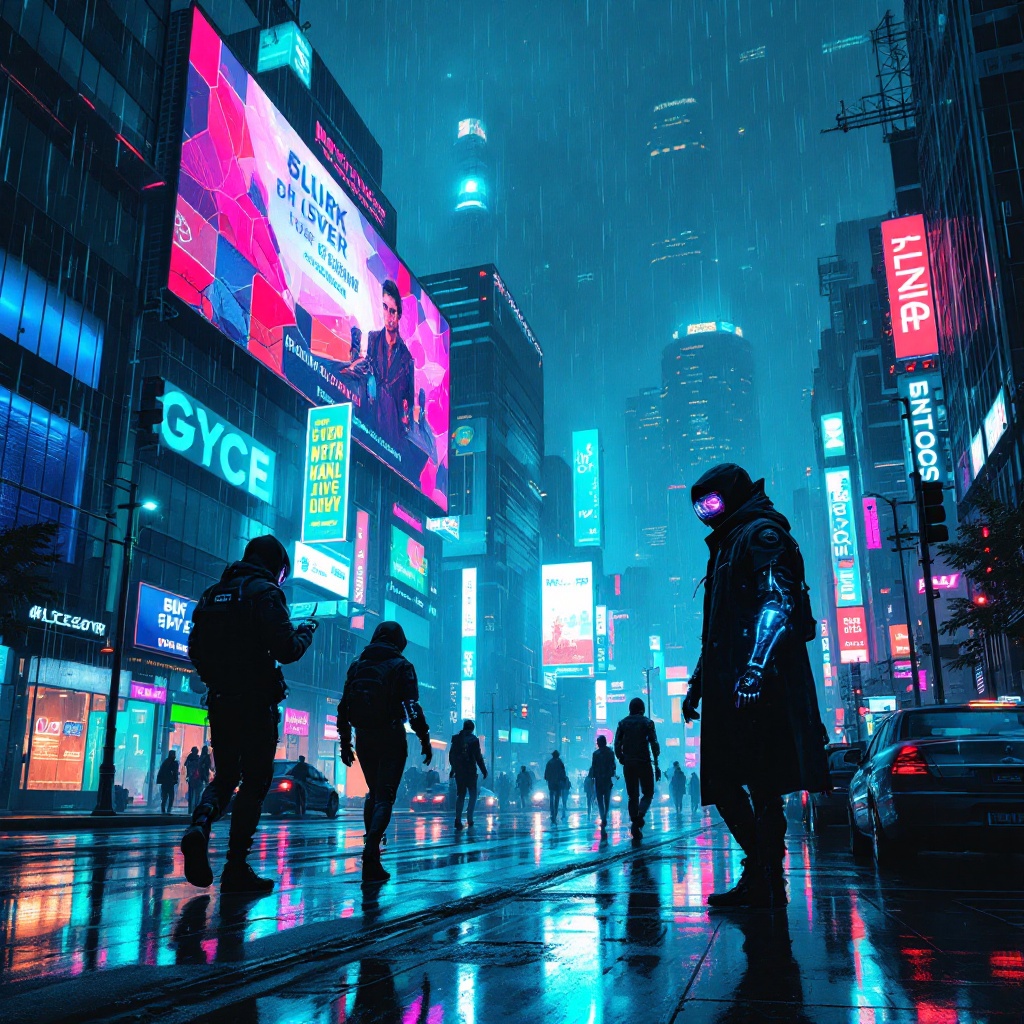
Neon Shadows: Heist in the Rain - Flux.1.1 pro
Indicador
In a sprawling cyberpunk metropolis, neon rain cascades from a darkened sky, creating a kaleidoscope of colors that dance upon slick, reflective surfaces. Towering corporate strongholds loom in the background, their glass facades illuminated by pulsating pinks, electric blues, and vibrant greens. Augmented thieves, clad in sleek, form-fitting gear adorned with glimmering circuitry, stealthily navigate the shadows, their visors flickering with data streams. One thief, a lithe figure with a cybernetic arm, deftly hacks a security panel, the glow of holographic interfaces casting an eerie light on their determined face. Rain-soaked streets glisten beneath their feet, while distant sirens wail, blending with the rhythmic thrum of neon signs. Above, a massive billboard flickers, advertising a dystopian utopia, contrasting sharply with the gritty reality below, as the thieves prepare to slip through the high-tech defenses, eager to steal the corporate secrets hidden within.
Análisis Detallado del Prompt de Imagen de Flux IA
Analiza el prompt detallado utilizado para generar la imagen con Flux IA Image Generator.
Explorar Mensajes para Flux IA
Cómo generar una imagen por Flux.1.1 pro
Sigue estos cuatro sencillos pasos para crear la imagen que deseas.
Paso 1: Ingresa tu texto (No dudes en refinar tu prompt para mejores resultados)
Paso 2: Elige la relación de aspecto de la imagen
Paso 3: Selecciona tu modelo Flux:
Paso 4: Haz clic en el botón Generar y espera unos segundos para tu imagen
Herramientas Flux IA relacionadas para prompts sobre Flux.1.1 pro
Descubre herramientas avanzadas de Flux IA para potenciar tu flujo de trabajo creativo.