Neon Shadows: Heist in the Rain - Flux.1.1 pro
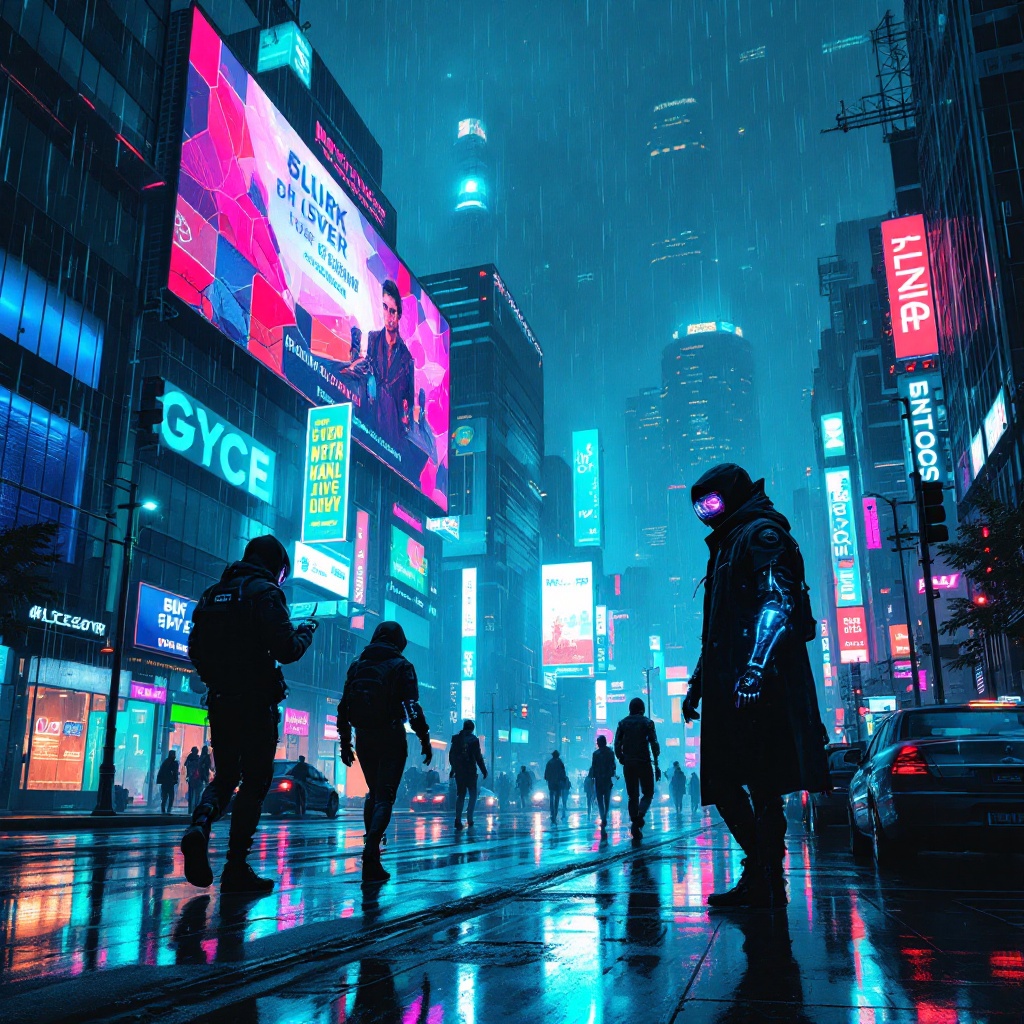
prompt
In a sprawling cyberpunk metropolis, neon rain cascades from a darkened sky, creating a kaleidoscope of colors that dance upon slick, reflective surfaces. Towering corporate strongholds loom in the background, their glass facades illuminated by pulsating pinks, electric blues, and vibrant greens. Augmented thieves, clad in sleek, form-fitting gear adorned with glimmering circuitry, stealthily navigate the shadows, their visors flickering with data streams. One thief, a lithe figure with a cybernetic arm, deftly hacks a security panel, the glow of holographic interfaces casting an eerie light on their determined face. Rain-soaked streets glisten beneath their feet, while distant sirens wail, blending with the rhythmic thrum of neon signs. Above, a massive billboard flickers, advertising a dystopian utopia, contrasting sharply with the gritty reality below, as the thieves prepare to slip through the high-tech defenses, eager to steal the corporate secrets hidden within.
Analisi Dettagliata del Prompt Immagine Flux AI
Analizza il prompt dettagliato utilizzato per generare l'immagine con il Generatore Immagini Flux AI.
Esplora i Prompt Flux per il Generatore Immagini Flux AI
Come generare immagini con Flux.1.1 pro
Segui questi quattro semplici passaggi per creare l'immagine desiderata.
Passaggio 1: Inserisci il Tuo Testo (Sentiti libero di perfezionare il prompt per risultati migliori)
Passaggio 2: Scegli le Proporzioni dell'Immagine
Passaggio 3: Seleziona il Tuo Modello Flux:
Passaggio 4: Clicca il Pulsante Genera e Attendi Alcuni Secondi per la Tua Immagine
Strumenti Flux AI correlati per prompt su Flux.1.1 pro
Scopri strumenti avanzati di Flux AI per potenziare il tuo flusso di lavoro creativo.