Baklava - Flux.1.1 pro
Indicador
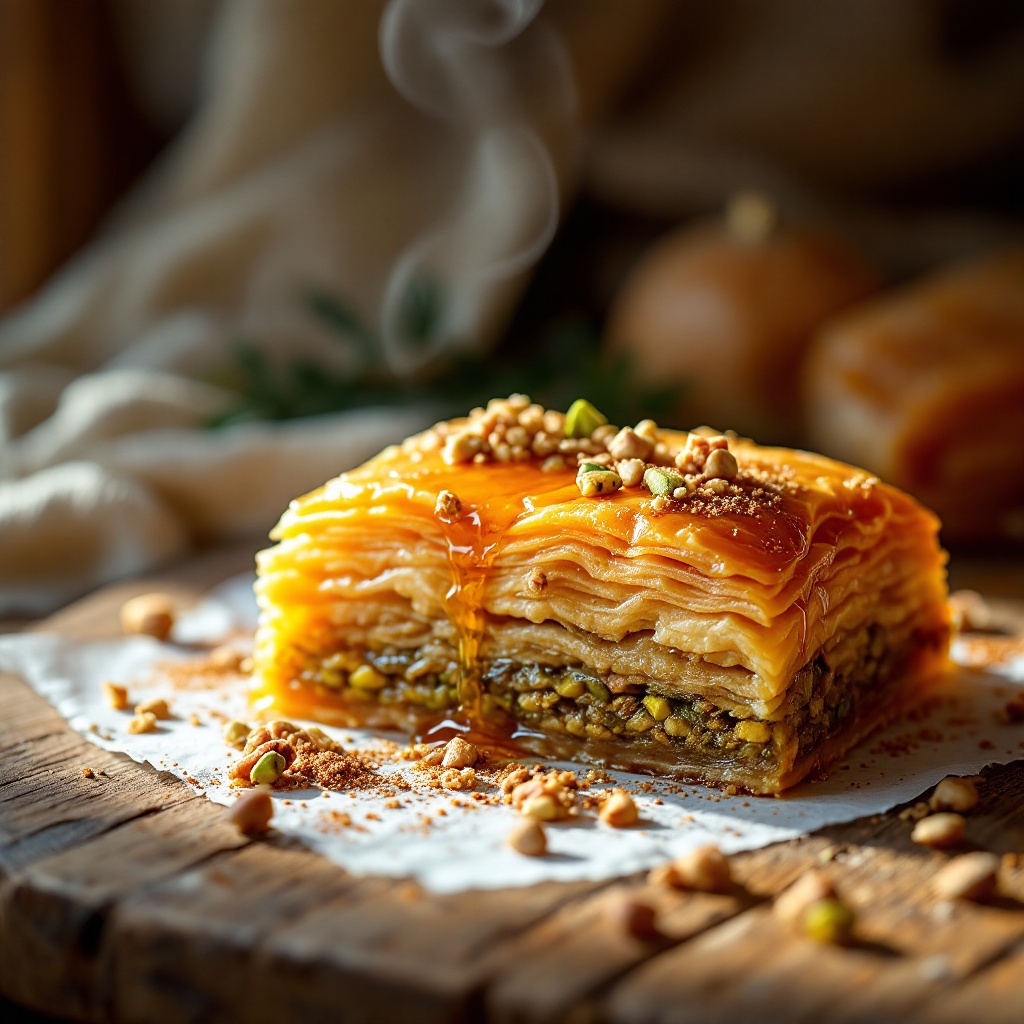
A decadent piece of golden-brown baklava sits on a rustic wooden table, its layers of flaky phyllo pastry glistening with a honey syrup that catches the light, creating a warm amber hue. The delicate, intricate layers reveal a rich filling of finely chopped pistachios and walnuts, their vibrant green and deep brown contrasting beautifully with the golden pastry. Soft, diffused sunlight filters through a nearby window, casting gentle shadows and highlighting the baklava's glossy surface. A sprinkle of crushed nuts and a drizzle of honey adorn the top, inviting a closer look. The composition features a close-up macro shot, capturing the flaky texture and syrupy sheen, while a faint steam rises from the warm pastry, hinting at the delightful aroma of cinnamon and cardamom. The scene is completed with a backdrop of soft, blurred Middle Eastern textiles, enhancing the exotic allure of this traditional dessert.
Análisis Detallado del Prompt de Imagen de Flux IA
Analiza el prompt detallado utilizado para generar la imagen con Flux IA Image Generator.
Explorar Mensajes para Flux IA
Cómo generar una imagen por Flux.1.1 pro
Sigue estos cuatro sencillos pasos para crear la imagen que deseas.
Paso 1: Ingresa tu texto (No dudes en refinar tu prompt para mejores resultados)
Paso 2: Elige la relación de aspecto de la imagen
Paso 3: Selecciona tu modelo Flux:
Paso 4: Haz clic en el botón Generar y espera unos segundos para tu imagen
Herramientas Flux IA relacionadas para prompts sobre Flux.1.1 pro
Descubre herramientas avanzadas de Flux IA para potenciar tu flujo de trabajo creativo.