Baklava - Flux.1.1 pro
prompt
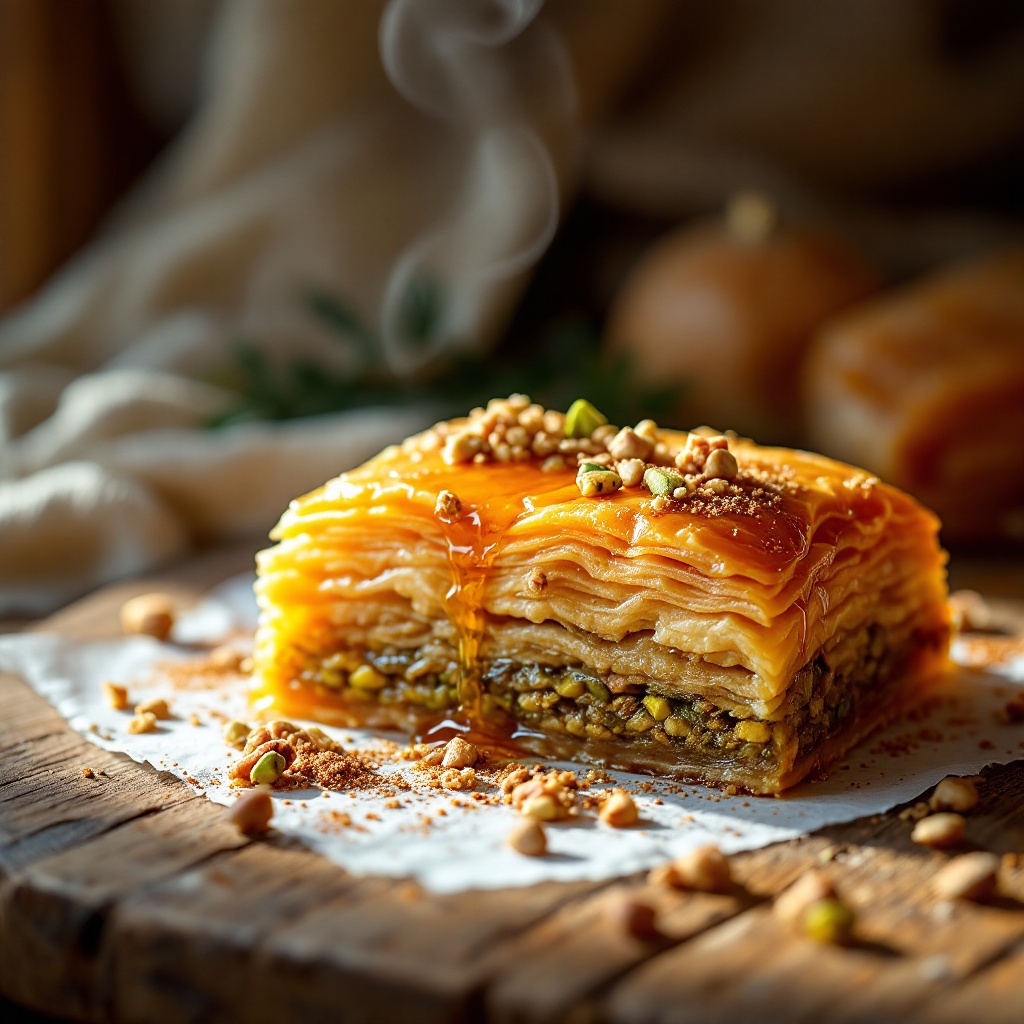
A decadent piece of golden-brown baklava sits on a rustic wooden table, its layers of flaky phyllo pastry glistening with a honey syrup that catches the light, creating a warm amber hue. The delicate, intricate layers reveal a rich filling of finely chopped pistachios and walnuts, their vibrant green and deep brown contrasting beautifully with the golden pastry. Soft, diffused sunlight filters through a nearby window, casting gentle shadows and highlighting the baklava's glossy surface. A sprinkle of crushed nuts and a drizzle of honey adorn the top, inviting a closer look. The composition features a close-up macro shot, capturing the flaky texture and syrupy sheen, while a faint steam rises from the warm pastry, hinting at the delightful aroma of cinnamon and cardamom. The scene is completed with a backdrop of soft, blurred Middle Eastern textiles, enhancing the exotic allure of this traditional dessert.
Analisi Dettagliata del Prompt Immagine Flux AI
Analizza il prompt dettagliato utilizzato per generare l'immagine con il Generatore Immagini Flux AI.
Esplora i Prompt Flux per il Generatore Immagini Flux AI
Come generare immagini con Flux.1.1 pro
Segui questi quattro semplici passaggi per creare l'immagine desiderata.
Passaggio 1: Inserisci il Tuo Testo (Sentiti libero di perfezionare il prompt per risultati migliori)
Passaggio 2: Scegli le Proporzioni dell'Immagine
Passaggio 3: Seleziona il Tuo Modello Flux:
Passaggio 4: Clicca il Pulsante Genera e Attendi Alcuni Secondi per la Tua Immagine
Strumenti Flux AI correlati per prompt su Flux.1.1 pro
Scopri strumenti avanzati di Flux AI per potenziare il tuo flusso di lavoro creativo.