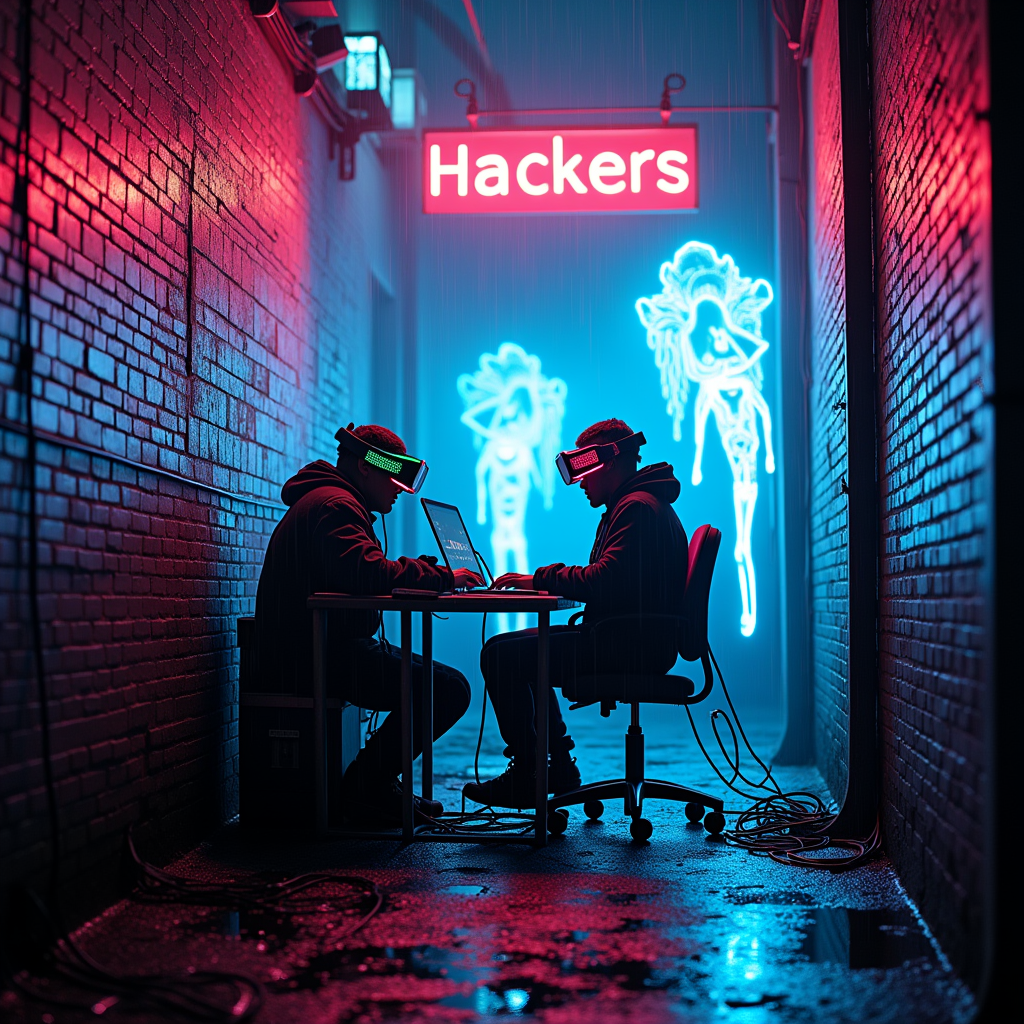
Neon Phantoms of Cyber Rebellion - Flux.1 dev
Indicador
In a narrow, rain-soaked alley illuminated by vibrant neon signs flickering in electric blues and hot pinks, rogue hackers huddle around a makeshift workstation cluttered with glowing screens and cables that snake like serpents across the damp pavement. The air is thick with a palpable tension, illuminated by the pulsing light of holographic projections that swirl around them, conjuring digital phantoms—ethereal figures flickering in and out of existence, their translucent forms shimmering with iridescent patterns. The hackers, clad in dark, tattered clothing adorned with LED strips, wear augmented reality visors that cast a ghostly glow on their faces, reflecting their intense focus. Graffiti of cryptic symbols and cybernetic creatures adorns the brick walls, while puddles on the ground mirror the kaleidoscope of neon colors above, creating a surreal atmosphere of digital mischief and urban rebellion.
Análisis Detallado del Prompt de Imagen de Flux IA
Analiza el prompt detallado utilizado para generar la imagen con Flux IA Image Generator.
Explorar Mensajes para Flux IA
Cómo generar una imagen por Flux.1 dev
Sigue estos cuatro sencillos pasos para crear la imagen que deseas.
Paso 1: Ingresa tu texto (No dudes en refinar tu prompt para mejores resultados)
Paso 2: Elige la relación de aspecto de la imagen
Paso 3: Selecciona tu modelo Flux:
Paso 4: Haz clic en el botón Generar y espera unos segundos para tu imagen
Herramientas Flux IA relacionadas para prompts sobre Flux.1 dev
Descubre herramientas avanzadas de Flux IA para potenciar tu flujo de trabajo creativo.