Neon Phantoms of Cyber Rebellion - Flux.1 dev
Invite
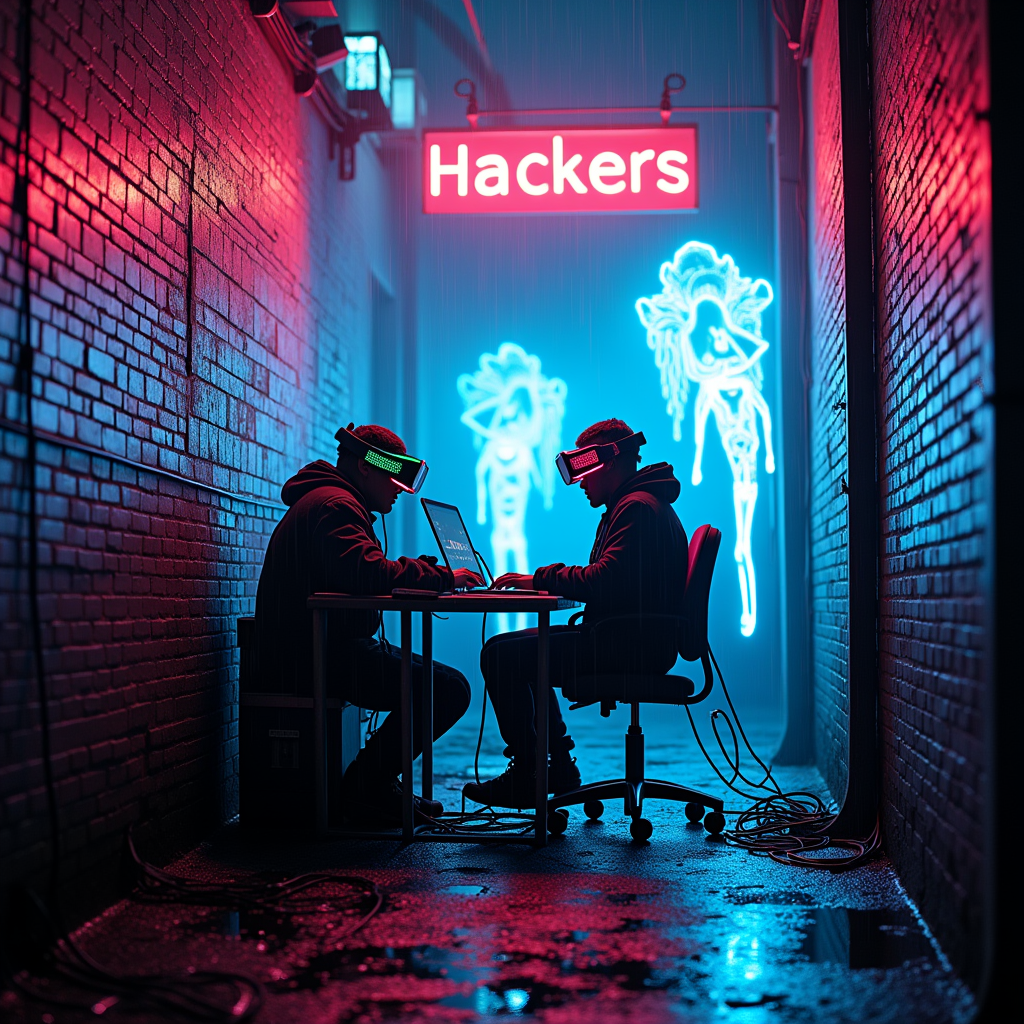
In a narrow, rain-soaked alley illuminated by vibrant neon signs flickering in electric blues and hot pinks, rogue hackers huddle around a makeshift workstation cluttered with glowing screens and cables that snake like serpents across the damp pavement. The air is thick with a palpable tension, illuminated by the pulsing light of holographic projections that swirl around them, conjuring digital phantoms—ethereal figures flickering in and out of existence, their translucent forms shimmering with iridescent patterns. The hackers, clad in dark, tattered clothing adorned with LED strips, wear augmented reality visors that cast a ghostly glow on their faces, reflecting their intense focus. Graffiti of cryptic symbols and cybernetic creatures adorns the brick walls, while puddles on the ground mirror the kaleidoscope of neon colors above, creating a surreal atmosphere of digital mischief and urban rebellion.
Analyse Détaillée du Prompt d'Image Flux IA
Analysez le prompt détaillé utilisé pour générer l'image avec Flux IA Image Generator.
Explorez les invites Flux IA
Comment générer une image par Flux.1 dev
Suivez ces quatre étapes simples pour créer l'image désirée.
Étape 1 : Entrez votre texte (N'hésitez pas à affiner votre prompt pour de meilleurs résultats)
Étape 2 : Choisissez le ratio d'aspect de l'image
Étape 3 : Sélectionnez votre modèle Flux :
Étape 4 : Cliquez sur le bouton Générer et attendez quelques secondes pour votre image
Outils Flux IA liés aux prompts sur Flux.1 dev
Découvrez des outils avancés de Flux IA pour booster votre flux de travail créatif.