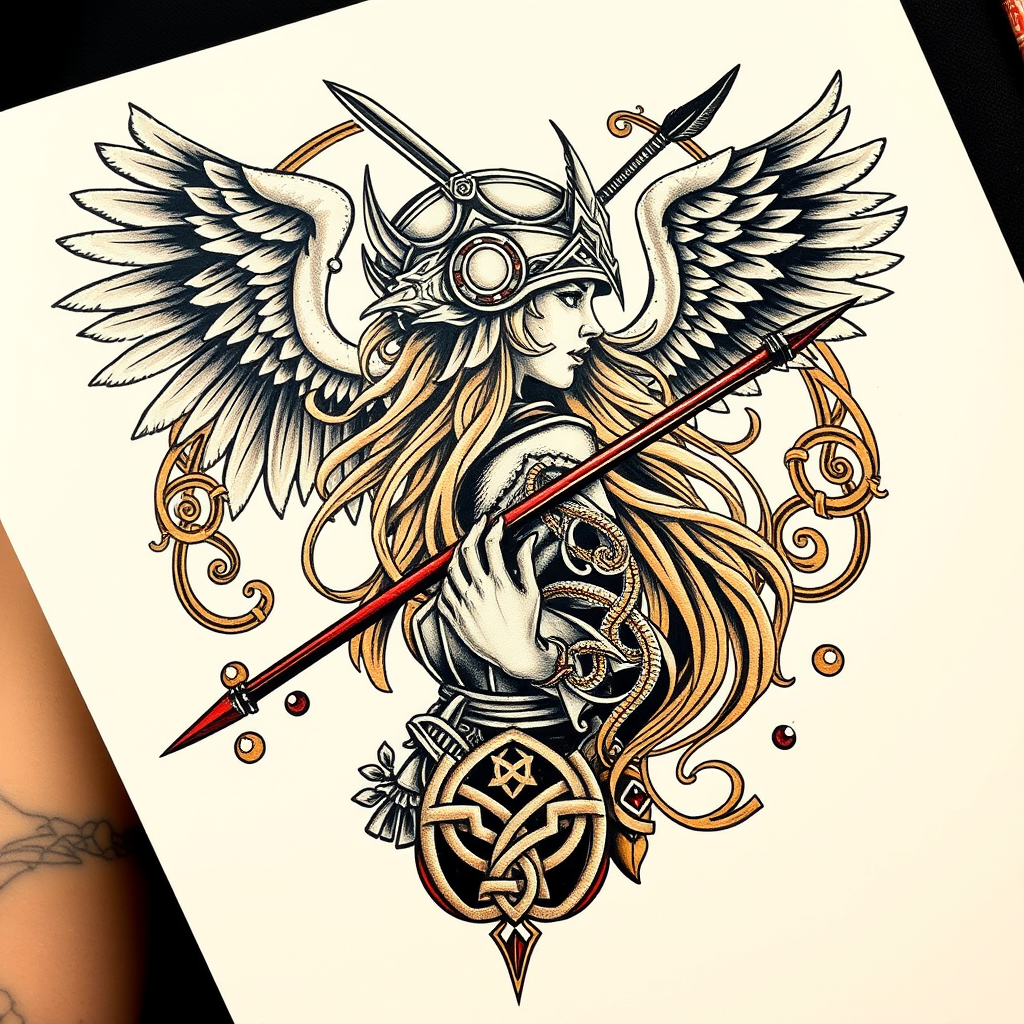
Shoulder Blade-Norse Valkyrie - Flux.1 schnell
Indicador
**Prompt:** "A striking Norse Valkyrie tattoo design for the shoulder blade, rendered in a bold, neo-traditional style with intricate linework and dynamic shading. The Valkyrie is depicted in profile, wearing a winged helmet and wielding a spear, her flowing hair merging with ornate Norse knotwork and runic patterns. The design spans the entire shoulder blade, medium to large in scale, with a rich color palette of deep blues, golds, and crimson accents against black ink. Feathers and swirling Nordic motifs frame the composition, symbolizing protection and destiny. The mood is fierce yet elegant, blending warrior energy with mythological grandeur. Fine details include textured armor, ethereal wings, and subtle celtic influences for depth.
Análisis Detallado del Prompt de Imagen de Flux IA
Analiza el prompt detallado utilizado para generar la imagen con Flux IA Image Generator.
Explorar Mensajes para Flux IA
Cómo generar una imagen por Flux.1 schnell
Sigue estos cuatro sencillos pasos para crear la imagen que deseas.
Paso 1: Ingresa tu texto (No dudes en refinar tu prompt para mejores resultados)
Paso 2: Elige la relación de aspecto de la imagen
Paso 3: Selecciona tu modelo Flux:
Paso 4: Haz clic en el botón Generar y espera unos segundos para tu imagen
Herramientas Flux IA relacionadas para prompts sobre Flux.1 schnell
Descubre herramientas avanzadas de Flux IA para potenciar tu flujo de trabajo creativo.