Mule - Flux.1.1 pro
Indicador
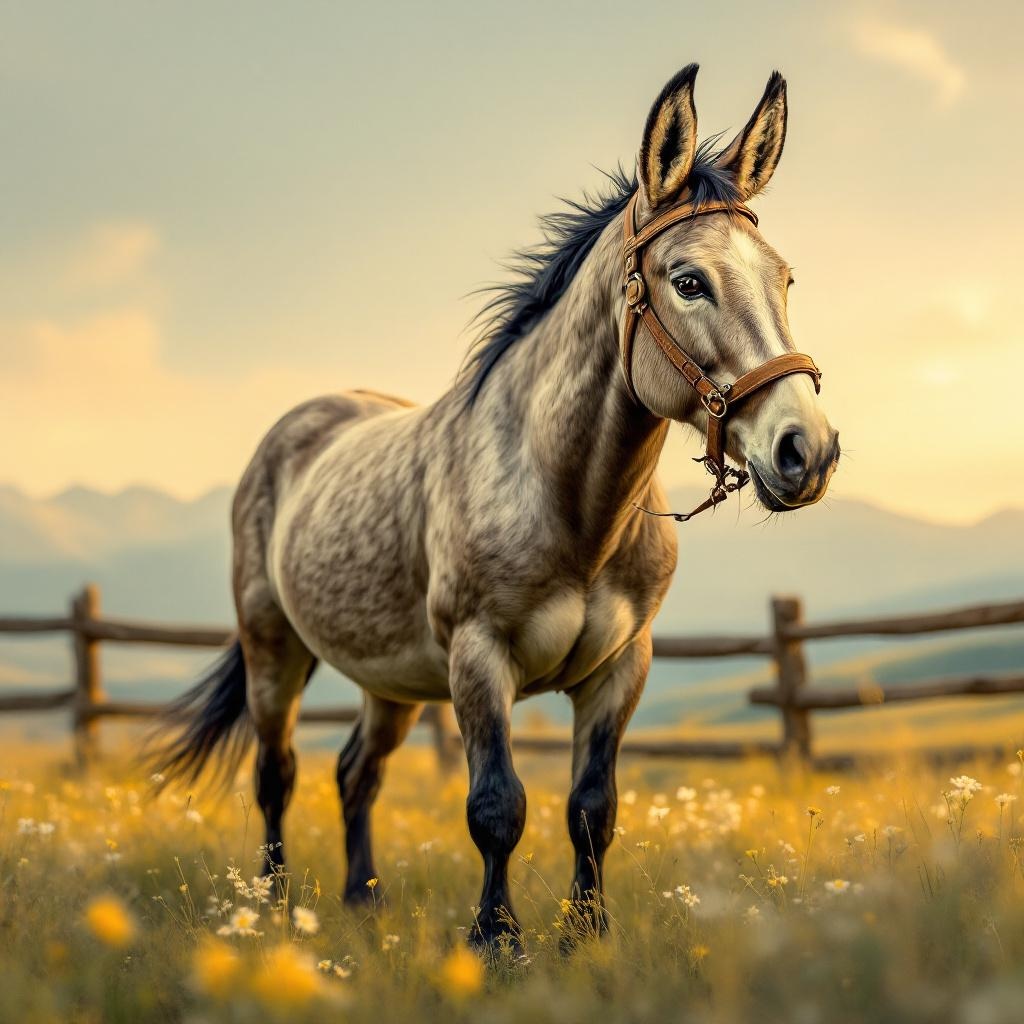
**Image Prompt:** A sturdy, long-eared mule stands proudly in a sun-drenched meadow, its coarse gray-brown coat glistening under the golden afternoon light. Its muscular frame is captured mid-stride, hooves slightly raised as if pausing to survey the rolling hills dotted with wildflowers. The background features a rustic wooden fence and distant mountains under a soft, hazy sky. **Art Style:** Realistic yet slightly painterly, with textured brushstrokes reminiscent of classic equine portraits. **Lighting & Color Palette:** Warm, golden-hour lighting casting gentle shadows; earthy tones of ochre, sage green, and muted blues dominate, evoking a serene, pastoral mood. **Camera Angle & Composition:** Low-angle shot, emphasizing the mule’s strength and stature, with the horizon line cutting just above its back to highlight the vast landscape. **Additional Elements:** A worn leather bridle adorned with brass buckles, a few bees hovering near clover blossoms at its feet, and a faint dusting of pollen in the air for subtle movement.
Análisis Detallado del Prompt de Imagen de Flux IA
Analiza el prompt detallado utilizado para generar la imagen con Flux IA Image Generator.
Explorar Mensajes para Flux IA
Cómo generar una imagen por Flux.1.1 pro
Sigue estos cuatro sencillos pasos para crear la imagen que deseas.
Paso 1: Ingresa tu texto (No dudes en refinar tu prompt para mejores resultados)
Paso 2: Elige la relación de aspecto de la imagen
Paso 3: Selecciona tu modelo Flux:
Paso 4: Haz clic en el botón Generar y espera unos segundos para tu imagen
Herramientas Flux IA relacionadas para prompts sobre Flux.1.1 pro
Descubre herramientas avanzadas de Flux IA para potenciar tu flujo de trabajo creativo.