Neon Elixirs in a Cyber Haven - Flux.1 dev
Invite
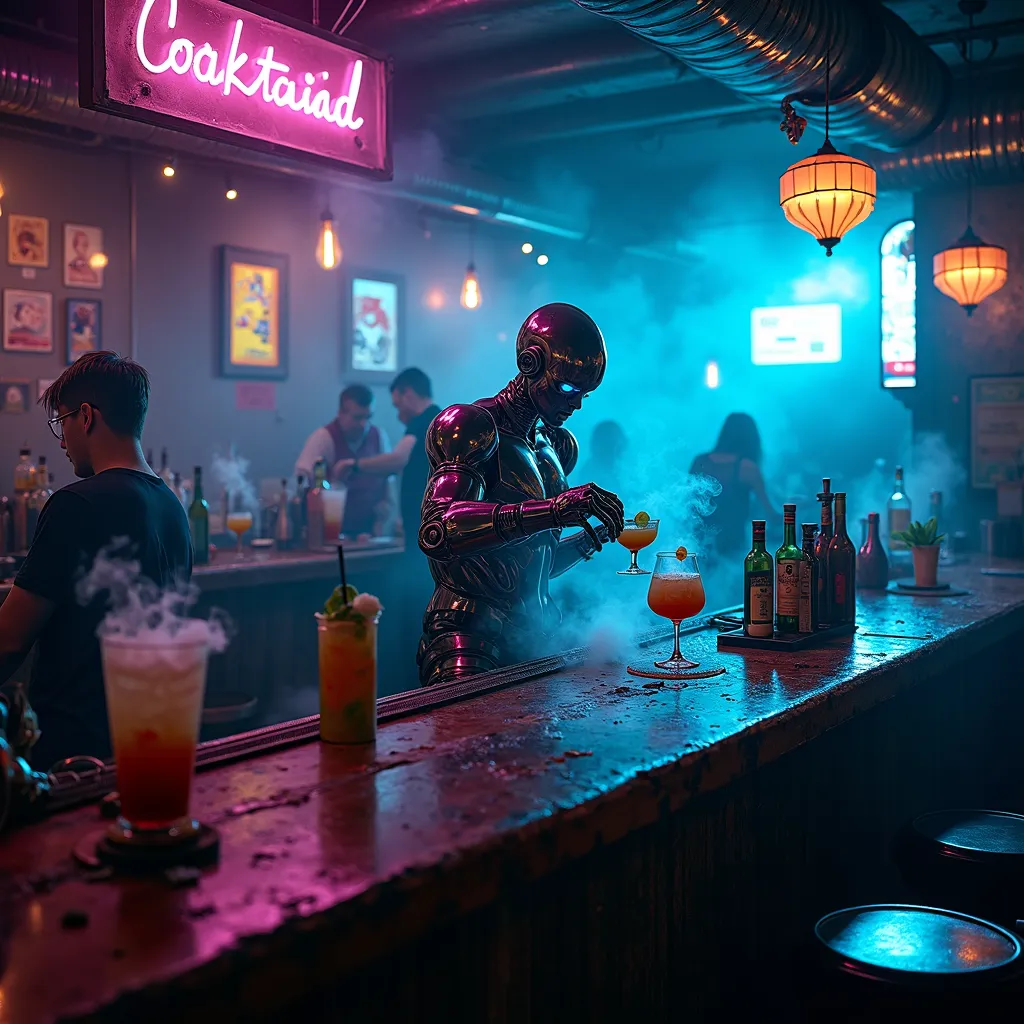
A dimly lit, smoke-filled dive bar with neon-tinged haze hanging in the air, casting an eerie blue-purple glow across the room. Behind a worn, metallic bar counter stands a tall, augmented bartender with sleek chrome arms and glowing cybernetic eyes. Their movements are fluid and precise as they mix drinks with inhuman speed and accuracy. Holographic menus flicker above the bar, displaying an array of futuristic cocktails. Patrons with various cybernetic enhancements occupy the shadowy corners, their implants gleaming in the low light. Exposed pipes and wires crisscross the ceiling, while vintage posters and digital screens adorn the grimy walls. A soft electronic beat pulses in the background, barely audible over the hum of conversation and clinking glasses. The bartender's bionic hands deftly manipulate bottles, glasses, and high-tech mixing tools, creating swirling vortexes of colorful liquids that defy gravity. Steam rises from some concoctions, while others glow with bioluminescent ingredients. The bar's worn wooden surface is etched with years of spills and scorch marks, telling silent stories of countless nights in this cyberpunk haven.
Analyse Détaillée du Prompt d'Image Flux IA
Analysez le prompt détaillé utilisé pour générer l'image avec Flux IA Image Generator.
Explorez les invites Flux IA
Comment générer une image par Flux.1 dev
Suivez ces quatre étapes simples pour créer l'image désirée.
Étape 1 : Entrez votre texte (N'hésitez pas à affiner votre prompt pour de meilleurs résultats)
Étape 2 : Choisissez le ratio d'aspect de l'image
Étape 3 : Sélectionnez votre modèle Flux :
Étape 4 : Cliquez sur le bouton Générer et attendez quelques secondes pour votre image
Outils Flux IA liés aux prompts sur Flux.1 dev
Découvrez des outils avancés de Flux IA pour booster votre flux de travail créatif.