Neon Shadows: A City on Edge - Flux.1 dev
Invite
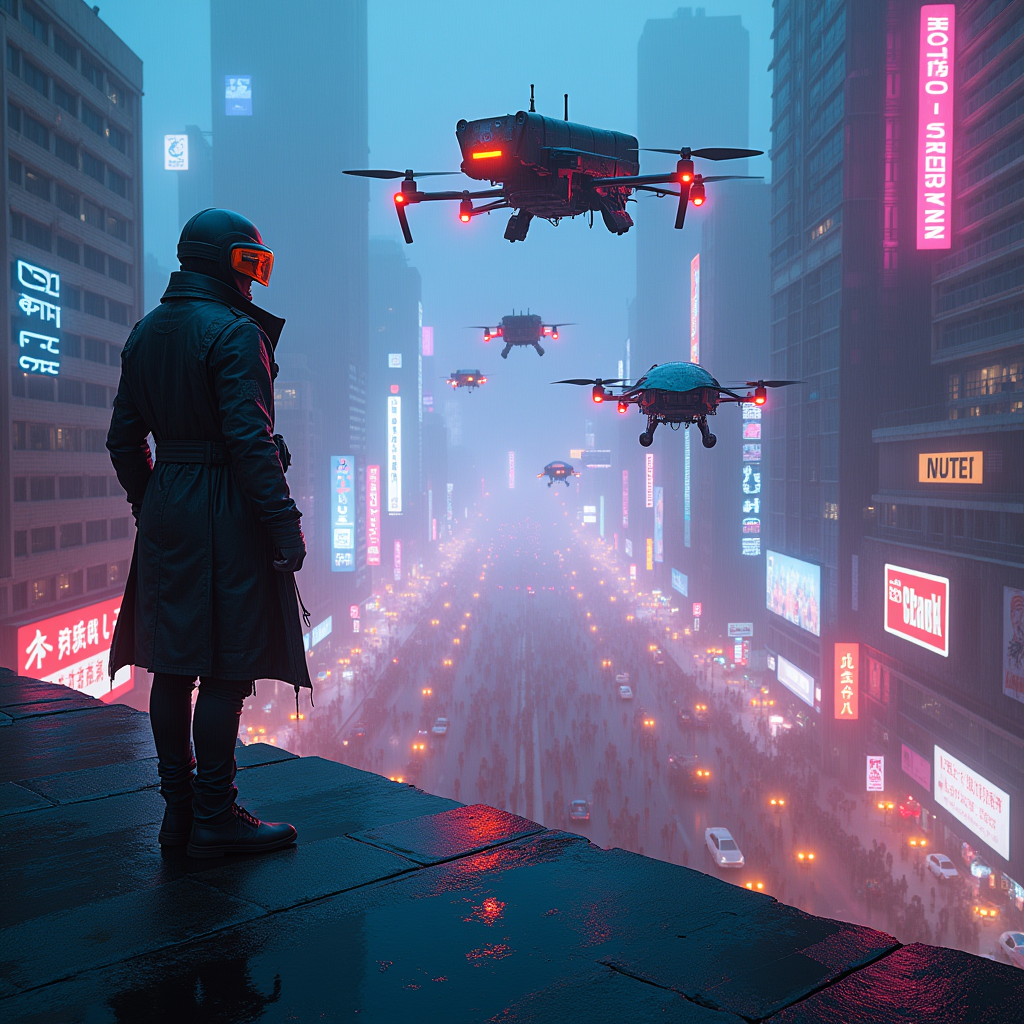
In a sprawling cyberpunk metropolis, neon-lit rooftops shimmer with electric blues and vibrant pinks, casting a kaleidoscope of colors onto the chaotic streets below. Augmented drones, sleek and menacing, glide silently through the dense smog, their metallic surfaces reflecting the pulsating glow of holographic advertisements. The atmosphere is thick with tension, as rain-soaked pavement mirrors the neon lights, creating a surreal, dreamlike quality. Shadows of towering skyscrapers loom overhead, adorned with flickering billboards and graffiti art that tell stories of rebellion. A lone figure, clad in a tattered leather trench coat and augmented visor, stands at the edge of a rooftop, gazing down into the tumultuous urban sprawl, where crowds of people rush beneath the watchful eyes of the drones. The air crackles with energy, a blend of distant sirens and the hum of technology, encapsulating the essence of a world on the brink of chaos.
Analyse Détaillée du Prompt d'Image Flux IA
Analysez le prompt détaillé utilisé pour générer l'image avec Flux IA Image Generator.
Explorez les invites Flux IA
Comment générer une image par Flux.1 dev
Suivez ces quatre étapes simples pour créer l'image désirée.
Étape 1 : Entrez votre texte (N'hésitez pas à affiner votre prompt pour de meilleurs résultats)
Étape 2 : Choisissez le ratio d'aspect de l'image
Étape 3 : Sélectionnez votre modèle Flux :
Étape 4 : Cliquez sur le bouton Générer et attendez quelques secondes pour votre image
Outils Flux IA liés aux prompts sur Flux.1 dev
Découvrez des outils avancés de Flux IA pour booster votre flux de travail créatif.