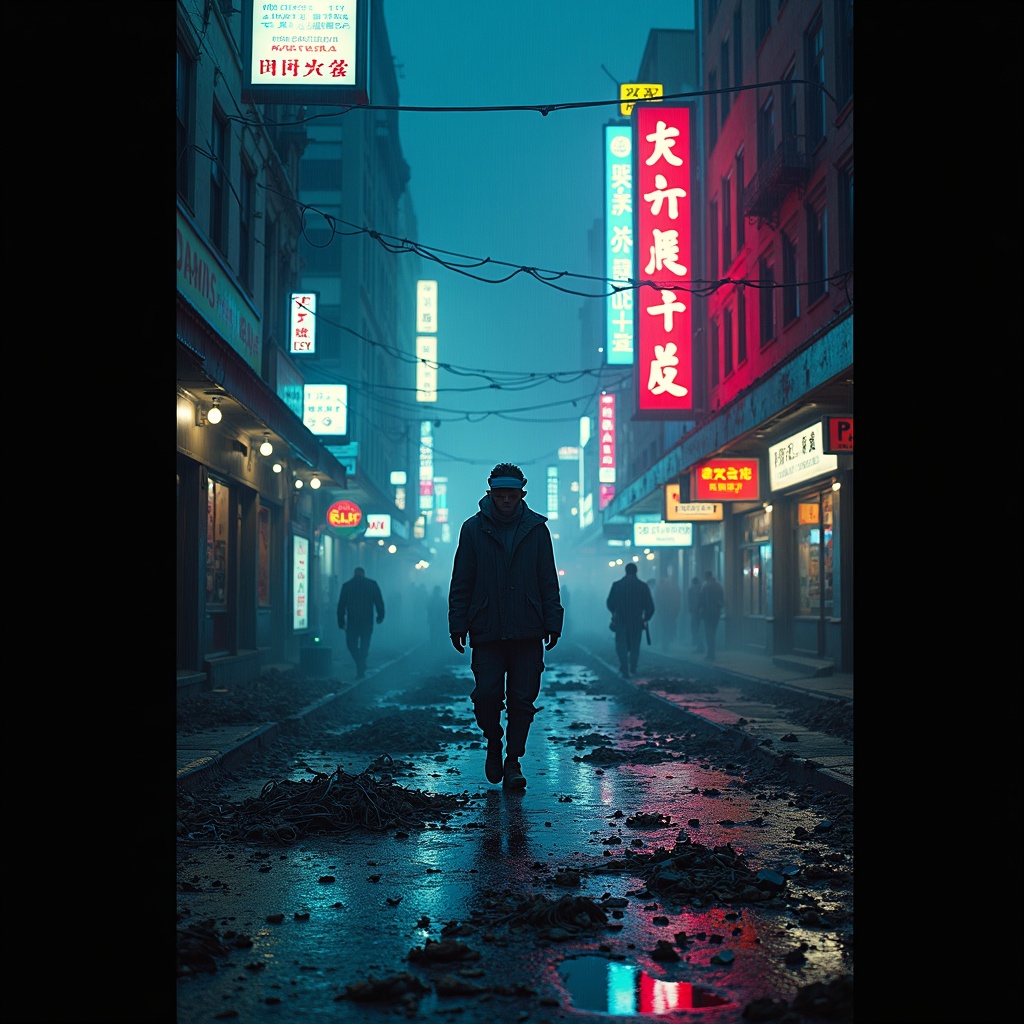
Disposable burner phones fill Chinatown gutter streams - Flux.1 dev
Invite
The neon glow of Chinatown’s towering billboards reflects off rain-slicked streets, casting rippling electric hues of cyan, magenta, and gold across the murky gutter streams clogged with discarded burner phones—shattered screens flickering faintly, their dying pixels glitching fragmented ads and scrambled text. The air hums with the static of dead signals, mingling with the scent of fried street food and ozone, as steam rises from sewer grates, weaving through the tangled cords and cracked plastic casings that litter the pavement. A lone figure in a tattered, high-collar jacket steps carefully over the debris, their face obscured by a flickering AR visor, while holographic graffiti pulses on the damp brick walls above, warning of surveillance and dead drops. The scene is a chaotic symphony of decay and hyper-modernity, where the detritus of disposable technology merges with the vibrant, oppressive energy of the district, bathed in the cold, uneven light of flickering signage and distant police drones cutting through the smog.
Analyse Détaillée du Prompt d'Image Flux IA
Analysez le prompt détaillé utilisé pour générer l'image avec Flux IA Image Generator.
Explorez les invites Flux IA
Comment générer une image par Flux.1 dev
Suivez ces quatre étapes simples pour créer l'image désirée.
Étape 1 : Entrez votre texte (N'hésitez pas à affiner votre prompt pour de meilleurs résultats)
Étape 2 : Choisissez le ratio d'aspect de l'image
Étape 3 : Sélectionnez votre modèle Flux :
Étape 4 : Cliquez sur le bouton Générer et attendez quelques secondes pour votre image
Outils Flux IA liés aux prompts sur Flux.1 dev
Découvrez des outils avancés de Flux IA pour booster votre flux de travail créatif.