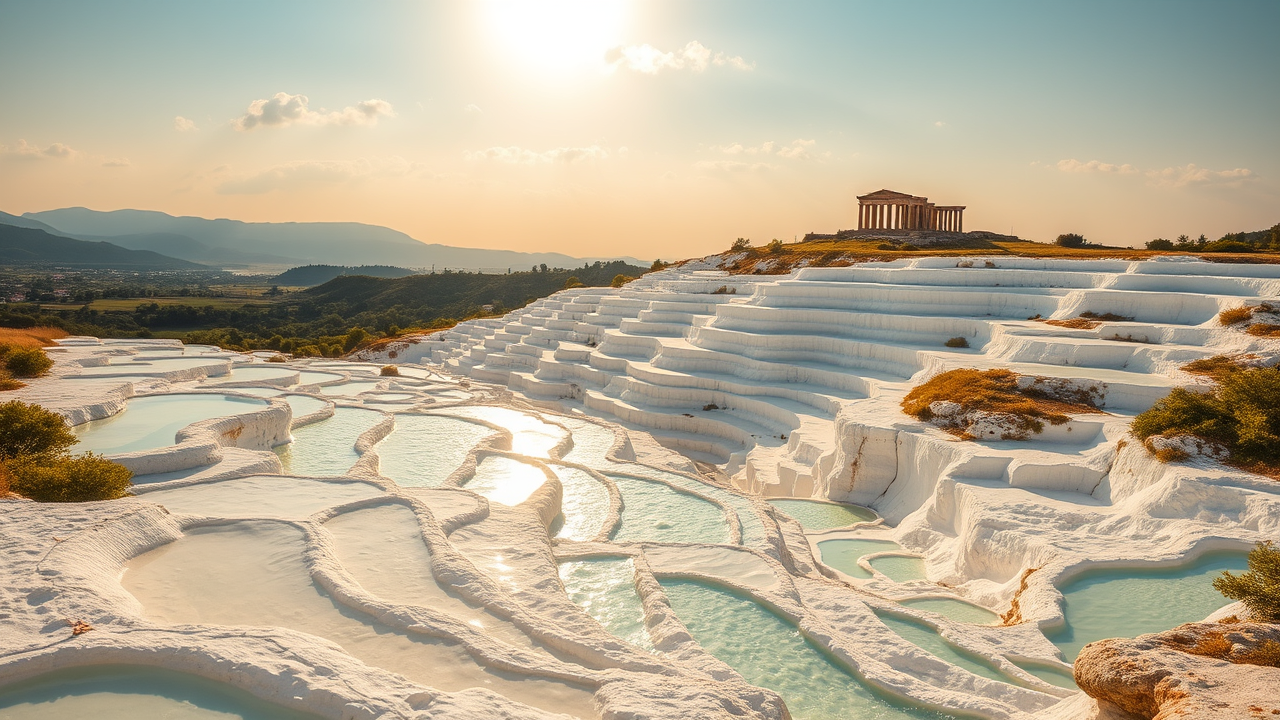
Pamukkale Travertines - Flux.1 schnell
Invite
**Prompt:** "A breathtaking view of Pamukkale’s terraced travertines, gleaming white under the golden light of late afternoon. The cascading mineral-rich pools reflect the sky in shimmering turquoise and milky blue hues, their smooth, rippled surfaces contrasting with the rugged limestone edges. Lush greenery and distant mountains frame the scene, enhancing the surreal, otherworldly beauty. Ancient ruins of Hierapolis perch atop the terraces, adding a touch of historical grandeur. Soft clouds drift in a pastel-colored sky, casting delicate shadows over the stepped formations. Capture the scene in a hyper-realistic style, emphasizing the interplay of light and water for a serene, dreamlike atmosphere." (Characters: 625)
Analyse Détaillée du Prompt d'Image Flux IA
Analysez le prompt détaillé utilisé pour générer l'image avec Flux IA Image Generator.
Explorez les invites Flux IA
Comment générer une image par Flux.1 schnell
Suivez ces quatre étapes simples pour créer l'image désirée.
Étape 1 : Entrez votre texte (N'hésitez pas à affiner votre prompt pour de meilleurs résultats)
Étape 2 : Choisissez le ratio d'aspect de l'image
Étape 3 : Sélectionnez votre modèle Flux :
Étape 4 : Cliquez sur le bouton Générer et attendez quelques secondes pour votre image
Outils Flux IA liés aux prompts sur Flux.1 schnell
Découvrez des outils avancés de Flux IA pour booster votre flux de travail créatif.