Pamukkale Travertines - Flux.1 schnell
prompt
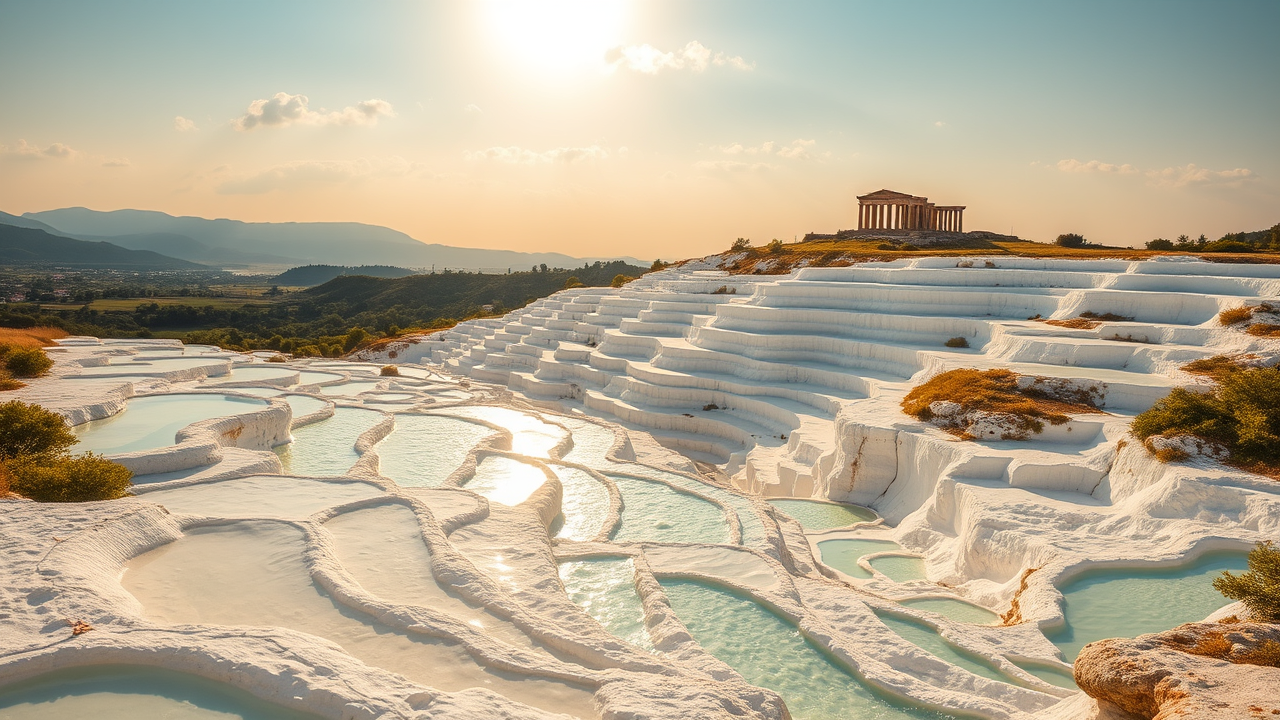
**Prompt:** "A breathtaking view of Pamukkale’s terraced travertines, gleaming white under the golden light of late afternoon. The cascading mineral-rich pools reflect the sky in shimmering turquoise and milky blue hues, their smooth, rippled surfaces contrasting with the rugged limestone edges. Lush greenery and distant mountains frame the scene, enhancing the surreal, otherworldly beauty. Ancient ruins of Hierapolis perch atop the terraces, adding a touch of historical grandeur. Soft clouds drift in a pastel-colored sky, casting delicate shadows over the stepped formations. Capture the scene in a hyper-realistic style, emphasizing the interplay of light and water for a serene, dreamlike atmosphere." (Characters: 625)
Analisis Terperinci Prompt Gambar Flux AI
Analisis prompt terperinci yang digunakan untuk menghasilkan gambar dengan Generator Gambar Flux AI.
Jelajahi Prompt Flux untuk Generator Gambar AI Flux
Cara menghasilkan gambar dengan Flux.1 schnell
Ikuti empat langkah sederhana ini untuk membuat gambar yang Anda inginkan.
Langkah 1: Masukkan Teks Anda (Silakan sempurnakan prompt untuk hasil yang lebih baik)
Langkah 2: Pilih Rasio Aspek Gambar
Langkah 3: Pilih Model Flux Anda:
Langkah 4: Klik Tombol Buat dan Tunggu Beberapa Detik untuk Gambar Anda
Alat Flux AI terkait untuk prompt tentang Flux.1 schnell
Temukan alat-alat canggih dari Flux AI untuk meningkatkan alur kerja kreatif Anda.