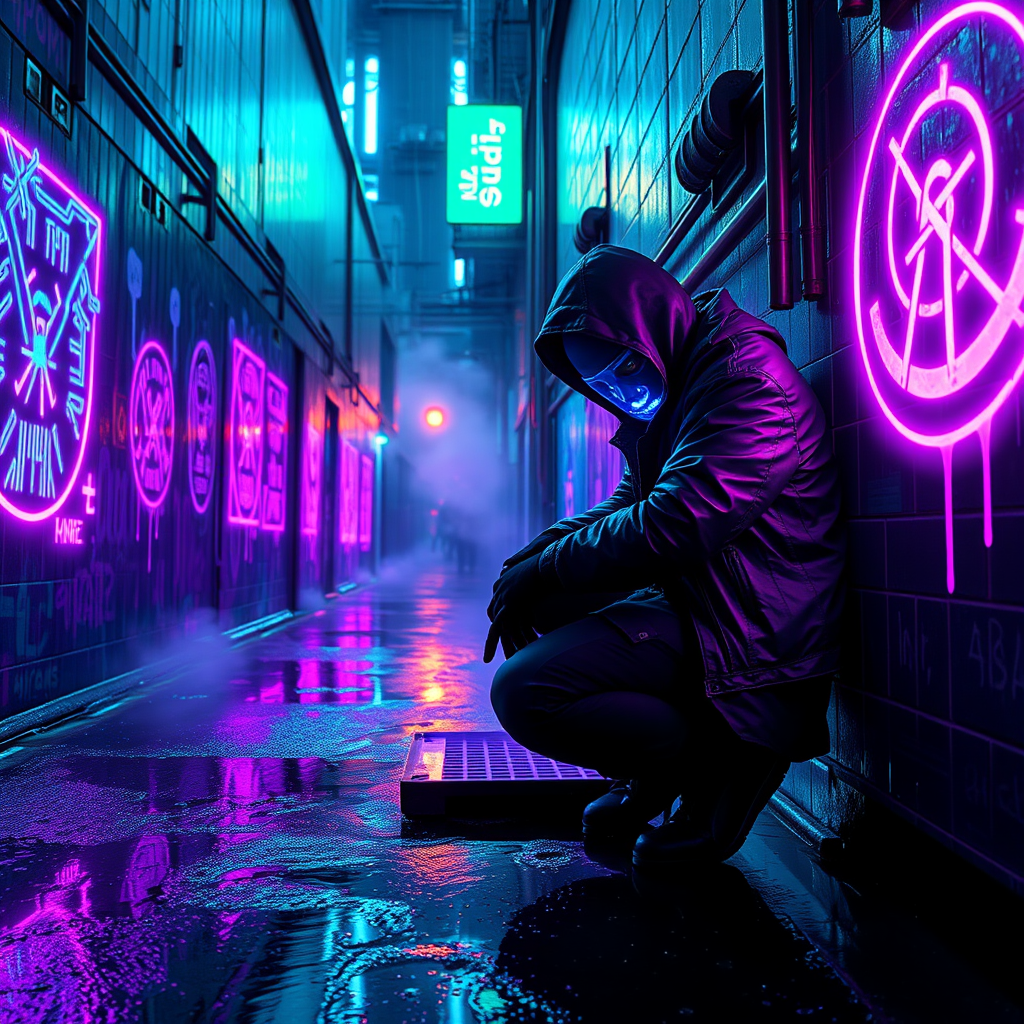
Glow-in-dark protest symbols mark dead drop locations - Flux.1 schnell
Invite
Under the oppressive neon glow of a rain-slicked cyberpunk metropolis, clandestine protest symbols pulse with an eerie bioluminescent light, marking dead drop locations where rebels exchange encrypted data. The alley walls are a chaotic canvas of glowing graffiti—circuit-like patterns, anarchist glyphs, and fractured QR codes—all painted in vivid ultraviolet hues that shimmer against the perpetual twilight. Puddles reflect the electric cyan and violet radiance, distorting the symbols into liquid ripples. A lone figure, clad in a tattered synth-leather jacket with a flickering LED mask, kneels to inspect a hidden compartment beneath a rusted grate, their gloved fingers tracing the luminescent markings. The air hums with the distant buzz of drones and the acidic tang of ozone, while steam curls from nearby vents, diffusing the glow into an otherworldly haze. The scene is a fusion of rebellion and technology, where light becomes both a weapon and a signal in the shadows of the city’s underbelly.
Analyse Détaillée du Prompt d'Image Flux IA
Analysez le prompt détaillé utilisé pour générer l'image avec Flux IA Image Generator.
Explorez les invites Flux IA
Comment générer une image par Flux.1 schnell
Suivez ces quatre étapes simples pour créer l'image désirée.
Étape 1 : Entrez votre texte (N'hésitez pas à affiner votre prompt pour de meilleurs résultats)
Étape 2 : Choisissez le ratio d'aspect de l'image
Étape 3 : Sélectionnez votre modèle Flux :
Étape 4 : Cliquez sur le bouton Générer et attendez quelques secondes pour votre image
Outils Flux IA liés aux prompts sur Flux.1 schnell
Découvrez des outils avancés de Flux IA pour booster votre flux de travail créatif.