Glow-in-dark protest symbols mark dead drop locations - Flux.1 schnell
prompt
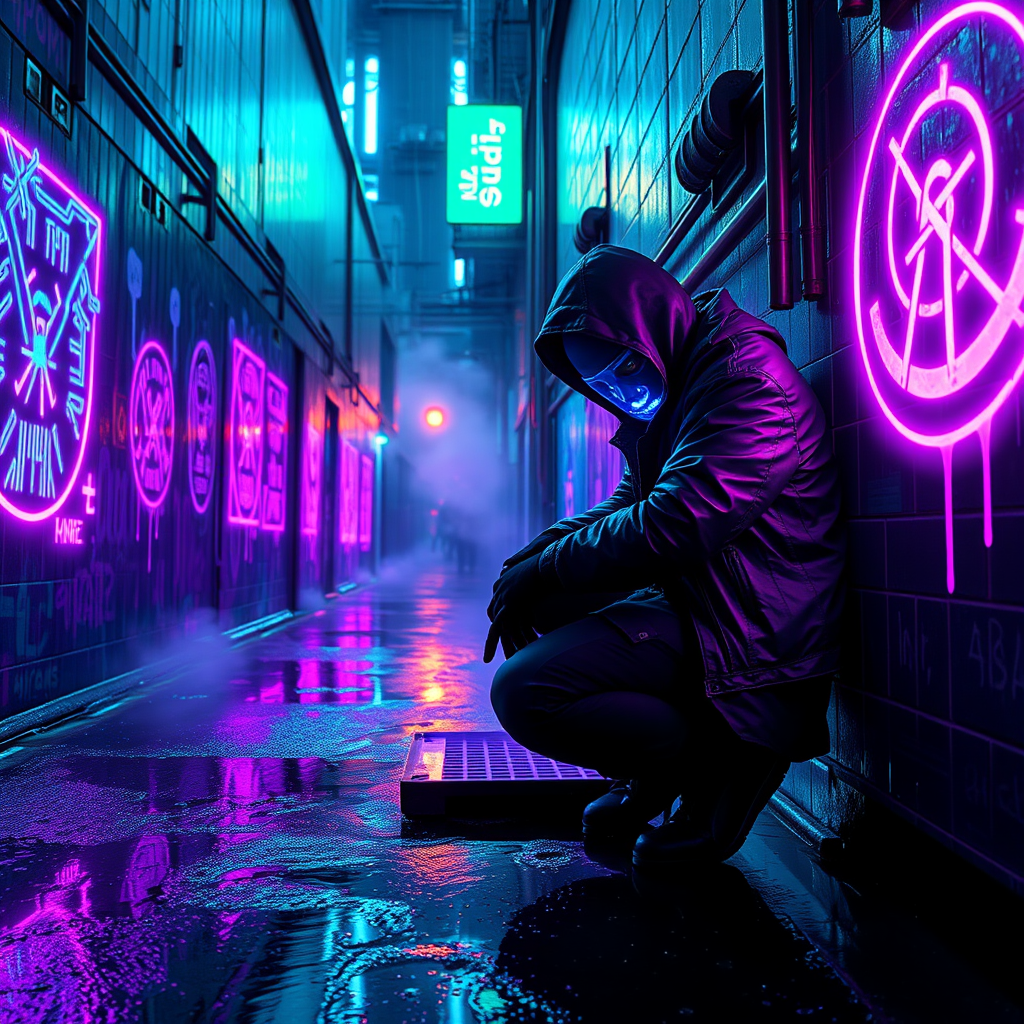
Under the oppressive neon glow of a rain-slicked cyberpunk metropolis, clandestine protest symbols pulse with an eerie bioluminescent light, marking dead drop locations where rebels exchange encrypted data. The alley walls are a chaotic canvas of glowing graffiti—circuit-like patterns, anarchist glyphs, and fractured QR codes—all painted in vivid ultraviolet hues that shimmer against the perpetual twilight. Puddles reflect the electric cyan and violet radiance, distorting the symbols into liquid ripples. A lone figure, clad in a tattered synth-leather jacket with a flickering LED mask, kneels to inspect a hidden compartment beneath a rusted grate, their gloved fingers tracing the luminescent markings. The air hums with the distant buzz of drones and the acidic tang of ozone, while steam curls from nearby vents, diffusing the glow into an otherworldly haze. The scene is a fusion of rebellion and technology, where light becomes both a weapon and a signal in the shadows of the city’s underbelly.
Analisis Terperinci Prompt Gambar Flux AI
Analisis prompt terperinci yang digunakan untuk menghasilkan gambar dengan Generator Gambar Flux AI.
Jelajahi Prompt Flux untuk Generator Gambar AI Flux
Cara menghasilkan gambar dengan Flux.1 schnell
Ikuti empat langkah sederhana ini untuk membuat gambar yang Anda inginkan.
Langkah 1: Masukkan Teks Anda (Silakan sempurnakan prompt untuk hasil yang lebih baik)
Langkah 2: Pilih Rasio Aspek Gambar
Langkah 3: Pilih Model Flux Anda:
Langkah 4: Klik Tombol Buat dan Tunggu Beberapa Detik untuk Gambar Anda
Alat Flux AI terkait untuk prompt tentang Flux.1 schnell
Temukan alat-alat canggih dari Flux AI untuk meningkatkan alur kerja kreatif Anda.