Y U No Holiday Spirit -
Invite
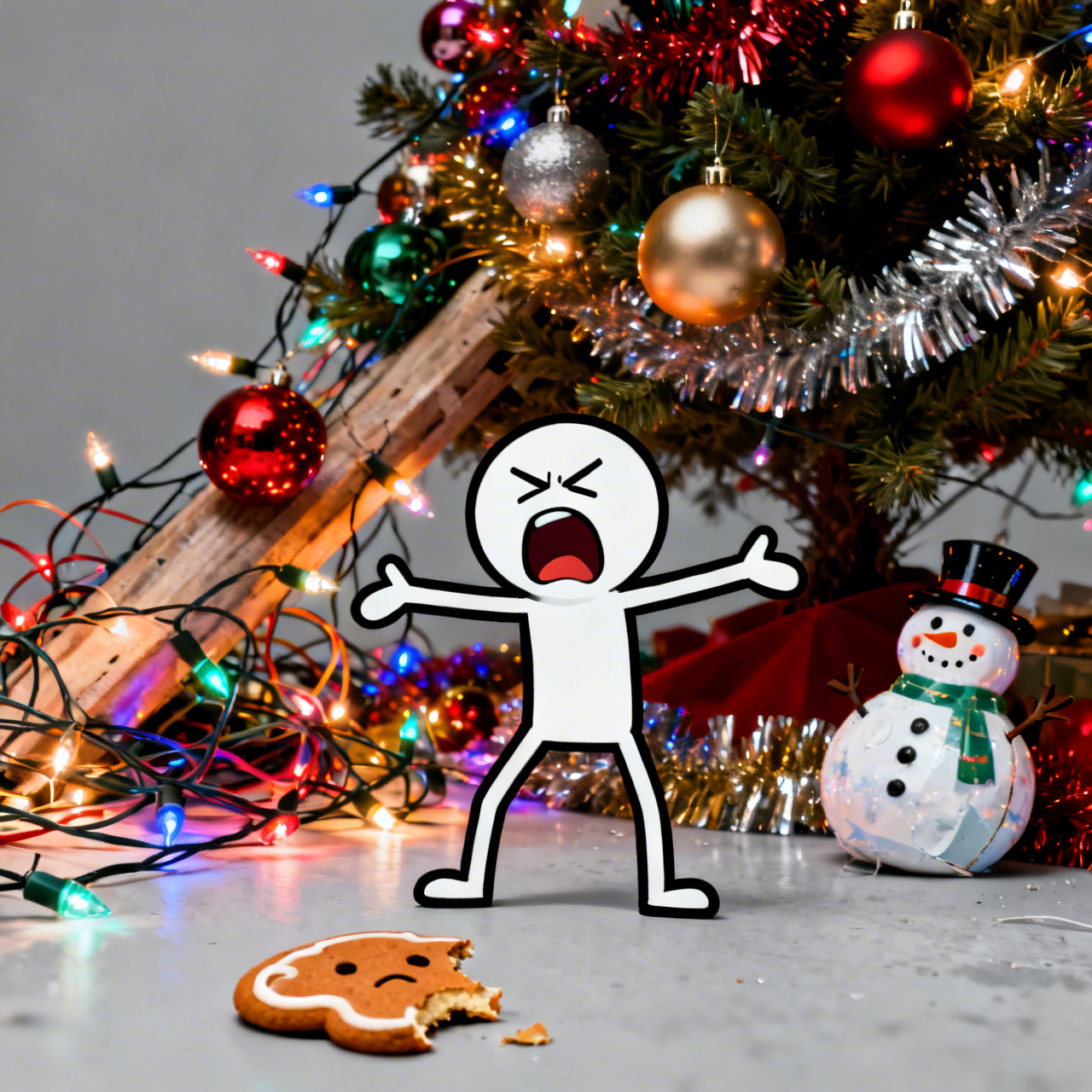
**"Y U No Holiday Spirit" Meme, High Resolution.** Grumpy stick figure with furrowed brow and open mouth (mid-scream), arms outstretched in exasperation. Background: vibrant, hyper-realistic, yet slightly chaotic Christmas decorations - tangled fairy lights, garish ornaments, a leaning, over-decorated tree, excessive tinsel. Foreground: a single, sad, half-eaten gingerbread cookie or a deflated jolly snowman ornament. Harsh, almost overwhelming festive lighting clashing with the stick figure's flat grey tone. Digital art, bold outlines, meme art style. Rule of thirds composition, stick figure slightly off-center. **Highly saturated colors.**
Analyse Détaillée du Prompt d'Image Flux IA
Analysez le prompt détaillé utilisé pour générer l'image avec Flux IA Image Generator.
Explorez les invites Flux IA
Comment générer une image par undefined
Suivez ces quatre étapes simples pour créer l'image désirée.
Étape 1 : Entrez votre texte (N'hésitez pas à affiner votre prompt pour de meilleurs résultats)
Étape 2 : Choisissez le ratio d'aspect de l'image
Étape 3 : Sélectionnez votre modèle Flux :
Étape 4 : Cliquez sur le bouton Générer et attendez quelques secondes pour votre image
Outils Flux IA liés aux prompts sur
Découvrez des outils avancés de Flux IA pour booster votre flux de travail créatif.