Y U No Holiday Spirit -
prompt
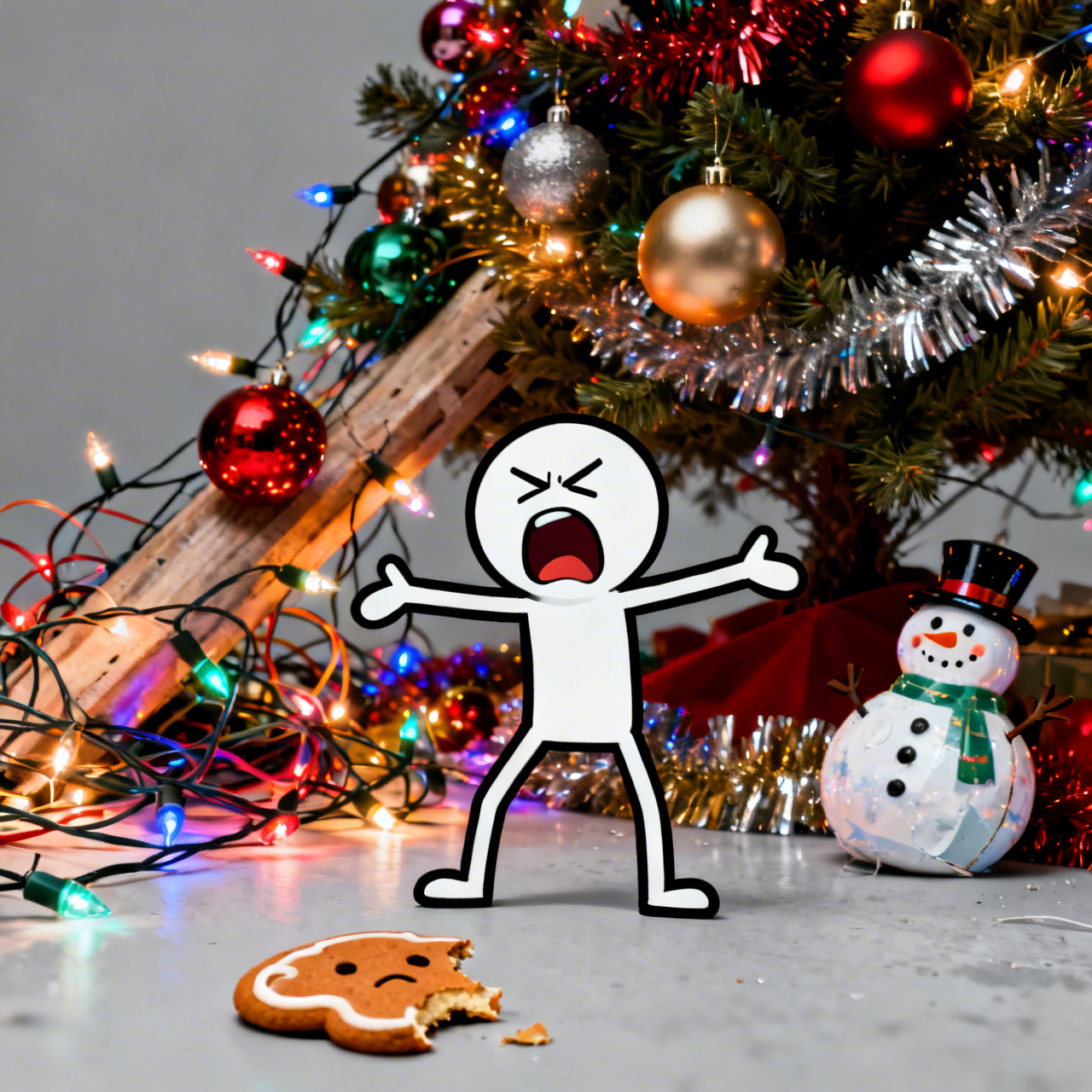
**"Y U No Holiday Spirit" Meme, High Resolution.** Grumpy stick figure with furrowed brow and open mouth (mid-scream), arms outstretched in exasperation. Background: vibrant, hyper-realistic, yet slightly chaotic Christmas decorations - tangled fairy lights, garish ornaments, a leaning, over-decorated tree, excessive tinsel. Foreground: a single, sad, half-eaten gingerbread cookie or a deflated jolly snowman ornament. Harsh, almost overwhelming festive lighting clashing with the stick figure's flat grey tone. Digital art, bold outlines, meme art style. Rule of thirds composition, stick figure slightly off-center. **Highly saturated colors.**
Detailed Analysis of the Flux AI Image Prompt
Analyze the detailed prompt used to generate the image with Flux AI Image Generator.
Explore Flux Prompts for the Flux AI Image Generator
How to generate image by undefined
Follow these four simple steps to create your desired image.
Step 1: Enter Your Text (Feel free to refine your prompt for better results)
Step 2: Choose Image Aspect Ratio
Step 3: Select Your Flux Model:
Step 4: Click the Generate Button and Wait a Few Seconds for Your Image
Related Flux AI tools for prompts about
Discover advanced tools from Flux AI to boost your creative workflow.