Neon Shadows: A Mechanic's Vigil - Flux.1 schnell
prompt
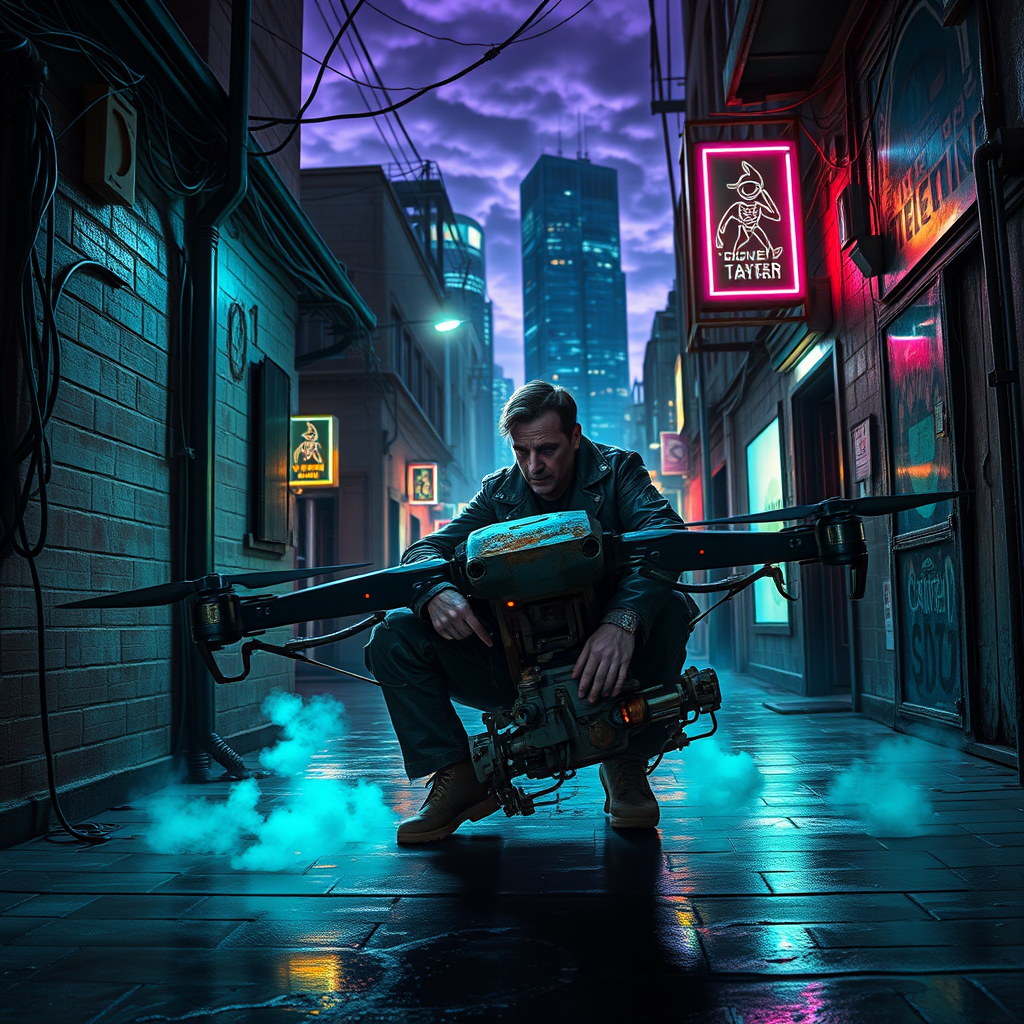
In a dimly lit alleyway, flickering neon streetlights cast an eerie glow on the rain-slicked pavement, their vibrant hues of electric blue and acidic green illuminating shadowy figures lurking in the depths. A rogue mechanic, clad in a tattered leather jacket adorned with glowing circuit patterns, kneels beside a malfunctioning drone, its metallic body glinting with rust and grime. Wisps of steam rise from the ground, mingling with the faint hum of nearby machinery, creating an atmosphere thick with tension and intrigue. The mechanic's hands, deft and calloused, work tirelessly, surrounded by a chaotic array of tools and spare parts, while a pair of glowing eyes peer from the shadows, watching intently. Above, a tangle of wires and cables snakes along the walls, dripping with condensation, as the city’s towering skyscrapers loom ominously, their silhouettes etched against a backdrop of swirling purple clouds, hinting at a storm brewing in this gritty cyberpunk world.
Analisis Terperinci Prompt Gambar Flux AI
Analisis prompt terperinci yang digunakan untuk menghasilkan gambar dengan Generator Gambar Flux AI.
Jelajahi Prompt Flux untuk Generator Gambar AI Flux
Cara menghasilkan gambar dengan Flux.1 schnell
Ikuti empat langkah sederhana ini untuk membuat gambar yang Anda inginkan.
Langkah 1: Masukkan Teks Anda (Silakan sempurnakan prompt untuk hasil yang lebih baik)
Langkah 2: Pilih Rasio Aspek Gambar
Langkah 3: Pilih Model Flux Anda:
Langkah 4: Klik Tombol Buat dan Tunggu Beberapa Detik untuk Gambar Anda
Alat Flux AI terkait untuk prompt tentang Flux.1 schnell
Temukan alat-alat canggih dari Flux AI untuk meningkatkan alur kerja kreatif Anda.