Neon Shadows: A Mechanic's Vigil - Flux.1 schnell
prompt
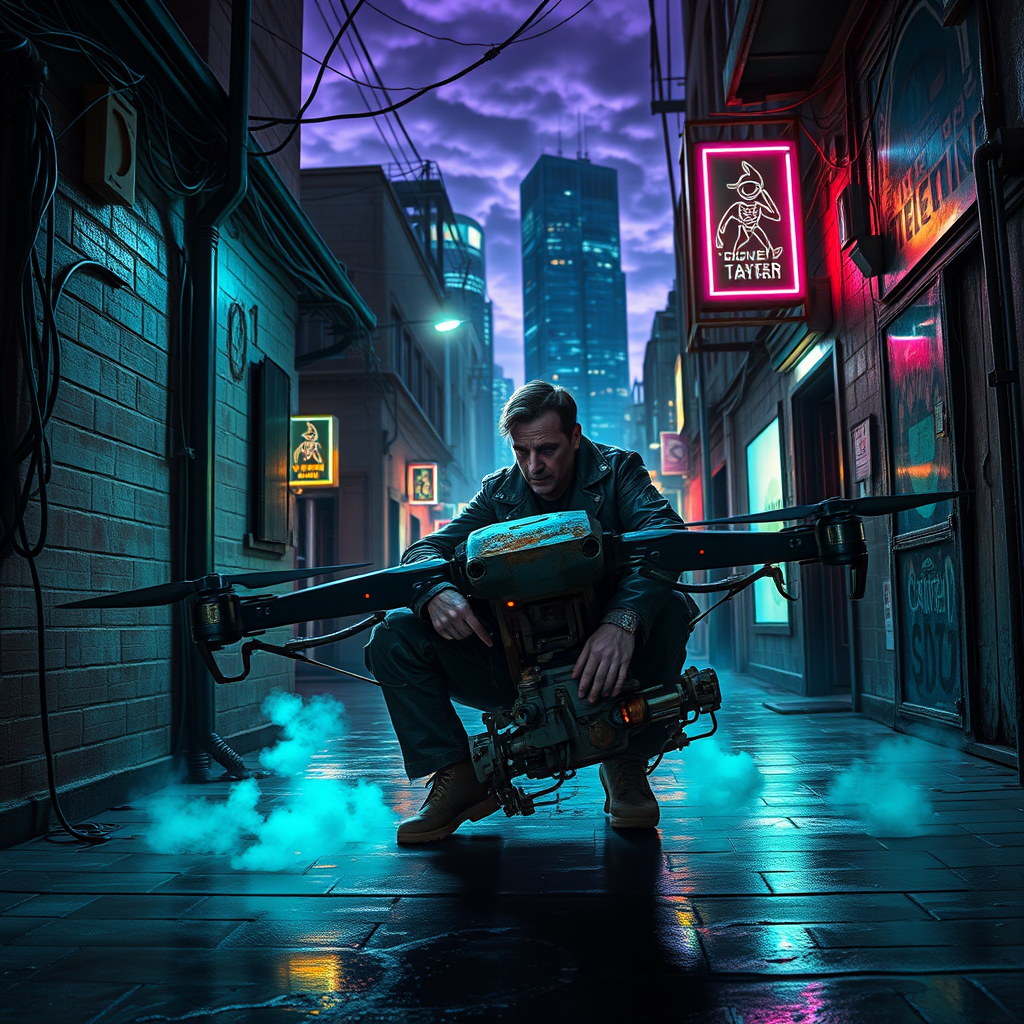
In a dimly lit alleyway, flickering neon streetlights cast an eerie glow on the rain-slicked pavement, their vibrant hues of electric blue and acidic green illuminating shadowy figures lurking in the depths. A rogue mechanic, clad in a tattered leather jacket adorned with glowing circuit patterns, kneels beside a malfunctioning drone, its metallic body glinting with rust and grime. Wisps of steam rise from the ground, mingling with the faint hum of nearby machinery, creating an atmosphere thick with tension and intrigue. The mechanic's hands, deft and calloused, work tirelessly, surrounded by a chaotic array of tools and spare parts, while a pair of glowing eyes peer from the shadows, watching intently. Above, a tangle of wires and cables snakes along the walls, dripping with condensation, as the city’s towering skyscrapers loom ominously, their silhouettes etched against a backdrop of swirling purple clouds, hinting at a storm brewing in this gritty cyberpunk world.
Analisi Dettagliata del Prompt Immagine Flux AI
Analizza il prompt dettagliato utilizzato per generare l'immagine con il Generatore Immagini Flux AI.
Esplora i Prompt Flux per il Generatore Immagini Flux AI
Come generare immagini con Flux.1 schnell
Segui questi quattro semplici passaggi per creare l'immagine desiderata.
Passaggio 1: Inserisci il Tuo Testo (Sentiti libero di perfezionare il prompt per risultati migliori)
Passaggio 2: Scegli le Proporzioni dell'Immagine
Passaggio 3: Seleziona il Tuo Modello Flux:
Passaggio 4: Clicca il Pulsante Genera e Attendi Alcuni Secondi per la Tua Immagine
Strumenti Flux AI correlati per prompt su Flux.1 schnell
Scopri strumenti avanzati di Flux AI per potenziare il tuo flusso di lavoro creativo.