Howling Guardian: Wild Harmony - Flux.1 schnell
prompt
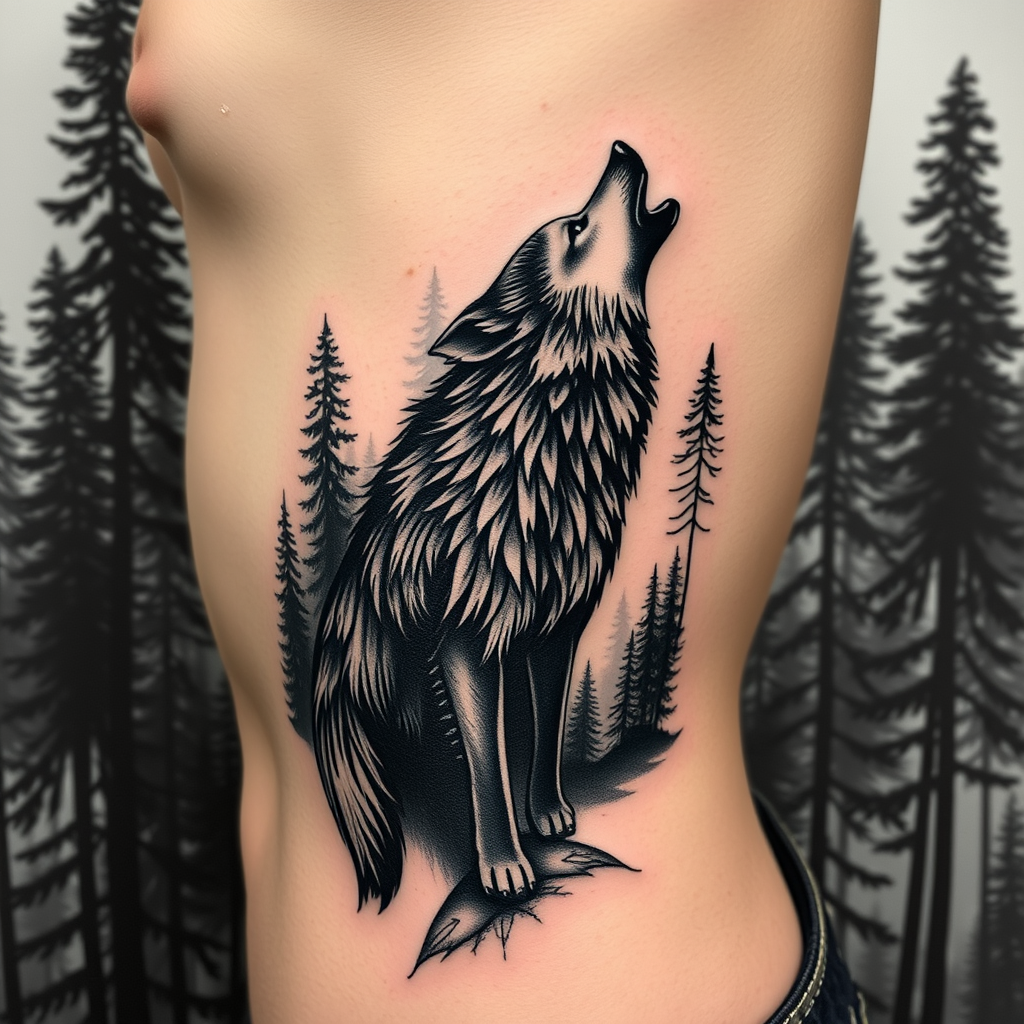
Design a tattoo for the side of the ribcage featuring a realistic wolf silhouette, poised gracefully amidst a dense forest backdrop. The wolf, depicted in mid-howl, should showcase intricate details in its fur, capturing the wild essence of the animal. Surrounding the wolf, a blend of tall, shadowy pine trees creates depth, with subtle hints of mist weaving through the branches. The artistic style should be hyper-realistic, emphasizing the textures of fur and bark, while the overall size spans from the lower ribs to just below the armpit, wrapping slightly around the torso. Opt for a monochromatic palette in deep blacks and grays, enhancing the contrast between the wolf and the forest. Incorporate subtle geometric patterns within the forest elements to symbolize harmony with nature. The overall mood should evoke a sense of mystery and strength, reflecting the spirit of the wolf as a guardian of the wild.
Analisis Terperinci Prompt Gambar Flux AI
Analisis prompt terperinci yang digunakan untuk menghasilkan gambar dengan Generator Gambar Flux AI.
Jelajahi Prompt Flux untuk Generator Gambar AI Flux
Cara menghasilkan gambar dengan Flux.1 schnell
Ikuti empat langkah sederhana ini untuk membuat gambar yang Anda inginkan.
Langkah 1: Masukkan Teks Anda (Silakan sempurnakan prompt untuk hasil yang lebih baik)
Langkah 2: Pilih Rasio Aspek Gambar
Langkah 3: Pilih Model Flux Anda:
Langkah 4: Klik Tombol Buat dan Tunggu Beberapa Detik untuk Gambar Anda
Alat Flux AI terkait untuk prompt tentang Flux.1 schnell
Temukan alat-alat canggih dari Flux AI untuk meningkatkan alur kerja kreatif Anda.