Neon Shadows: Hackers' Haven - Flux.1.1 pro
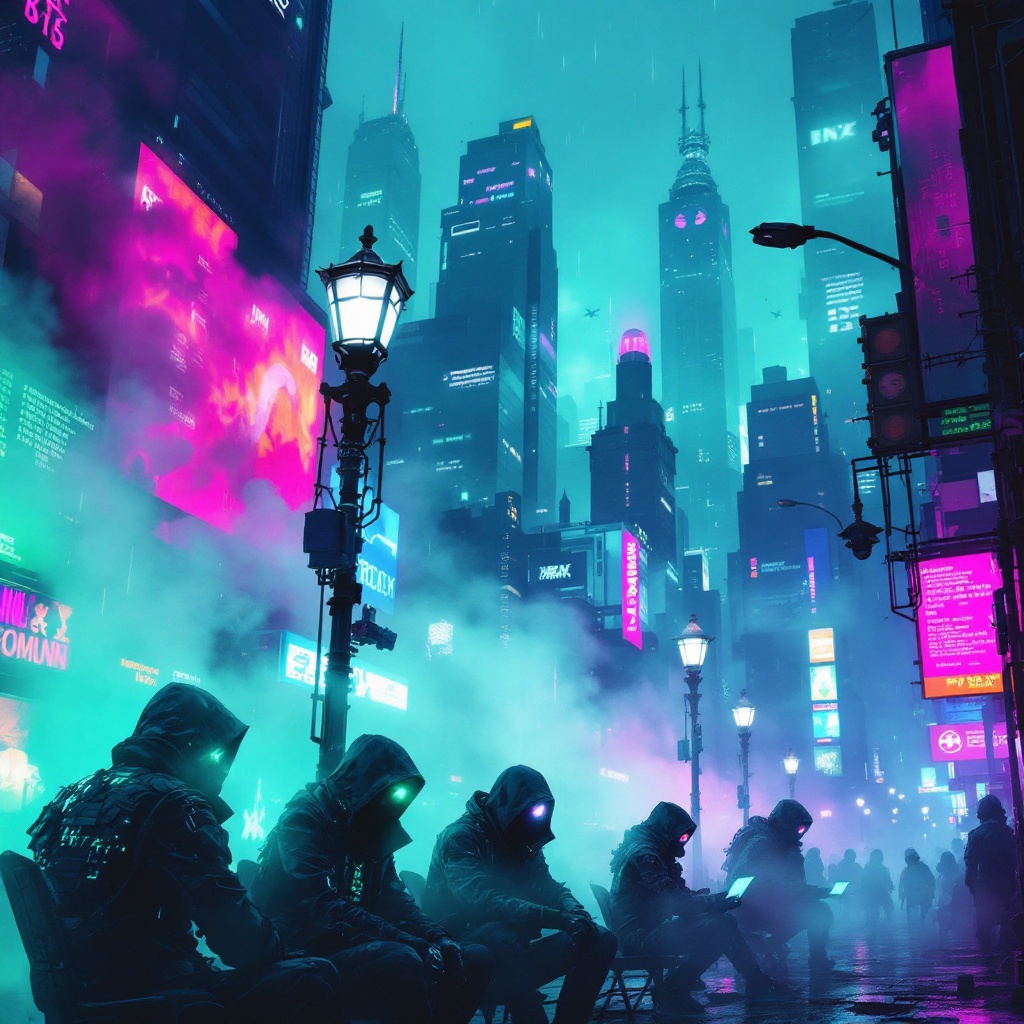
prompt
In a neon-drenched cyberpunk city, chromatic fog swirls through the rain-slicked streets, casting an otherworldly glow in hues of electric blue, vibrant magenta, and acid green. Towering skyscrapers loom overhead, their glass facades reflecting the pulsating lights of holographic advertisements that flicker like restless spirits. In the foreground, a group of rogue hackers, clad in tattered leather jackets adorned with glowing circuitry, hunch over their sleek, high-tech devices, their faces illuminated by the eerie light of holographic screens displaying cascading lines of code. Wisps of digital phantoms, ephemeral and shimmering, dance around them, morphing into cryptic symbols and fleeting images of data. The atmosphere is thick with tension, as the fog swirls around flickering street lamps, casting distorted shadows that seem to whisper secrets of the underground. A distant siren wails, merging with the electric hum of the city, creating a symphony of chaos and intrigue.
Analisis Terperinci Prompt Gambar Flux AI
Analisis prompt terperinci yang digunakan untuk menghasilkan gambar dengan Generator Gambar Flux AI.
Jelajahi Prompt Flux untuk Generator Gambar AI Flux
Cara menghasilkan gambar dengan Flux.1.1 pro
Ikuti empat langkah sederhana ini untuk membuat gambar yang Anda inginkan.
Langkah 1: Masukkan Teks Anda (Silakan sempurnakan prompt untuk hasil yang lebih baik)
Langkah 2: Pilih Rasio Aspek Gambar
Langkah 3: Pilih Model Flux Anda:
Langkah 4: Klik Tombol Buat dan Tunggu Beberapa Detik untuk Gambar Anda
Alat Flux AI terkait untuk prompt tentang Flux.1.1 pro
Temukan alat-alat canggih dari Flux AI untuk meningkatkan alur kerja kreatif Anda.