Neon Shadows: Hackers' Haven - Flux.1.1 pro
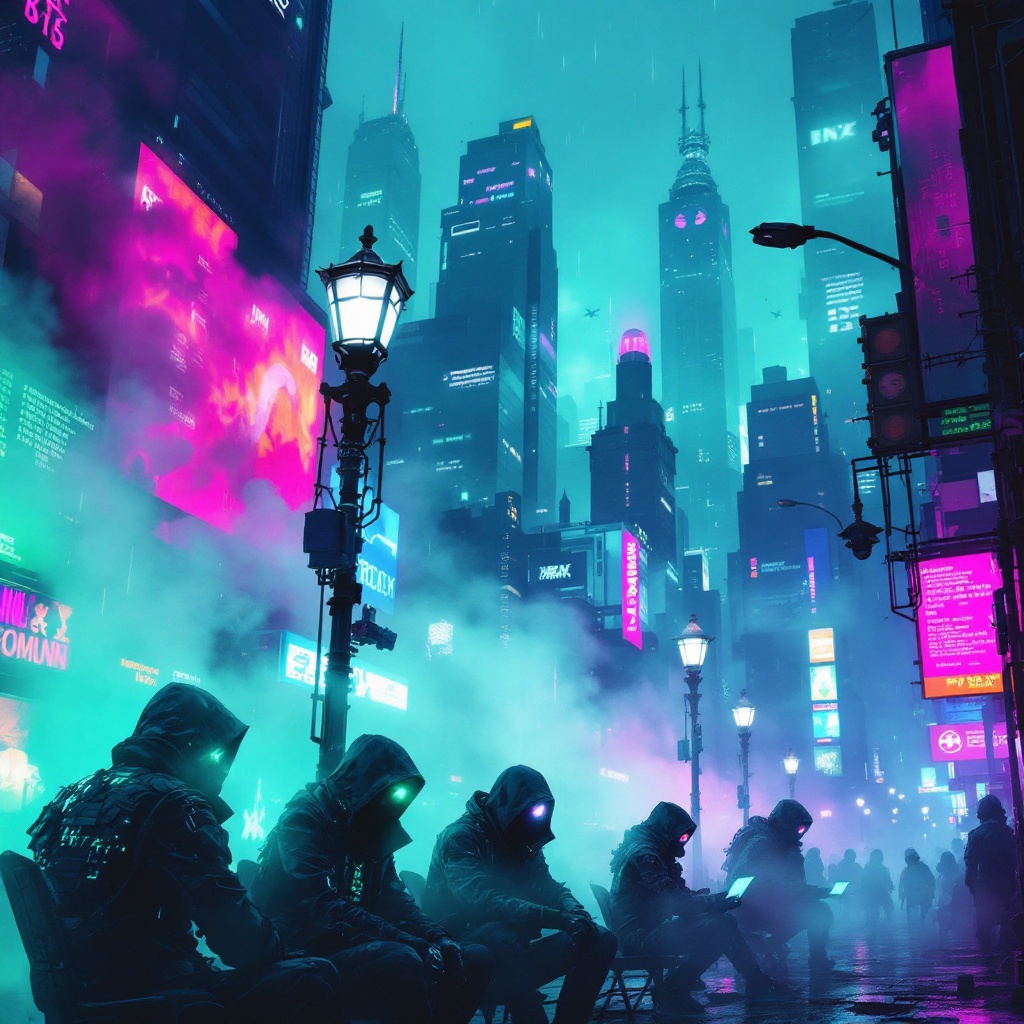
prompt
In a neon-drenched cyberpunk city, chromatic fog swirls through the rain-slicked streets, casting an otherworldly glow in hues of electric blue, vibrant magenta, and acid green. Towering skyscrapers loom overhead, their glass facades reflecting the pulsating lights of holographic advertisements that flicker like restless spirits. In the foreground, a group of rogue hackers, clad in tattered leather jackets adorned with glowing circuitry, hunch over their sleek, high-tech devices, their faces illuminated by the eerie light of holographic screens displaying cascading lines of code. Wisps of digital phantoms, ephemeral and shimmering, dance around them, morphing into cryptic symbols and fleeting images of data. The atmosphere is thick with tension, as the fog swirls around flickering street lamps, casting distorted shadows that seem to whisper secrets of the underground. A distant siren wails, merging with the electric hum of the city, creating a symphony of chaos and intrigue.
Analisi Dettagliata del Prompt Immagine Flux AI
Analizza il prompt dettagliato utilizzato per generare l'immagine con il Generatore Immagini Flux AI.
Esplora i Prompt Flux per il Generatore Immagini Flux AI
Come generare immagini con Flux.1.1 pro
Segui questi quattro semplici passaggi per creare l'immagine desiderata.
Passaggio 1: Inserisci il Tuo Testo (Sentiti libero di perfezionare il prompt per risultati migliori)
Passaggio 2: Scegli le Proporzioni dell'Immagine
Passaggio 3: Seleziona il Tuo Modello Flux:
Passaggio 4: Clicca il Pulsante Genera e Attendi Alcuni Secondi per la Tua Immagine
Strumenti Flux AI correlati per prompt su Flux.1.1 pro
Scopri strumenti avanzati di Flux AI per potenziare il tuo flusso di lavoro creativo.