Here's a unique 10-word Cyberpunk scene that avoids repeating phrases from th... - Flux.1 pro
prompt
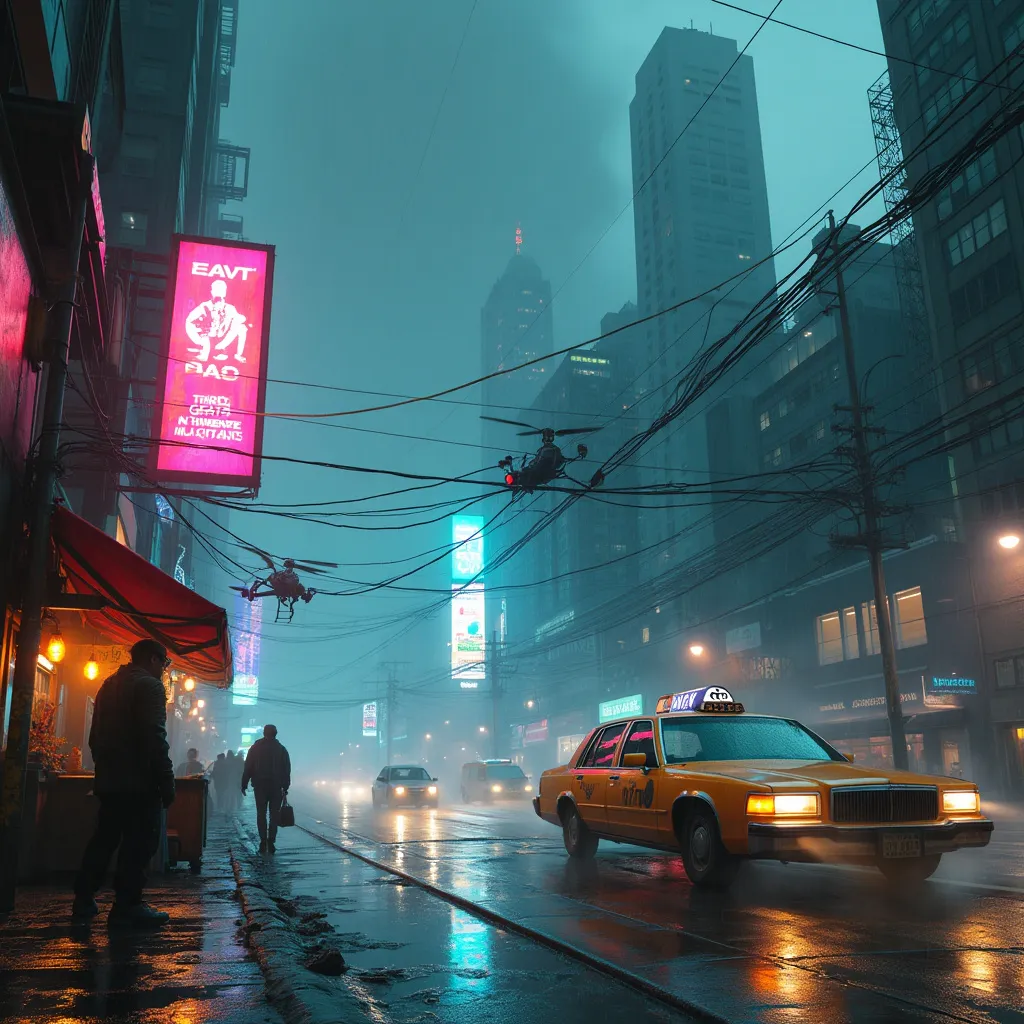
Neon-tinged mist swirls around towering holographic billboards, casting an eerie glow on the rain-slicked streets below. Augmented street vendors hawk biotech implants from cramped stalls, their wares glinting under flickering LED strips. A sleek hover-taxi glides silently past, its windows tinted to obscure the silhouettes of secretive passengers. In the foreground, a rogue hacker crouches beside a sparking data terminal, fingers dancing across a holographic keyboard as lines of code reflect in their cybernetic eyes. Nearby, a hulking cyborg bouncer stands guard outside a seedy underground club, neon tattoos pulsing beneath translucent skin. Overhead, a web of fiber optic cables crisscrosses between skyscrapers, forming a luminous canopy against the smog-choked night sky. In the distance, the imposing headquarters of a megacorporation looms, its façade adorned with ever-changing digital murals. The air thrums with the low hum of hidden surveillance drones, their red sensor lights barely visible through the haze.
Analisi Dettagliata del Prompt Immagine Flux AI
Analizza il prompt dettagliato utilizzato per generare l'immagine con il Generatore Immagini Flux AI.
Esplora i Prompt Flux per il Generatore Immagini Flux AI
Come generare immagini con Flux.1 pro
Segui questi quattro semplici passaggi per creare l'immagine desiderata.
Passaggio 1: Inserisci il Tuo Testo (Sentiti libero di perfezionare il prompt per risultati migliori)
Passaggio 2: Scegli le Proporzioni dell'Immagine
Passaggio 3: Seleziona il Tuo Modello Flux:
Passaggio 4: Clicca il Pulsante Genera e Attendi Alcuni Secondi per la Tua Immagine
Strumenti Flux AI correlati per prompt su Flux.1 pro
Scopri strumenti avanzati di Flux AI per potenziare il tuo flusso di lavoro creativo.