Neon Shadows: Code & Chaos - Flux.1 dev
prompt
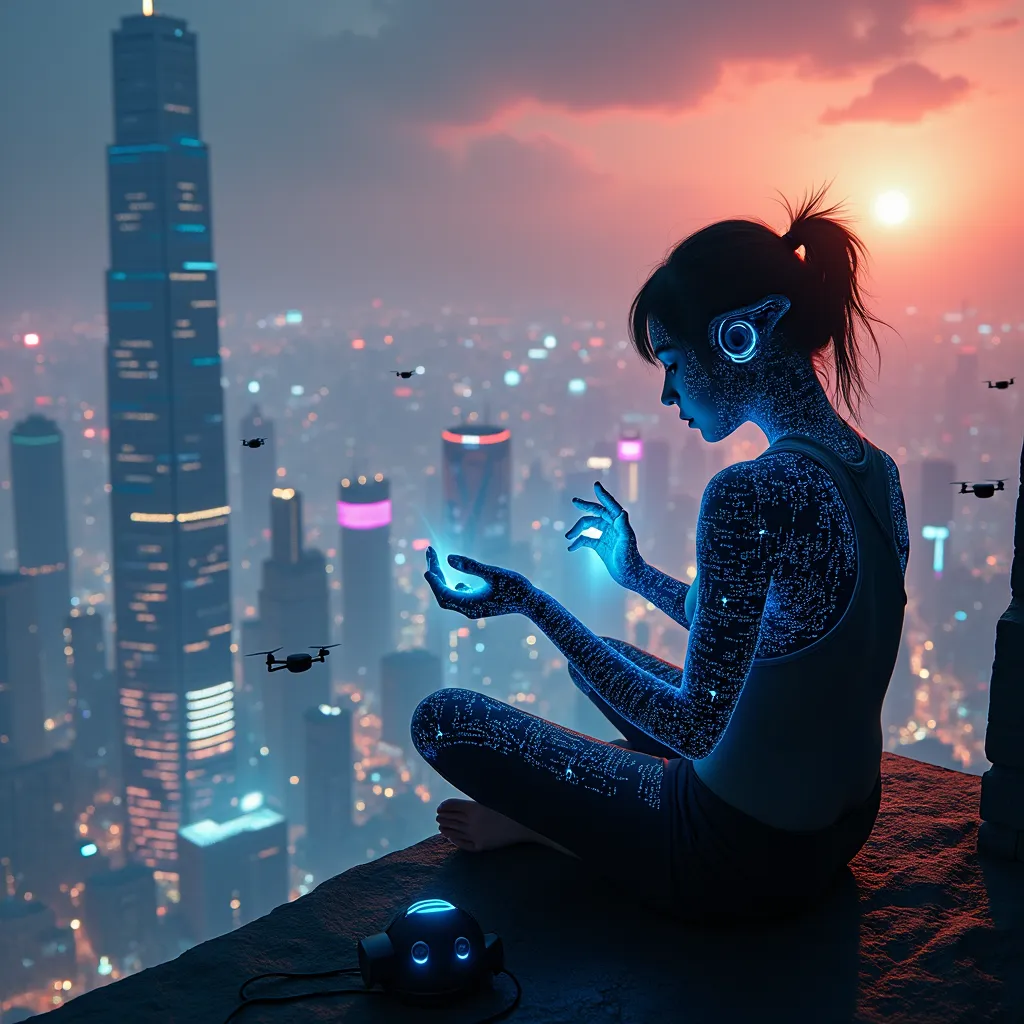
A rogue programmer, silhouetted against a holographic cityscape, sits cross-legged atop a neon-lit skyscraper. Her fingers dance across an invisible interface, manipulating streams of iridescent data that swirl around her like a digital tornado. The city below is a maze of towering structures, their surfaces alive with pulsating advertisements and scrolling binary code. Quantum circuitry patterns trace intricate designs across the programmer's skin, glowing with an ethereal blue light. In the distance, a shimmering distortion warps the fabric of reality, hinting at a temporal anomaly. The sky above is a tapestry of pollution and augmented reality overlays, casting an eerie, orange-purple glow over the scene. Floating drones with camera eyes hover nearby, their lenses focused on the hacker's illicit activities. At her feet lies a discarded neural interface headset, its exposed wires sparking with residual energy. The entire scene is bathed in a cybernetic chiaroscuro of deep shadows and vibrant, artificial light sources, emphasizing the contrast between the physical and digital realms.
Analisi Dettagliata del Prompt Immagine Flux AI
Analizza il prompt dettagliato utilizzato per generare l'immagine con il Generatore Immagini Flux AI.
Esplora i Prompt Flux per il Generatore Immagini Flux AI
Come generare immagini con Flux.1 dev
Segui questi quattro semplici passaggi per creare l'immagine desiderata.
Passaggio 1: Inserisci il Tuo Testo (Sentiti libero di perfezionare il prompt per risultati migliori)
Passaggio 2: Scegli le Proporzioni dell'Immagine
Passaggio 3: Seleziona il Tuo Modello Flux:
Passaggio 4: Clicca il Pulsante Genera e Attendi Alcuni Secondi per la Tua Immagine
Strumenti Flux AI correlati per prompt su Flux.1 dev
Scopri strumenti avanzati di Flux AI per potenziare il tuo flusso di lavoro creativo.