Neon Shadows: Rogue Mechanic's Realm - Flux.1 dev
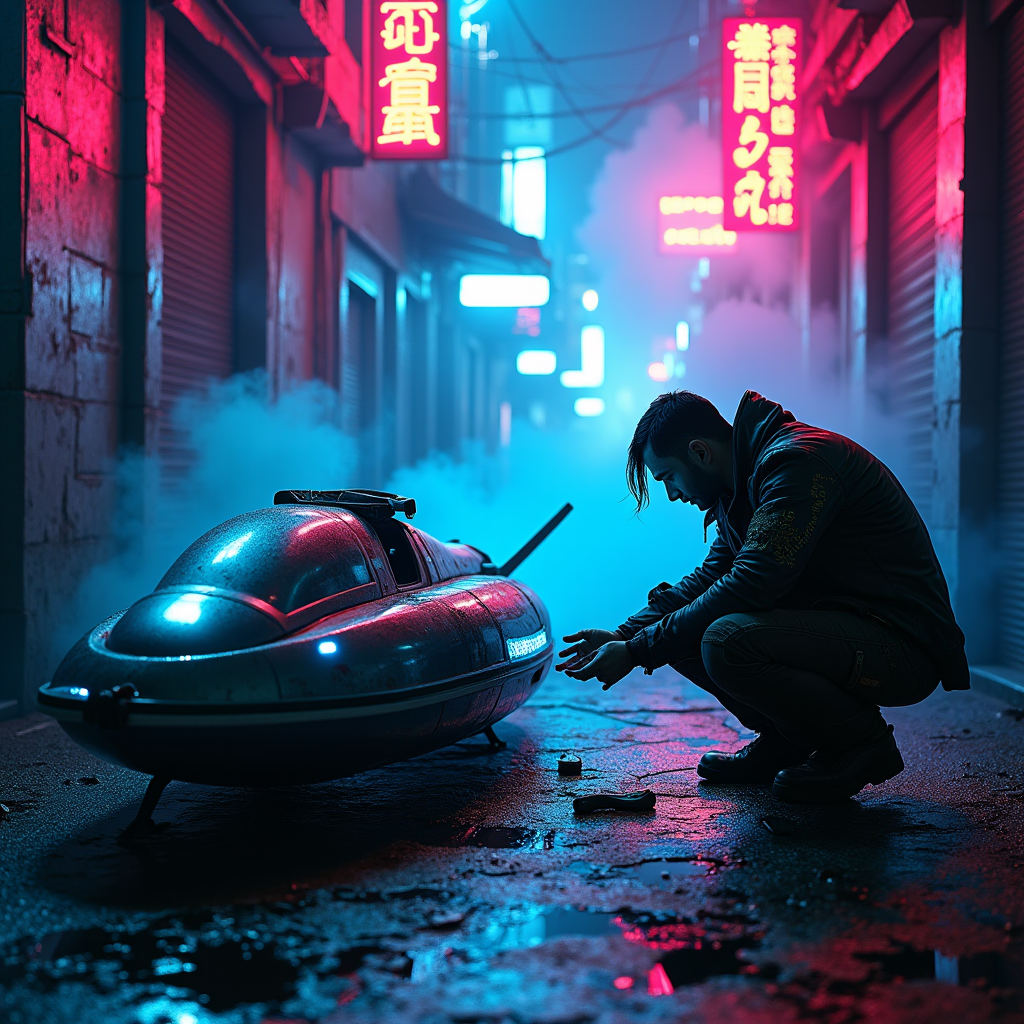
prompt
In a dimly lit cyberpunk alley, neon fog swirls around the cracked pavement, casting an ethereal glow in shades of electric blue and vibrant magenta. Shadows dance as a rogue mechanic, clad in a tattered leather jacket adorned with glowing circuit patterns, crouches beside a glitching hovercraft, its sleek metallic body flickering with erratic lights. The mechanic's hands, stained with oil and grime, deftly manipulate a holographic interface, surrounded by scattered tools and glowing gadgets. Above, flickering neon signs in foreign scripts illuminate the scene, their reflections shimmering in puddles on the ground. Wisps of fog curl around the mechanic's silhouette, enhancing the air of mystery, while distant sirens wail and the hum of the city pulses in the background, creating an atmosphere thick with tension and possibility, inviting the viewer to step into this dystopian world of innovation and rebellion.
Analisi Dettagliata del Prompt Immagine Flux AI
Analizza il prompt dettagliato utilizzato per generare l'immagine con il Generatore Immagini Flux AI.
Esplora i Prompt Flux per il Generatore Immagini Flux AI
Come generare immagini con Flux.1 dev
Segui questi quattro semplici passaggi per creare l'immagine desiderata.
Passaggio 1: Inserisci il Tuo Testo (Sentiti libero di perfezionare il prompt per risultati migliori)
Passaggio 2: Scegli le Proporzioni dell'Immagine
Passaggio 3: Seleziona il Tuo Modello Flux:
Passaggio 4: Clicca il Pulsante Genera e Attendi Alcuni Secondi per la Tua Immagine
Strumenti Flux AI correlati per prompt su Flux.1 dev
Scopri strumenti avanzati di Flux AI per potenziare il tuo flusso di lavoro creativo.