Neon Shadows: Data Heist in Rain - Flux.1 dev
prompt
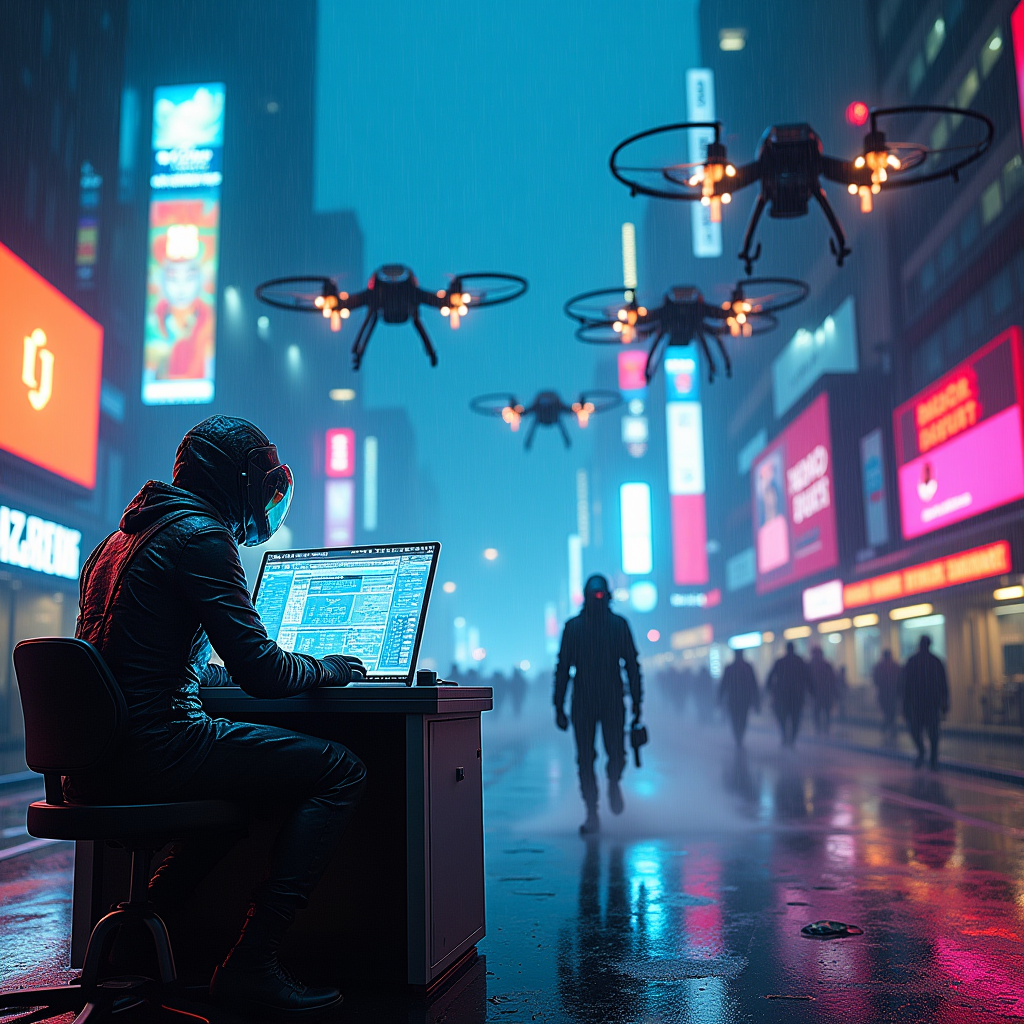
In a sprawling cyberpunk metropolis, drones whir overhead, their metallic bodies glinting under the pulsating glow of neon lights. The scene is set in a rain-soaked alley, slick pavement reflecting vibrant hues of electric blue and hot pink. Shadowy figures, clad in sleek, form-fitting gear adorned with glowing circuitry, work frantically at a high-tech terminal, fingers dancing over holographic interfaces. Their visors shimmer with data streams, casting an eerie luminescence on their determined faces. In the background, towering corporate skyscrapers loom, their glass facades adorned with flickering advertisements and digital billboards, creating a chaotic tapestry of color. Wisps of steam rise from grates, swirling around the hackers as they siphon data from a fortified vault, the air thick with tension and the faint hum of machinery. The atmosphere is charged, a fusion of danger and exhilaration, as the city pulses with life beneath the watchful eyes of the drones.
Analisi Dettagliata del Prompt Immagine Flux AI
Analizza il prompt dettagliato utilizzato per generare l'immagine con il Generatore Immagini Flux AI.
Esplora i Prompt Flux per il Generatore Immagini Flux AI
Come generare immagini con Flux.1 dev
Segui questi quattro semplici passaggi per creare l'immagine desiderata.
Passaggio 1: Inserisci il Tuo Testo (Sentiti libero di perfezionare il prompt per risultati migliori)
Passaggio 2: Scegli le Proporzioni dell'Immagine
Passaggio 3: Seleziona il Tuo Modello Flux:
Passaggio 4: Clicca il Pulsante Genera e Attendi Alcuni Secondi per la Tua Immagine
Strumenti Flux AI correlati per prompt su Flux.1 dev
Scopri strumenti avanzati di Flux AI per potenziare il tuo flusso di lavoro creativo.