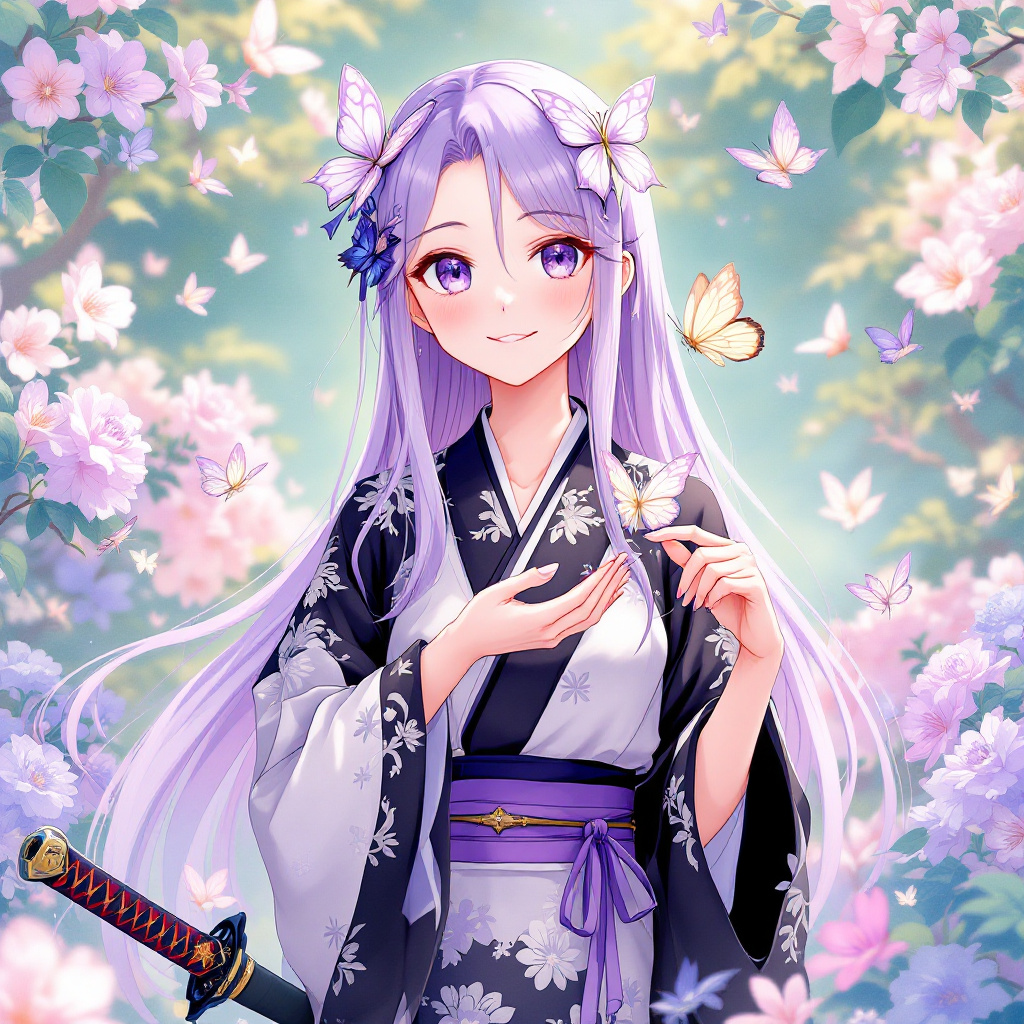
Shinobu Kocho - Flux.1.1 pro
prompt
Generate an image of Shinobu Kocho from "Demon Slayer," emphasizing her delicate features: long, straight lavender hair with butterfly-shaped hairpins, large expressive eyes with a soft gradient from purple to blue, and a gentle smile. She wears her iconic demon slayer uniform, featuring a black and white haori adorned with butterfly patterns and a purple obi belt. Include her signature insect-themed katana, which has a unique, ornate hilt. Pose her gracefully, with one hand holding the katana at her side and the other gently cupping a butterfly, showcasing her connection to nature. Her expression should convey serene confidence and a hint of playfulness. Set the scene in a lush, vibrant garden filled with blooming flowers and fluttering butterflies, enhancing the tranquil atmosphere. Use a vibrant anime art style with soft pastel colors, detailed line work, and an ethereal glow to capture her enchanting presence.
Analisi Dettagliata del Prompt Immagine Flux AI
Analizza il prompt dettagliato utilizzato per generare l'immagine con il Generatore Immagini Flux AI.
Esplora i Prompt Flux per il Generatore Immagini Flux AI
Come generare immagini con Flux.1.1 pro
Segui questi quattro semplici passaggi per creare l'immagine desiderata.
Passaggio 1: Inserisci il Tuo Testo (Sentiti libero di perfezionare il prompt per risultati migliori)
Passaggio 2: Scegli le Proporzioni dell'Immagine
Passaggio 3: Seleziona il Tuo Modello Flux:
Passaggio 4: Clicca il Pulsante Genera e Attendi Alcuni Secondi per la Tua Immagine
Strumenti Flux AI correlati per prompt su Flux.1.1 pro
Scopri strumenti avanzati di Flux AI per potenziare il tuo flusso di lavoro creativo.