Shinobu Kocho - Flux.1.1 pro
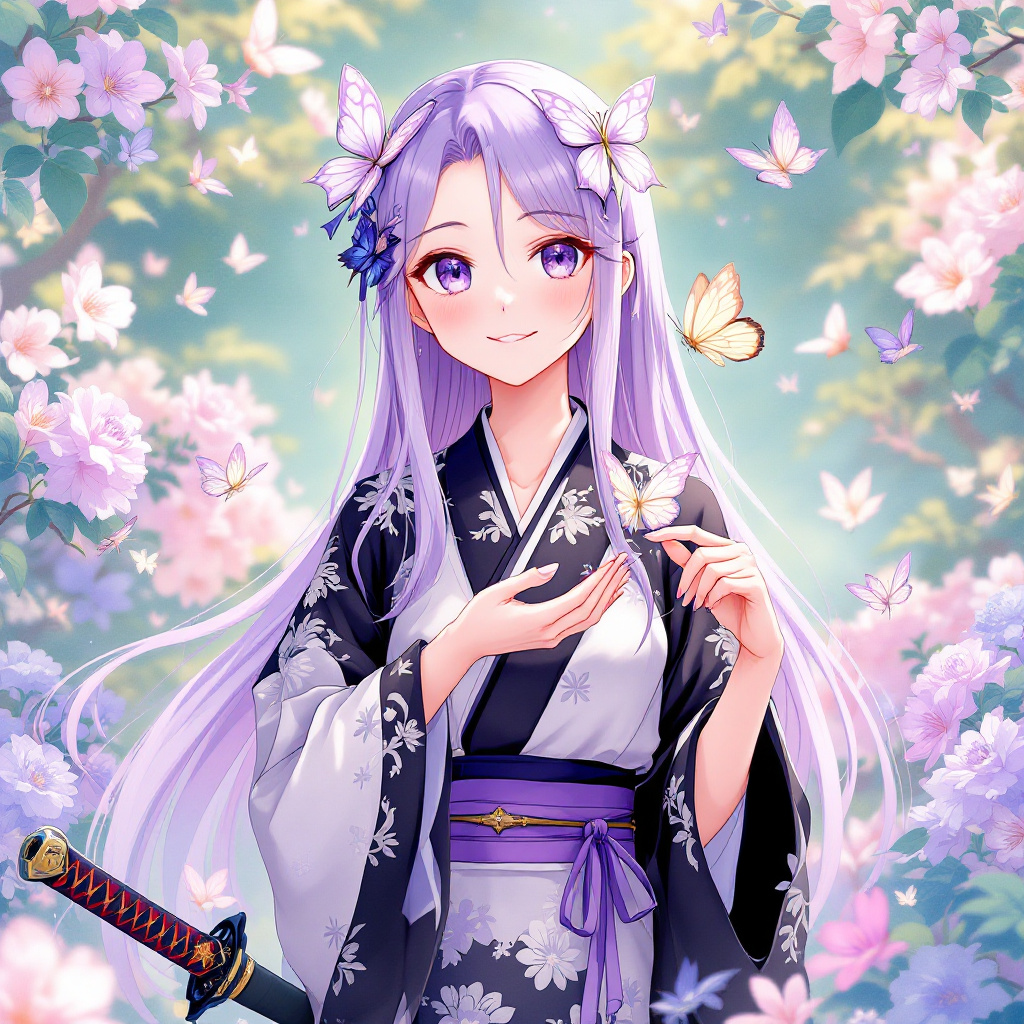
prompt
Generate an image of Shinobu Kocho from "Demon Slayer," emphasizing her delicate features: long, straight lavender hair with butterfly-shaped hairpins, large expressive eyes with a soft gradient from purple to blue, and a gentle smile. She wears her iconic demon slayer uniform, featuring a black and white haori adorned with butterfly patterns and a purple obi belt. Include her signature insect-themed katana, which has a unique, ornate hilt. Pose her gracefully, with one hand holding the katana at her side and the other gently cupping a butterfly, showcasing her connection to nature. Her expression should convey serene confidence and a hint of playfulness. Set the scene in a lush, vibrant garden filled with blooming flowers and fluttering butterflies, enhancing the tranquil atmosphere. Use a vibrant anime art style with soft pastel colors, detailed line work, and an ethereal glow to capture her enchanting presence.
Detailed Analysis of the Flux AI Image Prompt
Analyze the detailed prompt used to generate the image with Flux AI Image Generator.
Explore Flux Prompts for the Flux AI Image Generator
How to generate image by Flux.1.1 pro
Follow these four simple steps to create your desired image.
Step 1: Enter Your Text (Feel free to refine your prompt for better results)
Step 2: Choose Image Aspect Ratio
Step 3: Select Your Flux Model:
Step 4: Click the Generate Button and Wait a Few Seconds for Your Image
Related Flux AI tools for prompts about Flux.1.1 pro
Discover advanced tools from Flux AI to boost your creative workflow.