Baklava - Flux.1 dev
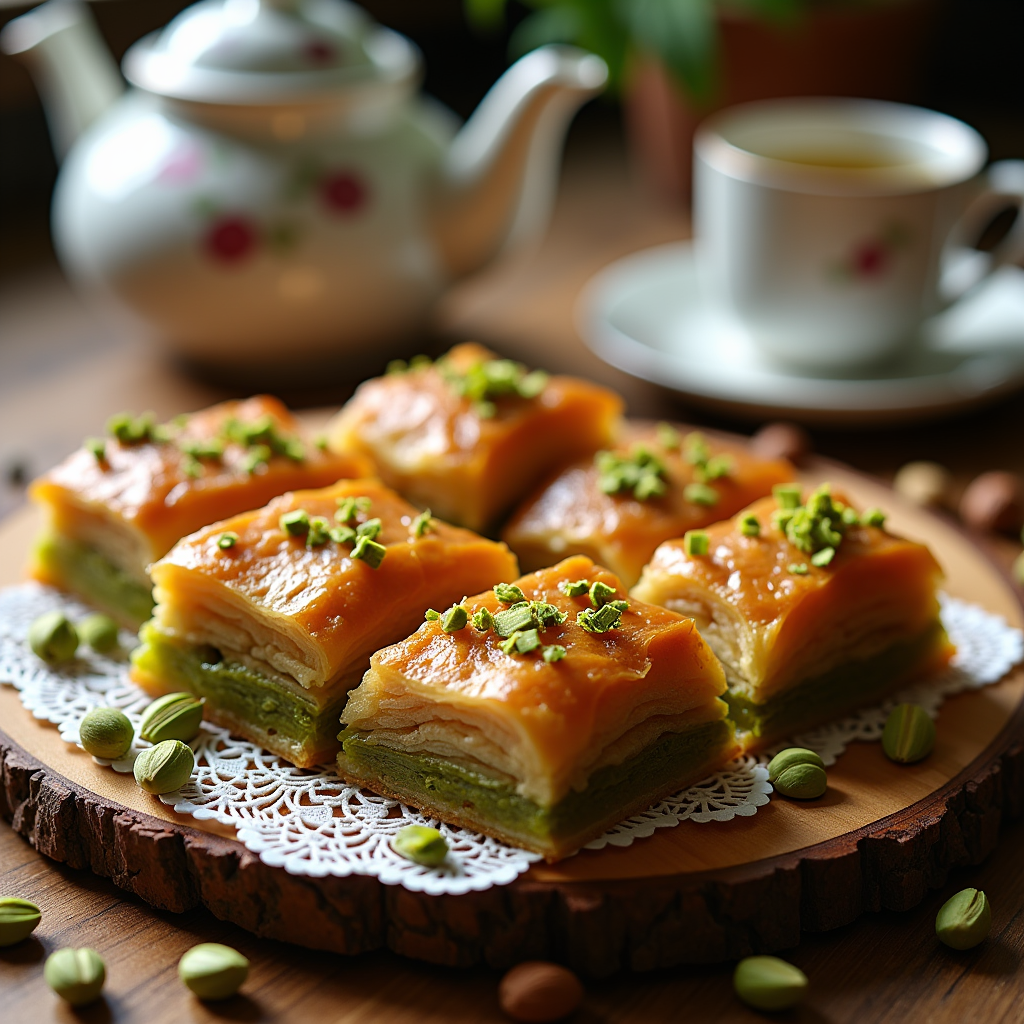
prompt
A close-up macro photograph of golden-brown baklava, showcasing its flaky, layered texture glistening with a honey syrup glaze. Each piece is adorned with finely chopped pistachios, their vibrant green contrasting beautifully against the warm, rich hues of the pastry. The baklava is artfully arranged on a rustic wooden platter, surrounded by scattered whole nuts and a delicate lace doily. Soft, natural light filters through a nearby window, casting gentle shadows and highlighting the syrupy sheen of the dessert. In the background, a hint of a traditional Turkish tea set adds cultural context. The aroma of sweet spices and toasted nuts wafts through the air, inviting the viewer to imagine the delightful crunch and the rich, sweet flavor melting in their mouth.
Analisi Dettagliata del Prompt Immagine Flux AI
Analizza il prompt dettagliato utilizzato per generare l'immagine con il Generatore Immagini Flux AI.
Esplora i Prompt Flux per il Generatore Immagini Flux AI
Come generare immagini con Flux.1 dev
Segui questi quattro semplici passaggi per creare l'immagine desiderata.
Passaggio 1: Inserisci il Tuo Testo (Sentiti libero di perfezionare il prompt per risultati migliori)
Passaggio 2: Scegli le Proporzioni dell'Immagine
Passaggio 3: Seleziona il Tuo Modello Flux:
Passaggio 4: Clicca il Pulsante Genera e Attendi Alcuni Secondi per la Tua Immagine
Strumenti Flux AI correlati per prompt su Flux.1 dev
Scopri strumenti avanzati di Flux AI per potenziare il tuo flusso di lavoro creativo.