Baklava - Flux.1 dev
prompt
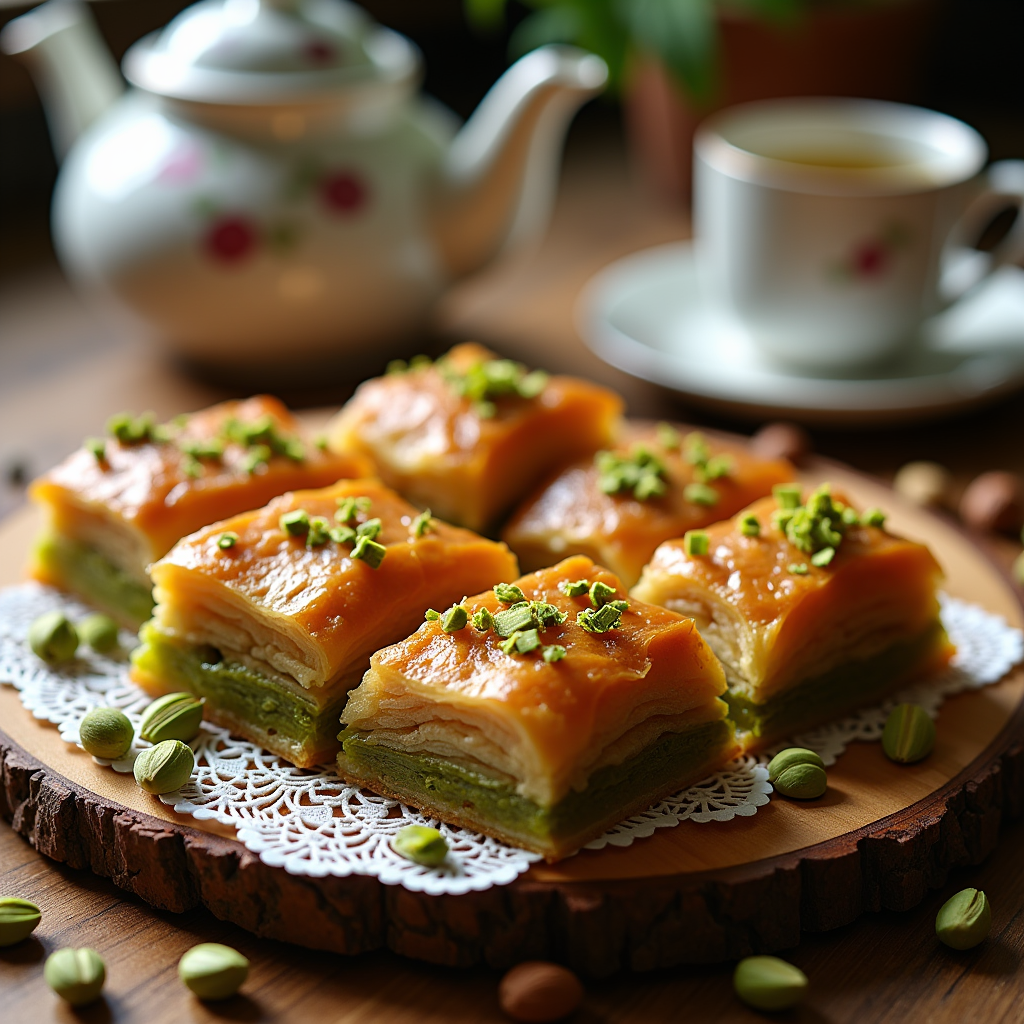
A close-up macro photograph of golden-brown baklava, showcasing its flaky, layered texture glistening with a honey syrup glaze. Each piece is adorned with finely chopped pistachios, their vibrant green contrasting beautifully against the warm, rich hues of the pastry. The baklava is artfully arranged on a rustic wooden platter, surrounded by scattered whole nuts and a delicate lace doily. Soft, natural light filters through a nearby window, casting gentle shadows and highlighting the syrupy sheen of the dessert. In the background, a hint of a traditional Turkish tea set adds cultural context. The aroma of sweet spices and toasted nuts wafts through the air, inviting the viewer to imagine the delightful crunch and the rich, sweet flavor melting in their mouth.
Detailed Analysis of the Flux AI Image Prompt
Analyze the detailed prompt used to generate the image with Flux AI Image Generator.
Explore Flux Prompts for the Flux AI Image Generator
How to generate image by Flux.1 dev
Follow these four simple steps to create your desired image.
Step 1: Enter Your Text (Feel free to refine your prompt for better results)
Step 2: Choose Image Aspect Ratio
Step 3: Select Your Flux Model:
Step 4: Click the Generate Button and Wait a Few Seconds for Your Image
Related Flux AI tools for prompts about Flux.1 dev
Discover advanced tools from Flux AI to boost your creative workflow.